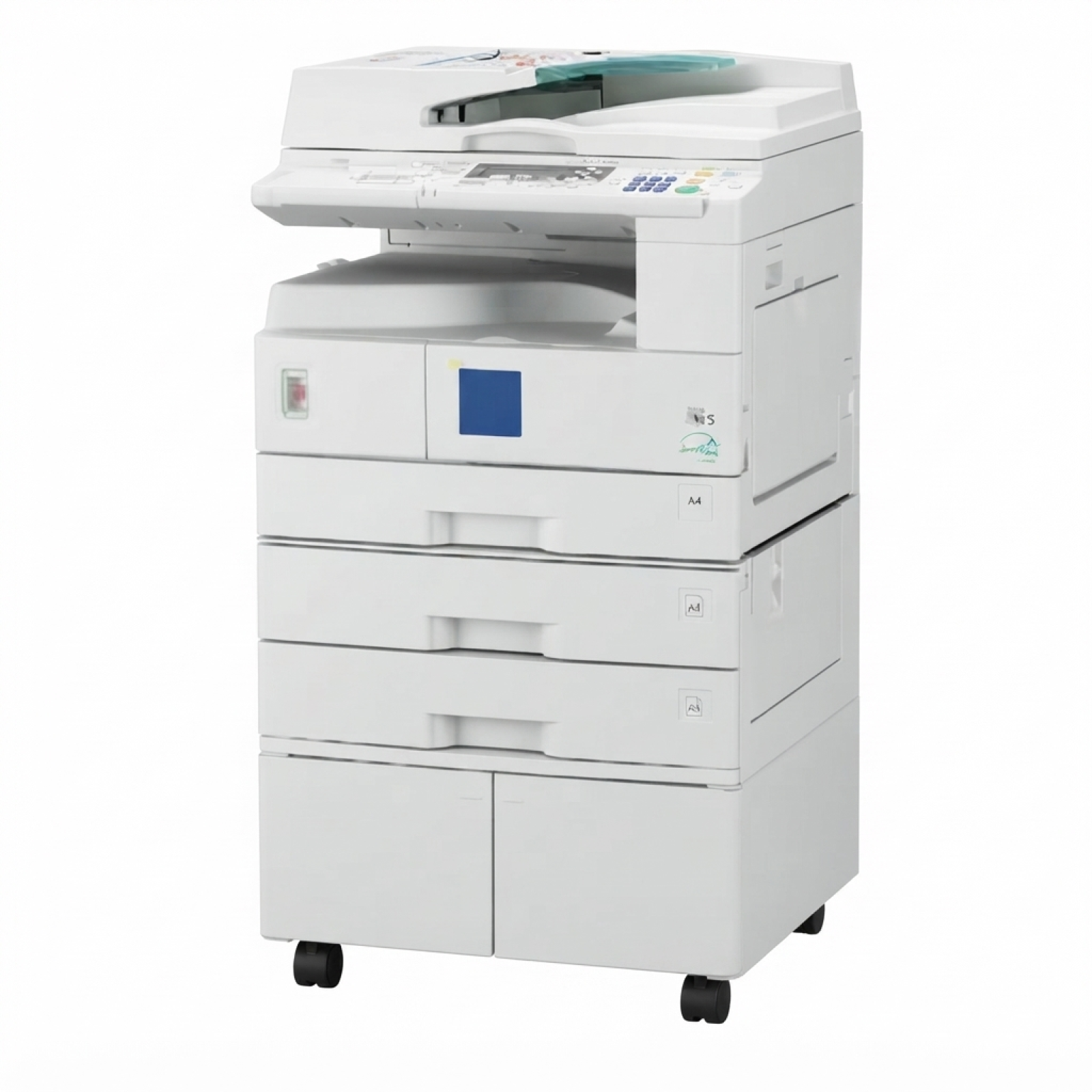
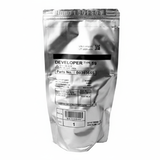
Ricoh Aficio 2016 – a reliable office workhorse Ricoh Aficio 2016 (also searched as Ricoh 2016 or simply Ricoh Aficio) is a proven multifunction device designed for everyday office printing and copying. It’s valued for its durability, predictable running costs and clear black-and-white output—especially in departments where documents are produced continuously. To keep this model working at its best, you need the right toner for Ricoh Aficio 2016 and a properly matched developer that stabilises print quality over time. What you’ll find in this category: toners and developers for Ricoh 2016 In this category we offer laser cartridges for Ricoh Aficio 2016 in two classes: Compatible and Original OEM. These are the key consumables that have the biggest impact on readability, blacks, and the consistency of copies. When you choose a toner for printer Ricoh Aficio 2016, you’re deciding not only on page yield, but also on everyday comfort—no streaks, no pale text, no unnecessary interruptions. And when the time comes to replace a developer for Ricoh 2016, you restore stable density and help the machine maintain proper toner transfer, especially after long service intervals. Print results that matter: sharp text, solid blacks, consistent pages Good-quality toner for Ricoh Aficio 2016 is essential for documents that must look professional—contracts, invoices, warehouse documents, office correspondence or school administration prints. With the right consumables, Ricoh 2016 delivers: - clear, crisp text and legible fine lines,
- deep black coverage without patchiness,
- repeatable results across long print runs,
- smooth operation with fewer service-related interruptions.
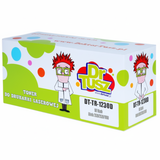
We recommend treating toner and developer as a system: toner provides the pigment, while the developer helps maintain stable density and even application. If you’re noticing changes in print appearance, it may be time to consider not only a toner replacement, but also a developer refresh. Our bestsellers for Ricoh Aficio 2016: compatible and Original OEM We keep the offer clear and practical—so you can quickly choose exactly what your device needs. In this category you’ll find, among others: - Compatible Toner 1230D for Ricoh (885094) (Black) – a cost-effective option for everyday office printing. Our compatible solutions from DrTusz.pl are designed to be as good as the originals in quality and reliability, while helping you reduce printing costs.
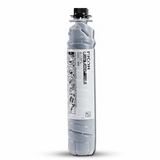
- Original OEM Toner Ricoh 1230D (885094) (Black) – the manufacturer’s cartridge for users who prefer OEM consumables and want to keep the device working strictly in line with Ricoh specifications.
- Original OEM Developer Ricoh Type 19 (B0399640, 888095) (Black) – a key maintenance consumable to keep print density stable and prevent typical “aging” effects in older, heavily used devices.
Thanks to this selection, you can match the product to your print volume and purchasing preferences—without sacrificing clarity or consistency. How to choose the right toner for Ricoh Aficio 2016 (and when you need a developer) If you’re unsure which toner for Ricoh 2016 to buy, start with two questions: how much you print and what type of documents you produce. For daily administrative work, a well-made compatible toner is an excellent choice. If your office policy requires OEM supplies, we also provide Original OEM cartridges and developers. Key differences to consider: - Original OEM toner – made by Ricoh, often chosen for strict procurement policies and maximum “manufacturer-to-device” consistency.
- Compatible toner – a budget-friendly alternative. In our store, DrTusz.pl compatible cartridges are built to deliver results comparable to OEM, offering strong blacks and consistent page output at a lower cost.
- Developer – not replaced as frequently as toner, but crucial when print becomes uneven over time. If you see fading, grey backgrounding, or density fluctuations despite a fresh toner, the developer can be the missing piece.
Common Ricoh Aficio 2016 printing issues and what they usually mean Ricoh Aficio 2016 is robust, but like any laser device it reacts to consumable wear. Here are issues users often report and the typical direction for solving them: - Faded prints or weak black – may indicate low toner, an aging developer, or the need to refresh the toner/developer system.
- Streaks or uneven coverage – often linked to consumable condition; replacing the toner is the first step, and in long-used machines the developer can also be worth checking.
- Grey background/haze – can occur when the developer is worn or the system needs calibration and maintenance.
If you tell us what you’re seeing on the page, we’ll help you choose the right toner for printer Ricoh Aficio 2016 or advise whether a developer replacement makes sense. Order your Ricoh Aficio 2016 toner today – we’re here to help We encourage you to explore our selection of toner for Ricoh Aficio 2016—both Compatible and Original OEM—as well as the dedicated developer for Ricoh 2016. Choose the option that fits your budget and printing style, and keep your Ricoh Aficio running smoothly day after day. CTA: Add the right cartridge to your basket now, or contact us if you want quick help matching the correct 1230D toner or Type 19 developer. We’ll support you with product selection and efficient delivery so you can get back to printing without delays. |