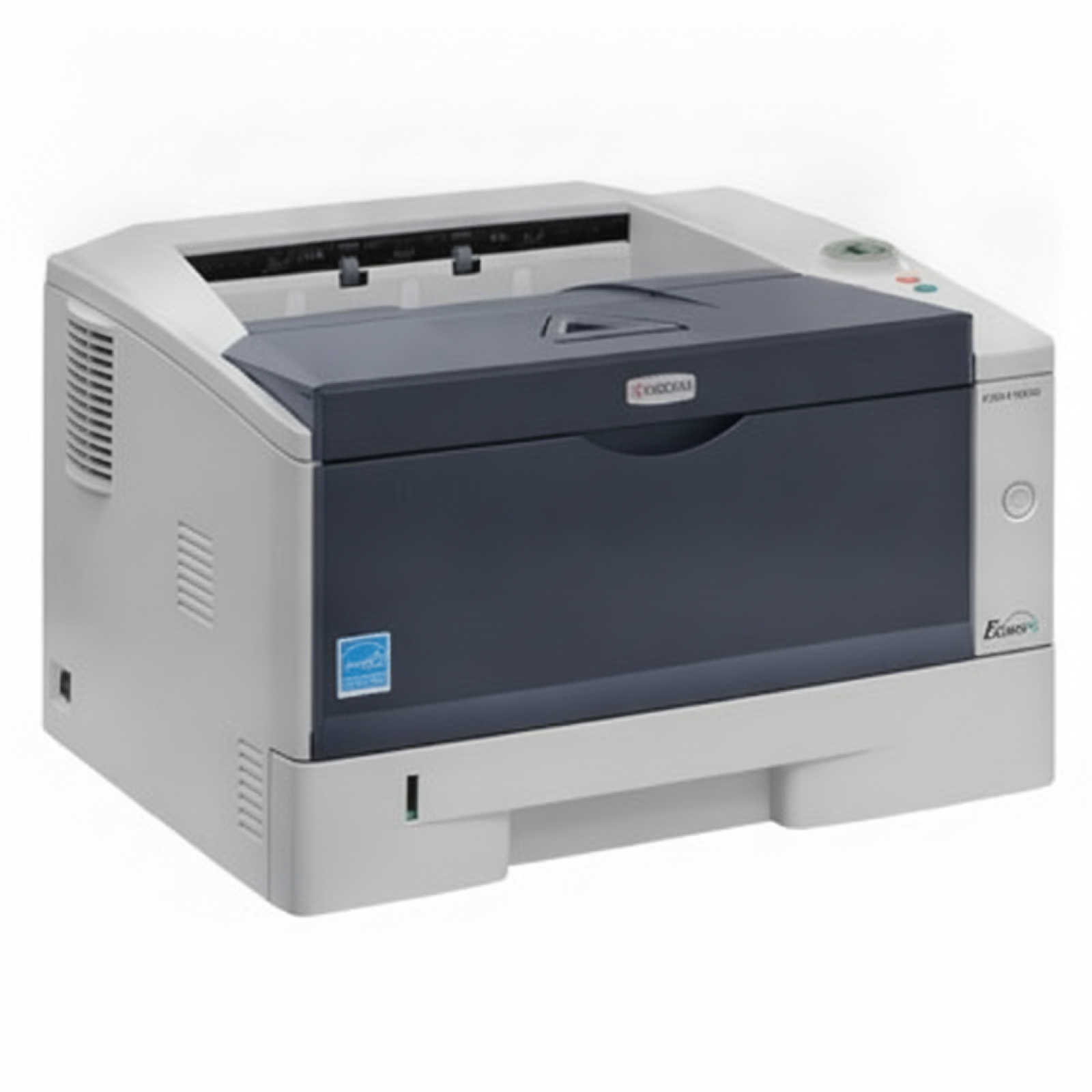
Kyocera ECOSYS P2035d – a reliable mono laser for everyday work If you use the Kyocera EcoSys P2035d (also searched as Kyocera P2035d, P2035D, P2035 d or by code 1102PG3NL0), you probably value one thing most: dependable, fast black-and-white printing at a sensible cost. This compact mono laser printer is a popular choice for offices, reception desks, warehouses and home offices where clear documents and stable performance matter every day. To keep your printer running exactly as it should, it’s worth choosing the right toner for Kyocera EcoSys P2035d and—when needed—replacing key maintenance components like the drum unit or fuser unit. In our category you’ll find both Original OEM and Compatible supplies, selected specifically for the P2035d series. What matters in toner and maintenance parts for Kyocera P2035d The toner for printer Kyocera EcoSys P2035d determines not only print quality, but also day-to-day comfort: crisp text, consistent blacks, fewer streaks, and predictable page yield. Because this is a mono device, the focus is straightforward—stable black prints for invoices, shipping labels, reports and documentation. In this subpage we focus on the full set of essentials for the Kyocera P2035d: - Mono toner – the core consumable for daily printing (black).
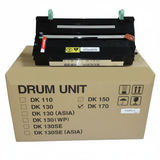
- Drum unit – a key imaging component; when worn, it can cause fading, repeating marks or backgrounding.
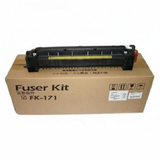
- Fuser unit – responsible for bonding toner to paper; issues often show up as smudging or toner rubbing off.
- Device – the printer itself is also available in the category for customers building or expanding a workstation.
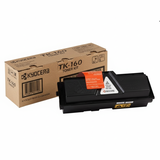
By choosing the right combination of toner and maintenance parts, you protect your print quality and reduce downtime—especially important in busy office environments. Our offer: Original OEM and Compatible supplies in one place We’ve built this category so you can quickly match the right product to your printer model and printing needs—whether you prefer OEM solutions or want a cost-effective alternative. Here are some of the most popular items for this device: - Printer Kyocera EcoSys P2035d – a proven mono laser printer for efficient black printing.
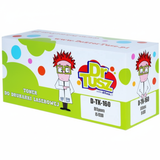
- Original OEM Toner Kyocera TK-160 (1T02LY0NL0) (Black) – the manufacturer’s cartridge designed to meet Kyocera specifications.
- Compatible Toner TK-160 for Kyocera (1T02LY0NL0) (Black) – a high-quality alternative that delivers results as good as originals, ideal when you want to optimize printing costs.
- Original OEM Drum Unit Kyocera DK-170 (302LZ93060) (Black) – recommended when print defects indicate drum wear.
- Original OEM Fuser Unit Kyocera FK-171 (302PH93014) – a vital component for stable fusing and durable prints.
Thanks to this range, you can choose exactly what you need: a single toner for Kyocera EcoSys P2035d for quick replenishment, or a complete set for planned maintenance. How to choose: Original OEM vs Compatible toner for Kyocera EcoSys P2035d Dear Customer, if you’re deciding between Original OEM and Compatible supplies, start with your priorities: budget, expected print volume, and how quickly you need to restore full print quality. - Original OEM toner is a safe, manufacturer-certified choice for users who prefer Kyocera-branded consumables and maximum predictability.
- Compatible toner is perfect when you want excellent value without compromising on quality. The compatible cartridges we offer (including options available through DrTusz.pl) are engineered to print clean, sharp text and provide reliability comparable to the original—so you can print confidently and control costs.
Whichever route you choose, always verify the code: for this model it’s most commonly TK-160 (1T02LY0NL0). That’s the easiest way to ensure the right toner for Kyocera P2035d lands in your cart. Common Kyocera P2035D printing issues and what usually fixes them Even a dependable printer like the Kyocera EcoSys P2035d can show typical wear-and-tear symptoms over time. Here’s what customers most often report—and what to check first: - Faded prints or uneven black – usually indicates low toner, or a cartridge nearing the end of its life.
- Repeating marks or background shading – often linked to the drum unit; consider replacing the Kyocera DK-170 when defects persist across cartridges.
- Toner smudging or rubbing off – can point to a worn fuser unit; the Kyocera FK-171 helps restore proper fixing of toner to paper.
- Paper jams or wrinkling – check paper type and storage first; if the issue remains, maintenance parts may be due.
If you’re unsure whether you need a new toner for printer Kyocera EcoSys P2035d or a drum/fuser replacement, we’re here to help you choose the right solution without guesswork. Choose your toner for Kyocera EcoSys P2035d and get back to printing We encourage you to explore our selection of Kyocera EcoSys P2035d toner, as well as dedicated drum and fuser units—available in both Original OEM and trusted Compatible options. Add the right toner for Kyocera P2035d to your cart today, or contact us if you want confirmation based on your printer markings (P2035d, P2035 D, P2035D) or part numbers like 1T02LY0NL0 and 1102PG3NL0. We ship quickly, pack securely, and we’re ready to advise you—so you can spend less time troubleshooting and more time printing clean, professional documents. |