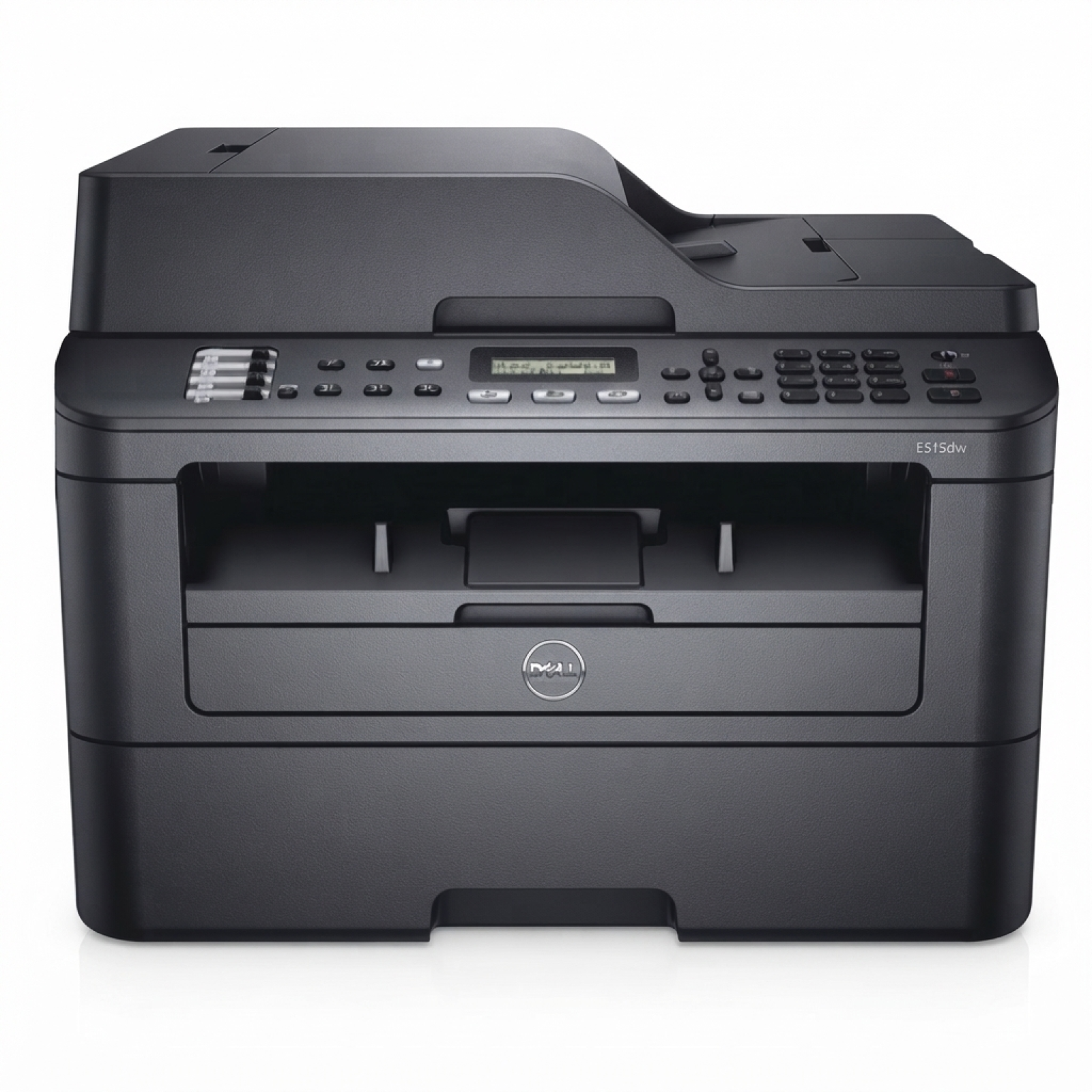
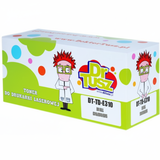
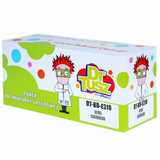
Dell E515dw – a reliable mono laser MFP for everyday work Dell E515dw (also searched as Dell E515DW, E515dw, E515 DW or E515 dw) is a practical black-and-white laser multifunction printer designed for fast, economical printing in small offices and home offices. It combines printing, copying and scanning, and thanks to wireless connectivity it easily fits into modern workflows. To keep it running smoothly and cost-effectively, it’s worth choosing the right toner for Dell E515dw and matching drum unit for Dell E515dw—exactly what you’ll find in this category. Toner and drum unit for Dell E515dw – what they do and why it matters In laser printers like the Dell E515dw, print quality and reliability depend mainly on two consumables: the toner cartridge (powdered toner) and the drum unit (the imaging component that transfers toner onto paper). When both are properly selected and replaced on time, you get crisp text, even blacks and fewer interruptions in daily printing. When choosing toner for printer Dell E515dw, pay attention not only to price, but also to consistency of coverage and trouble-free installation. A good-quality toner ensures: - sharp documents and clear small fonts,
- consistent black density from the first to the last page,
- reduced risk of smudging or background “haze”,
- smooth printer operation with fewer error messages.
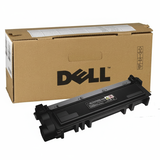
The drum unit for Dell E515dw is equally important. If the drum is worn, even a brand-new toner may print with streaks, repeating marks, or uneven areas. That’s why we offer both toner cartridges and drum units in Original OEM and Compatible versions—so you can choose the setup that best matches your needs. Our range: Original OEM and Compatible cartridges for Dell E515dw In this category we’ve gathered popular, proven options for toner for Dell E515dw and the corresponding drum unit. Whether you prefer Original OEM parts or want to optimize costs with a high-quality compatible alternative, you can pick exactly what fits your printing style. - Original OEM Toner Dell 593-BBLR (CVXGF) (Black) – a manufacturer cartridge for users who want OEM-standard results and predictable performance.
- Original OEM Toner Dell 593-BBLH (P7RMX) (Black) – another OEM option for Dell E515dw, ideal for regular office printing.
- Compatible Toner 593-BBLH for Dell (P7RMX) (Black) – a cost-effective choice that still delivers strong black text and reliable everyday output; our compatible cartridges are designed to be as good as originals in real-world use.
- Original OEM Drum Unit Dell 724-BBJS (C2KTH) (Black) – the original imaging unit to restore clean, consistent print quality when the printer indicates drum wear.
- Compatible Drum Unit 724-BBJS for Dell (C2KTH) (Black) – a budget-friendly replacement that supports stable printing and helps bring your Dell E515dw back to top form.
Thanks to this mix, you can build a set that matches your priorities—maximum OEM consistency, or smart savings without compromising quality. How to choose the right toner for Dell E515dw (and avoid common issues) Dear Customer, if you print mostly invoices, shipping labels, school materials or office documents, you’ll appreciate a toner for printer Dell E515dw that keeps text crisp and prevents downtime. Here are practical tips we recommend: - Match the exact code – for toner, look for references like 593-BBLH (P7RMX) or 593-BBLR (CVXGF); for drums, 724-BBJS (C2KTH).
- Decide OEM vs Compatible – Original OEM is the “manufacturer’s classic”. Our compatible toner and compatible drum unit are a great alternative when you want lower cost per page while maintaining excellent results.
- Respond to print symptoms – faded prints or weak blacks often point to toner running low; repeating marks, vertical streaks, or uneven coverage can indicate the drum unit is reaching the end of its life.
- Don’t replace blindly – if you’ve installed a new toner for Dell E515dw and the print still shows lines or repeating spots, it’s frequently the drum unit—not the toner—that needs replacement.
A few common user frustrations with the Dell E515dw are “light prints”, “streaks after replacement” or “printer warnings about drum/toner”. In most cases, choosing the correct cartridge code and pairing a fresh toner with the right drum unit resolves the problem quickly. If you’re unsure, we’re here to help you select the best option. Ready to print more for less? Choose your cartridge and order today We encourage you to browse our selection of toner for Dell E515dw and drum unit for Dell E515dw—available in both Original OEM and Compatible versions. Add the right consumables to your cart and get your Dell E515dw back to producing clean, professional pages. If you’d like confirmation of compatibility or help choosing between Original OEM and Compatible cartridges, contact us—we’ll recommend the best solution for your needs. Order now and enjoy fast delivery and expert support from a store that specializes in printer consumables. |