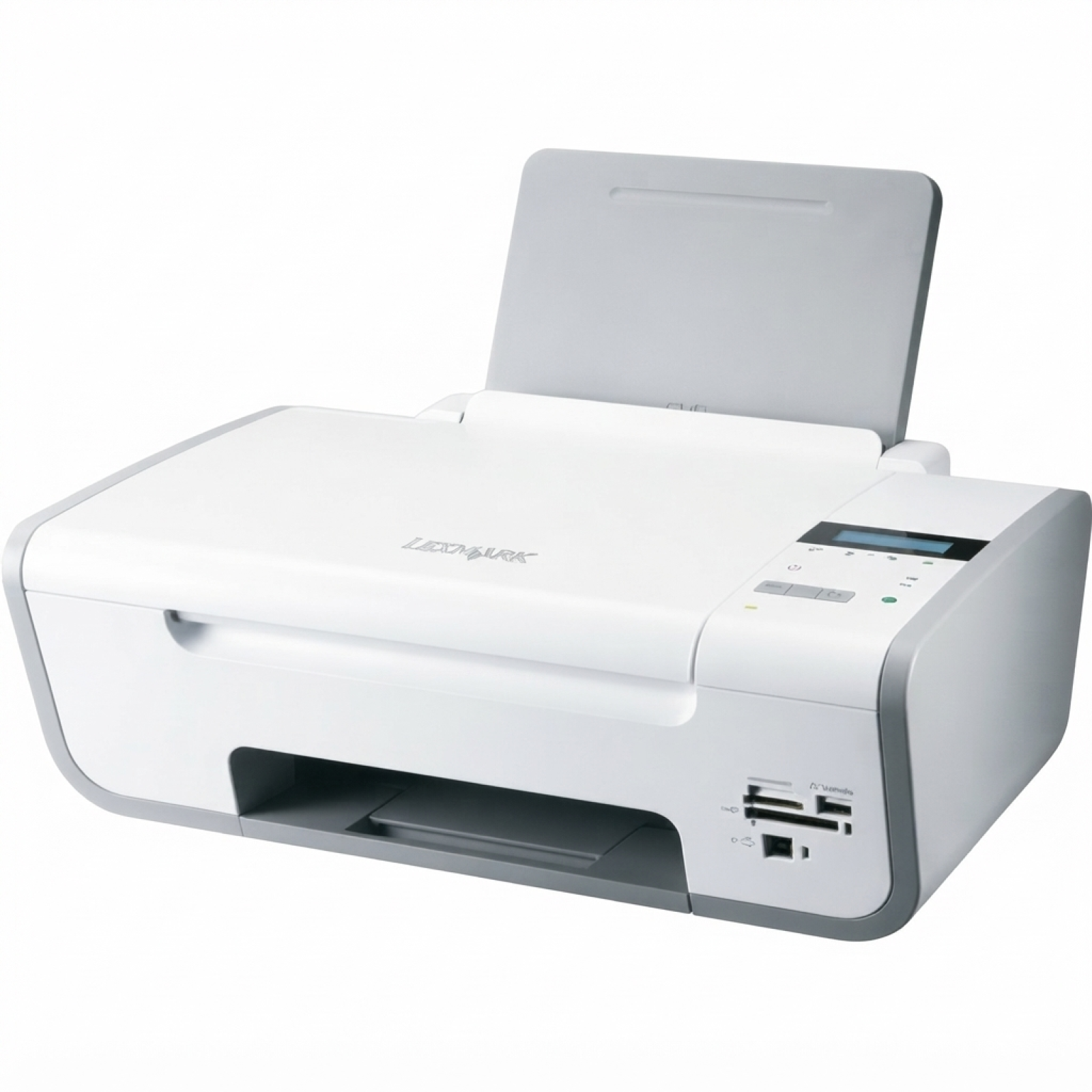
| The Lexmark X3650 is a practical all‑in‑one inkjet from the Lexmark X Series—designed for everyday home and small office tasks such as printing homework, invoices, emails, and occasional color photos. To keep it working smoothly and producing crisp, readable pages, you need the right ink for Lexmark X3650—matched to the printer’s requirements and your printing habits. In this category we gather proven solutions: original OEM ink cartridges for Lexmark X3650, so you can print with confidence and predictable results. Reliable printing with ink for Lexmark X3650 Choosing the correct ink cartridge for Lexmark X3650 is about more than just “black or color”. The right cartridge ensures proper ink flow, accurate colors, and fewer interruptions during printing. The Lexmark X3650 uses separate cartridges for black and color, which helps you manage costs—when one runs out, you replace only that one. With a properly selected ink for printer Lexmark X3650, you can expect: - clear text for documents, forms, and school prints,
- good color balance for charts and everyday graphics,
- consistent performance and fewer print defects when the cartridge is fresh and correctly installed,
- easy replacement thanks to the popular Lexmark cartridge format.
Original OEM cartridges: predictable quality and full compatibility In this category we offer Original OEM solutions—cartridges produced by Lexmark and designed specifically for your printer. If you want the safest, manufacturer‑specified option, an original ink cartridge for Lexmark X3650 is a great choice. OEM ink is often chosen by customers who print important documents, prefer manufacturer standards, or simply want maximum peace of mind. These cartridges are commonly searched by identifiers and model references such as X3650, Lexmark X3650, and numbers like 16F1203 (often associated with supplies and compatibility searches). If you’re looking for ink that “just works” with your device, OEM is the straightforward route. Popular products in our offer for Lexmark X3650 We keep the offer focused and clear—so you can quickly select exactly what your printer needs. Here are the key cartridges available in this category: - Original OEM Ink Cartridge Lexmark 36 (18C2130E) (Black) – standard yield black ink for everyday documents.
- Original OEM Ink Cartridge Lexmark 36 XL (18C2170) (Black) – high yield black ink, ideal if you print more often and want fewer replacements.
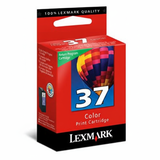
- Original OEM Ink Cartridge Lexmark 37 (18C2140E) (Color) – standard yield color cartridge for graphics and color prints.
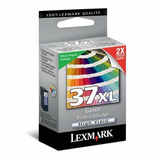
- Original OEM Ink Cartridge Lexmark 37 XL (18C2180) (Color) – high yield color cartridge for frequent color printing and better convenience.
Thanks to both standard and XL options, you can match the ink for Lexmark X3650 to your real usage—whether you print occasionally or regularly. How to choose the right ink cartridge for Lexmark X3650 We recommend starting with two simple questions: how much you print, and what you print most often. If you mainly print text, investing in the XL black cartridge can be the most comfortable option. If you print presentations, school projects, or mixed documents with charts, consider an XL color cartridge as well. When selecting ink for printer Lexmark X3650, keep in mind: - Standard vs XL yield – XL versions (Lexmark 36 XL / 37 XL) are designed for higher page volume and fewer changes.
- Correct cartridge numbers – for the X3650 you typically need Lexmark 36 (black) and Lexmark 37 (color), in standard or XL.
- Your printing rhythm – if the printer sits unused for long periods, we suggest printing a short test page occasionally to keep the nozzles in good condition.
Common user issues with Lexmark X3650 ink cartridges (and how we help) Customers using the Lexmark X Series, including the X3650, most often report practical issues that are easy to avoid with the right routine and properly chosen ink: - Streaks or faded prints – often caused by low ink levels or clogged nozzles; running the printer’s cleaning/alignment utility after installing a new cartridge usually helps.
- Cartridge not recognized – reseating the cartridge, checking protective tape removal, and cleaning contacts gently can solve many cases.
- Color imbalance – a sign that the color cartridge is running low or needs a cleaning cycle; replacing with a fresh Lexmark 37 or Lexmark 37 XL restores normal output.
If you’re unsure which ink cartridge for Lexmark X3650 to choose, we encourage you to contact us—tell us what you print and how often, and we’ll help you pick the best match. Order your ink for Lexmark X3650 and print without interruptions We make it easy to buy the right ink for Lexmark X3650: clear product names, OEM options, and standard/XL variants in one place. Choose the cartridge that fits your needs, add it to your cart, and get your printer back to full productivity. We encourage you to browse the available original OEM ink cartridges for Lexmark X3650 and place your order today. If you have questions about compatibility (e.g., searches like 16F1203 or X3650), delivery, or choosing between standard and XL, contact us—we’re here to help. |