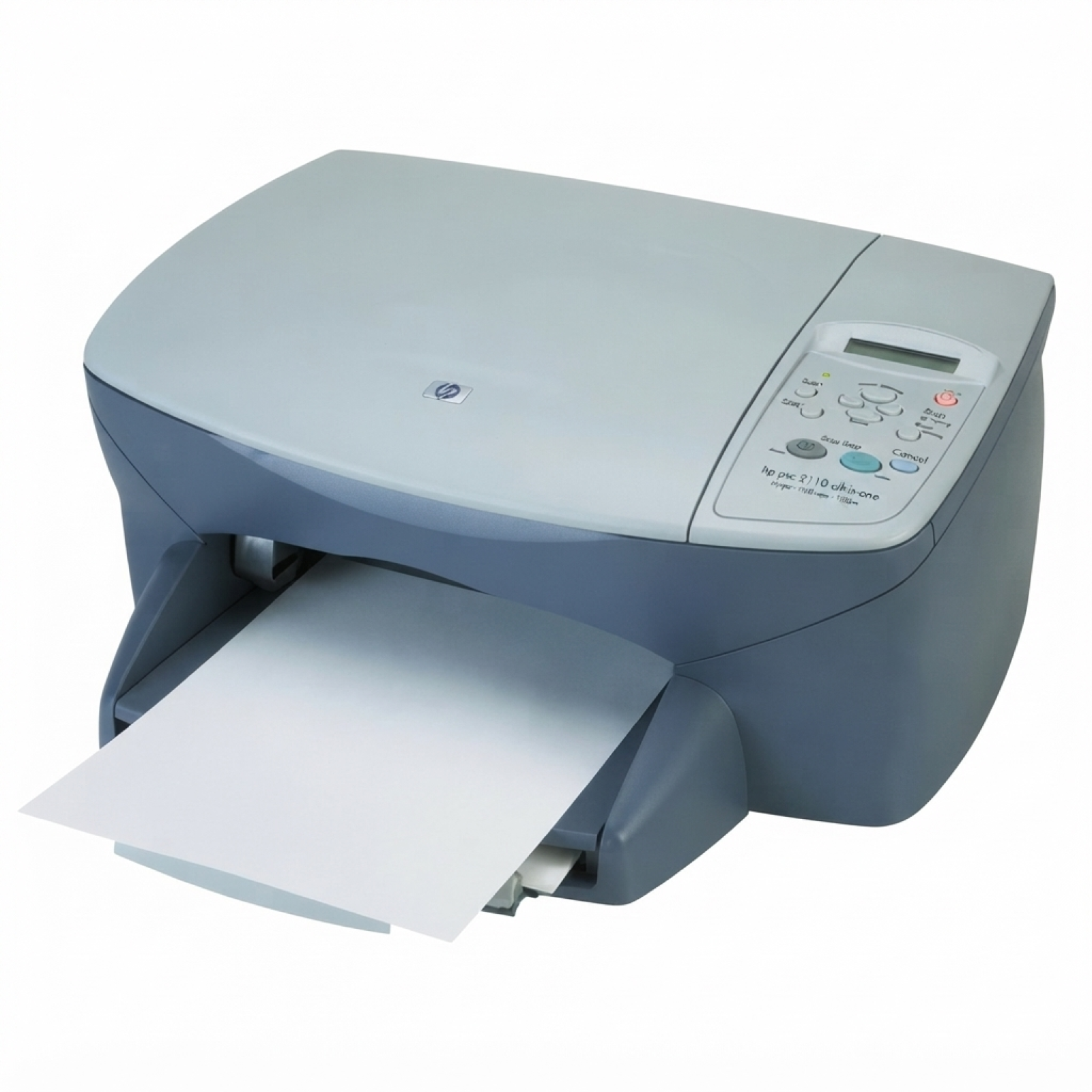
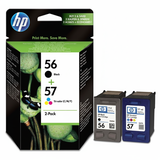
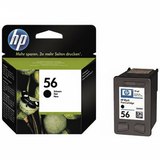
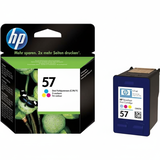
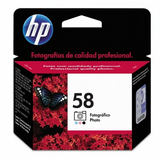
| If you use the HP PSC 2110v (also searched as HP 2110v, 2110V, 2110 v or the HP PSC 2100 Series), you already know why this all-in-one device is still so popular: it’s compact, reliable, and perfect for everyday printing, copying and scanning at home or in a small office. To keep it working at its best, you simply need the right ink for HP PSC 2110v—and in this category we’ve gathered both compatible and Original OEM ink cartridges that match this model. Ink for HP PSC 2110v – what matters in daily printing The HP PSC 2110v uses classic HP inkjet cartridges designed for clear black text and vibrant color output. Choosing the right ink cartridge for HP PSC 2110v affects more than just the number of pages you can print—it also impacts text sharpness, color consistency, photo quality and how smoothly the printer works day to day. In this category you’ll find cartridges corresponding to the most common symbols and searches, including C6656AE (black), C6657AE (color) and C6658AE (photo), as well as popular multipacks such as SA342AE. Whether you print school materials, invoices, forms, or occasional photos, we help you match the cartridge to your real needs. Choose the cartridge type: Black, Color, or Photo To get the best results from your ink for HP 2110v, it’s worth knowing what each cartridge is designed for: - Black ink cartridge (HP 56 / C6656AE) – ideal for documents, crisp text and everyday printing.
- Color ink cartridge (HP 57 / C6657AE) – for graphics, charts, school projects and colorful prints.
- Photo ink cartridge (HP 58 / C6658AE) – dedicated to photo printing, smoother tones and better color transitions on photo paper.
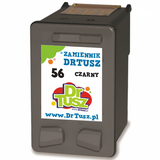
Many users of the HP PSC 2110v combine black + color for everyday use, and add photo ink when they want better photo output. If you print frequently, multipacks can be the most convenient and economical way to keep spare cartridges ready. Our offer: Compatible and Original OEM ink cartridges in one place We make it easy to choose the right ink for HP PSC 2110v by offering both Original OEM and carefully selected compatible options. Here are some of the most popular products in this category: - Compatible Ink Cartridge 56 for HP (C6656AE) (Black) – a great choice for frequent text printing.
- Original OEM Ink Cartridge HP 56 (C6656AE) (Black) – manufacturer cartridge for those who prefer OEM solutions.
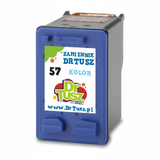
- Compatible Ink Cartridge 57 for HP (C6657AE) (Color) – for colorful documents and graphics.
- Original OEM Ink Cartridge HP 57 (C6657AE) (Color) – reliable OEM color output.
- Original OEM Ink Cartridge HP 58 (C6658AE) (Foto) – dedicated photo cartridge for better photo prints.
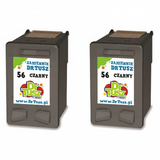
- Compatible Ink Cartridges 56 for HP (C9502AE) (Black) (2-pack) – convenient supply for higher print volumes.
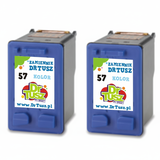
- Compatible Ink Cartridges 57 for HP (C9503AE) (Color) (2-pack) – a practical way to stay stocked.
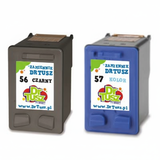
- Compatible Ink Cartridges 56 + 57 for HP (SA342AE) (multi pack) – an everyday set for black + color printing.
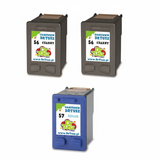
- Compatible Ink Cartridges 2x 56 + 57 for HP (SD399AE) (multi pack) – an even larger multipack for regular users.
- Original OEM Ink Cartridges HP 56 + 57 (SA342AE) (multi pack) – OEM set for those who want original cartridges for both colors.
Thanks to the wide selection, you can easily choose between OEM reliability and high-quality compatible cartridges that deliver excellent results at a great price. Original OEM vs compatible – how to choose wisely When buying an ink cartridge for HP PSC 2110v, customers often ask what the real difference is between Original OEM and compatible cartridges. In short: - Original OEM – made by the printer manufacturer; a classic choice if you prefer original branding and OEM specifications.
- Compatible – a cost-effective alternative. Our compatible cartridges available at DrTusz.pl are designed to work just as well as originals, offering very good print quality and dependable performance.
If you print a lot, compatible options and multipacks can noticeably reduce your cost per page. If you print occasionally or want to stick to manufacturer supplies, Original OEM cartridges are a natural fit. Either way, we help you choose the right ink for HP PSC 2110v based on your usage, not guesswork. Common issues with HP PSC 2110v ink cartridges – and practical tips The HP PSC 2110v is straightforward to use, but like any inkjet device it can show typical ink-related issues. Here’s what we recommend: - Faded prints or streaks – usually a sign the cartridge is running low or the nozzles need a cleaning cycle from the printer maintenance menu.
- Printer doesn’t recognize a cartridge – remove and reinstall the cartridge, check that protective tape was fully removed, and clean the contacts gently with a dry, lint-free cloth.
- Colors look different than expected – run alignment, print a test page, and ensure the right cartridge type is installed (especially when using photo ink).
- Infrequent printing causes drying – if you print rarely, try printing a small color test page once in a while to keep ink flowing.
And a small but important reminder: always store spare cartridges properly (sealed packaging, room temperature). This helps maintain ink performance and avoids unnecessary problems. Buy ink for HP PSC 2110v with confidence We encourage you to browse the full selection of ink cartridges for HP PSC 2110v in this category—whether you’re looking for C6656AE black, C6657AE color, C6658AE photo, or convenient multipacks like SA342AE. If you’re unsure which option will be best for your printing style, we’re here to help—contact us and we’ll recommend the best match for your device and budget. Choose your ink for HP 2110v today, place your order in a few clicks, and enjoy fast delivery and professional support from a store that specializes in printing supplies. Explore the compatible and Original OEM options now and keep your HP PSC 2110v ready whenever you need it. |