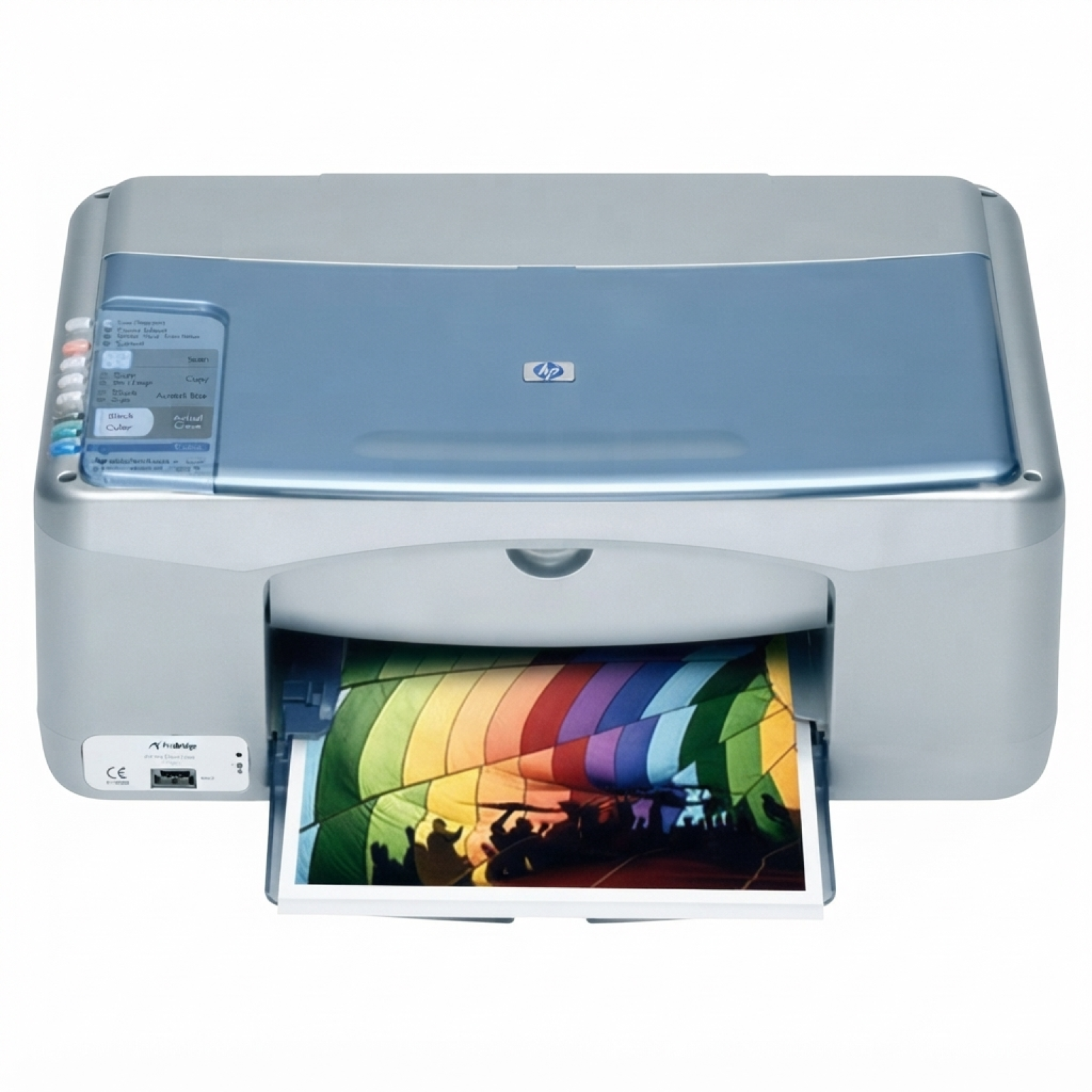
Reliable printing with the HP PSC 1310 (HP PSC 1300 Series) Dear Customer, the HP PSC 1310 is one of those classic all‑in‑one devices that still proves its value at home and in small offices. It prints, copies, and scans, and when paired with the right ink for HP PSC 1310, it delivers clear text documents and vibrant color prints at a very reasonable cost. In this category we gathered everything you need for everyday use: both Original OEM and top-quality compatible ink cartridges for HP 1310, selected specifically for this printer and the HP PSC 1300 Series. What to expect from ink cartridges for HP PSC 1310 The HP PSC 1310 uses separate black and tri‑color ink cartridges, which makes it easy to match your purchase to the way you print. If you mainly print documents, you can focus on black ink; if you print photos, school projects, or colorful graphics, a fresh color cartridge makes all the difference. Choosing the right ink for printer HP PSC 1310 helps you avoid common issues such as faded prints, streaks, or missing colors. - Sharp black text for invoices, homework, and office documents
- Natural colors for charts, images, and everyday photo printing
- Stable performance for printing, copying, and mixed workloads
- Convenient options like multipacks and 2‑packs for better value
You can also find this category using popular searches and codes such as HP PSC 1310, HP 1310, HP PSC 1300 Series, Q5768Y, and 1310—so you’re in the right place if you’re looking for the correct cartridge match. Compatible or Original OEM—choose what fits your needs We offer two clear paths: Original OEM ink cartridges for HP PSC 1310 (made by HP) and compatible ink for HP PSC 1310 (a cost-effective alternative). Original OEM is a great choice for customers who want to stick with the manufacturer’s solution and keep purchasing exactly the same cartridge line they’ve used before. At the same time, our compatible ink cartridges for HP PSC 1310 are designed to deliver print quality and reliability that are as good as the originals—while helping you significantly reduce printing costs. If you print often, compatible cartridges are usually the smartest way to keep your budget under control without sacrificing everyday results. - Original OEM: manufacturer-grade consistency, ideal for users who prefer HP-branded consumables
- Compatible: excellent value, dependable performance, and print quality comparable to OEM
Popular ink cartridges for HP PSC 1310 in our store To make shopping easier, we’ve included single cartridges, practical 2‑packs, and convenient multipacks. Here are some of the most frequently chosen options for ink for HP 1310: - Compatible Ink Cartridge 56 for HP (C6656AE) (Black) and Original OEM Ink Cartridge HP 56 (C6656AE) (Black) – a reliable choice for crisp text
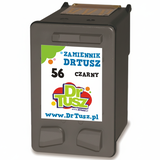
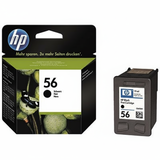
- Compatible Ink Cartridge 57 for HP (C6657AE) (Color) and Original OEM Ink Cartridge HP 57 (C6657AE) (Color) – solid everyday color for photos and graphics
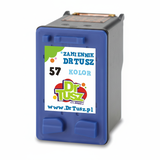
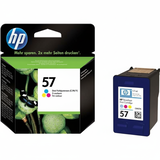
- Compatible Ink Cartridge 27 for HP (C8727AE) (Black) / Original OEM Ink Cartridge HP 27 (C8727AE) (Black) – another common black option used in this printer family
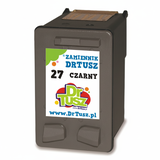
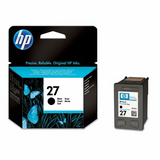
- Compatible Ink Cartridge 28 for HP (C8728AE) (Color) / Original OEM Ink Cartridge HP 28 (C8728AE) (Color) – a popular color match for the HP PSC 1300 Series
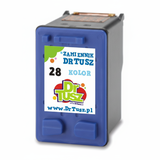
- Compatible Ink Cartridges 56 + 57 for HP (SA342AE) (multi pack) and Original OEM Ink Cartridges HP 56 + 57 (SA342AE) (multi pack) – the easiest way to cover black + color in one purchase
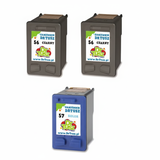
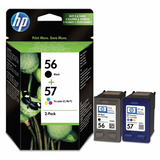
- Compatible Ink Cartridges 2x 56 + 57 for HP (SD399AE) (multi pack) – great for frequent printing and keeping a spare set ready
- Compatible Ink Cartridges 56 for HP (C9502AE) (Black) (2-pack), Compatible Ink Cartridges 57 for HP (C9503AE) (Color) (2-pack), and Compatible Ink Cartridges 27 for HP (C8727AE-2) (Black) (2-pack) – smart options if you print a lot and want a better per-page cost
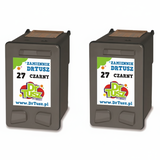
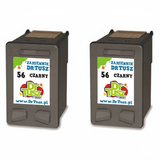
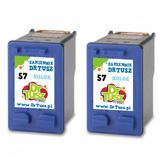
- Compatible Ink Cartridges 27 + 28 for HP (CC628AE) (multi pack) – a convenient combo for users printing both documents and color materials
No matter whether you choose Original OEM ink for HP PSC 1310 or a compatible alternative, we keep the offer broad so you can pick the exact configuration you need—single cartridge, multi pack, or a 2‑pack for extra convenience. How to choose the right ink for printer HP PSC 1310 If you’re unsure which ink cartridge for HP PSC 1310 is best, start with your printing habits. For mainly text and copying, black is the priority. For photos, presentations, or colorful schoolwork, add a color cartridge to keep tones clean and consistent. If you dislike last-minute shortages, multipacks are the simplest solution. - Print mostly text? Choose a black cartridge (and consider a 2‑pack).
- Print mixed content? Pick a black + color multipack for balanced everyday use.
- Print a lot? Choose multipacks like SA342AE or larger sets like SD399AE to keep a spare ready.
Common user issues with the HP PSC 1310 are usually straightforward: faded output often means ink is low; streaks can be solved by a quick cleaning cycle; missing colors are typically a sign the color cartridge is empty or needs a short alignment/cleaning after replacement. Using a fresh, well-matched ink for HP PSC 1310 is the fastest way to bring print quality back to normal. Order ink for HP PSC 1310 with confidence We encourage you to explore our full selection of ink cartridges for HP PSC 1310—both compatible and Original OEM. If you want lower running costs without compromising results, choose our compatible cartridges; if you prefer HP-branded supplies, go with Original OEM. Either way, you’ll find single cartridges, multipacks, and 2‑packs ready for your next print run. CTA: Choose your ink for printer HP PSC 1310 today and place your order—if you need help matching the cartridge to your device (HP PSC 1310 / HP 1310 / HP PSC 1300 Series, codes like Q5768Y), contact us and we’ll guide you to the right option. We provide fast delivery and friendly support, so you can get back to printing without delays. |