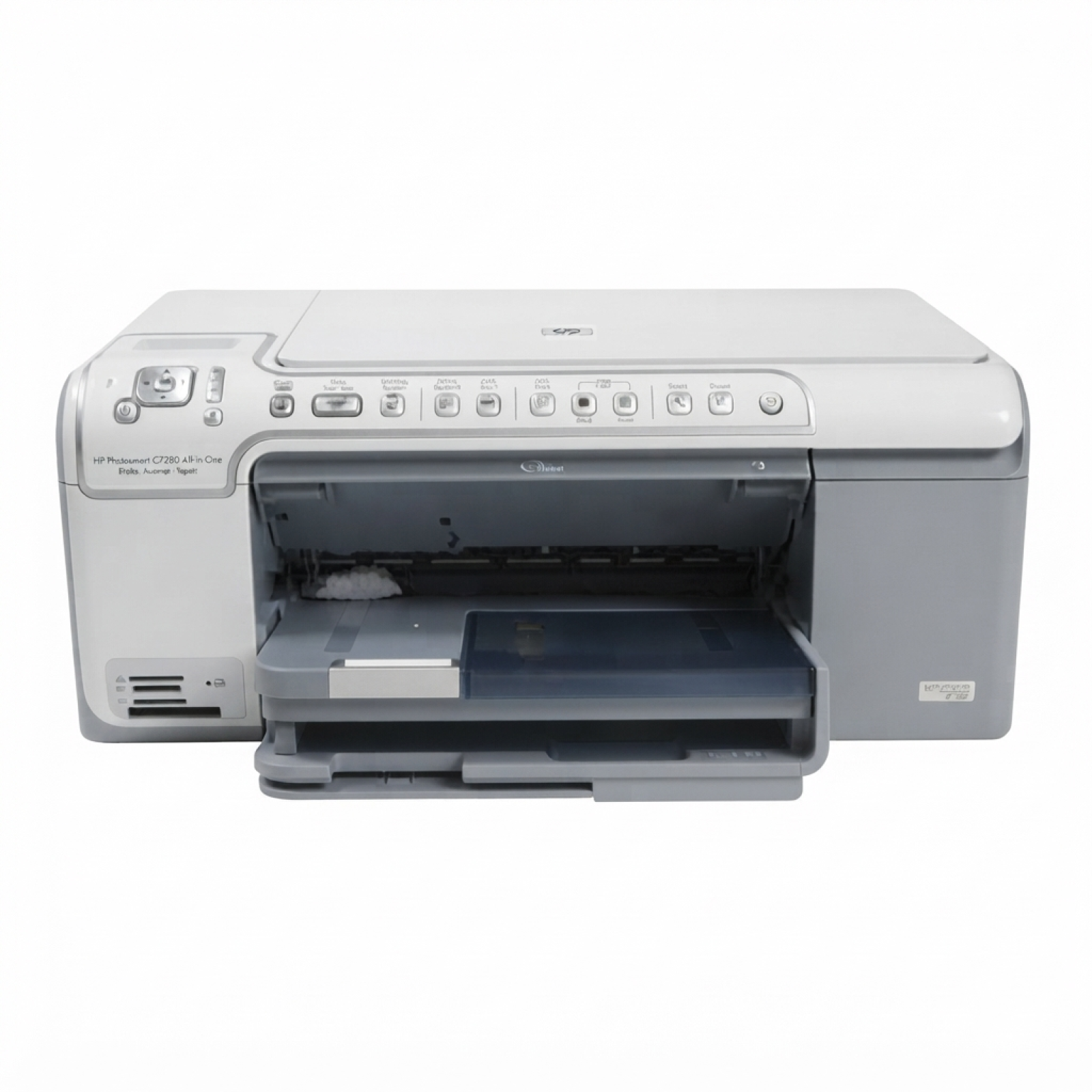
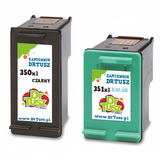
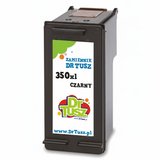
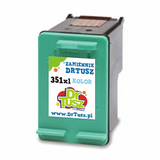
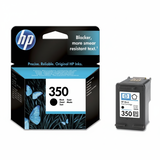
HP Photosmart C5290 – a versatile home photo all‑in‑one The HP Photosmart C5290 (also searched as HP C5290 or HP Photosmart C5200 Series, incl. Q8335B) is a popular inkjet multifunction printer designed for everyday home printing, scanning and copying, with a strong focus on photo output. To keep this model working at its best, the key is choosing the right ink for HP Photosmart C5290—matched to the correct cartridge series and your printing habits. Which ink cartridges fit the HP Photosmart C5290? This printer uses two separate cartridges: black and tri‑color. In practice, that means you can replace only what you actually run out of—ideal for both occasional users and people who print a lot. In this category you will find ink cartridges for HP Photosmart C5290 in two classes: Original OEM and Compatible. The most common cartridge symbols you will meet here are: - HP 350 / HP 350 XL – black ink cartridge for HP Photosmart C5290
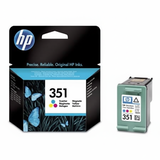
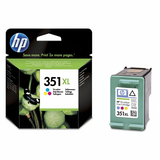
- HP 351 / HP 351 XL – color ink cartridge for HP Photosmart C5290
Thanks to the XL versions, you can reduce how often you replace cartridges—especially helpful when you print school materials, documents, and photos regularly. What you gain with the right ink for HP C5290 Well‑selected ink for printer HP Photosmart C5290 means predictable results: sharp text, consistent blacks, and vivid color transitions in photos. Whether you print recipes, invoices, homework, or holiday pictures, good cartridges help keep the print head working smoothly and reduce typical “at home” frustrations like faded prints or streaks after longer breaks. Our selection focuses on cartridges that support: - clear, readable black text for everyday printing,
- balanced tri‑color output for graphics and photos,
- high efficiency with XL options and convenient multi packs.
Popular choices in our offer – OEM and compatible We keep this category practical: you can choose original HP cartridges or high‑quality alternatives, including multi packs for better value. Among the most popular items, you’ll find: - Original OEM Ink Cartridge HP 350 (CB335EE) (Black) – a reliable standard black option for HP C5290.
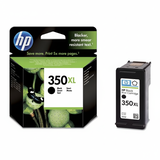
- Original OEM Ink Cartridge HP 350 XL (CB336EE) (Black) – for higher page yield and fewer replacements.
- Original OEM Ink Cartridge HP 351 (CB337EE) (Color) and HP 351 XL (CB338EE) (Color) – for colorful documents and photos.
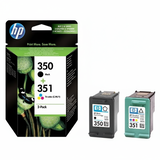
- Original OEM Ink Cartridges HP 350 + 351 (SD412EE) (multi pack) – a convenient set when you want to refresh both cartridges at once.
- Compatible Ink Cartridge 350 for HP (CB335EE) (Black) and Compatible Ink Cartridge 351 for HP (CB337EE) (Color) – cost‑effective everyday printing.
- Compatible Ink Cartridge 350 XL for HP (CB336EE) (Black) and Compatible Ink Cartridge 351 XL for HP (CB338EE) (Color) – great for frequent users looking for strong value.
- Compatible Ink Cartridges 350 XL + 351 XL for HP (DT-AH-350XL/K) (multi pack) and Compatible Ink Cartridges 350 XL + 351 XL for HP (SD412EE) (multi pack) – a smart choice when you want to stock up and save.
With this variety, it’s easy to match your cartridge choice to your budget and print volume—without compromising day‑to‑day comfort. Original vs compatible: how to choose the best cartridge If you print occasionally and want a straightforward, “install and go” experience, Original OEM ink for HP Photosmart C5290 is a classic option. If you print more often, want better cost per page, or simply prefer a more budget‑friendly approach, our compatible ink cartridges for HP Photosmart C5290 are an excellent alternative. We select compatible cartridges so they perform just as well as originals in normal home and office use—clear prints, good color, and dependable operation. When deciding, consider: - Print volume – for frequent printing, choose 350 XL and 351 XL to reduce replacements.
- What you print – more text = focus on the black cartridge; more photos = consider XL color.
- Convenience – a multi pack helps you avoid running out at the wrong time.
Common HP Photosmart C5290 user issues (and quick tips) This model is known to be reliable, but users commonly report a few repeat situations. Here’s how the right ink choice—and a few simple habits—can help: - Streaks or faded lines after a longer break – print a small color test page once in a while to keep ink flowing.
- Color looks off – remember the tri‑color cartridge runs out unevenly; replacing it restores balanced colors.
- Frequent cartridge replacements – switch to XL cartridges or choose a multi pack to lower the hassle and cost.
- Printer says cartridge is empty too fast – page yield depends heavily on coverage; photos and solid graphics consume more ink than text.
If you’re unsure which ink cartridge for HP C5290 you need, we encourage you to contact us—we’ll help you match the correct HP 350/351 version (standard or XL) to your printer and printing style. Choose your ink for HP Photosmart C5290 and print with confidence We invite you to explore our full range of ink cartridges for HP Photosmart C5290—both Original OEM and Compatible options. Add a single cartridge or select a multi pack and stay ready for every print job. Order today for fast delivery, and if you have any questions about compatibility within the HP Photosmart C5200 Series (including Q8335B / C5290), reach out—our team is here to help you choose the best ink for your printer. |