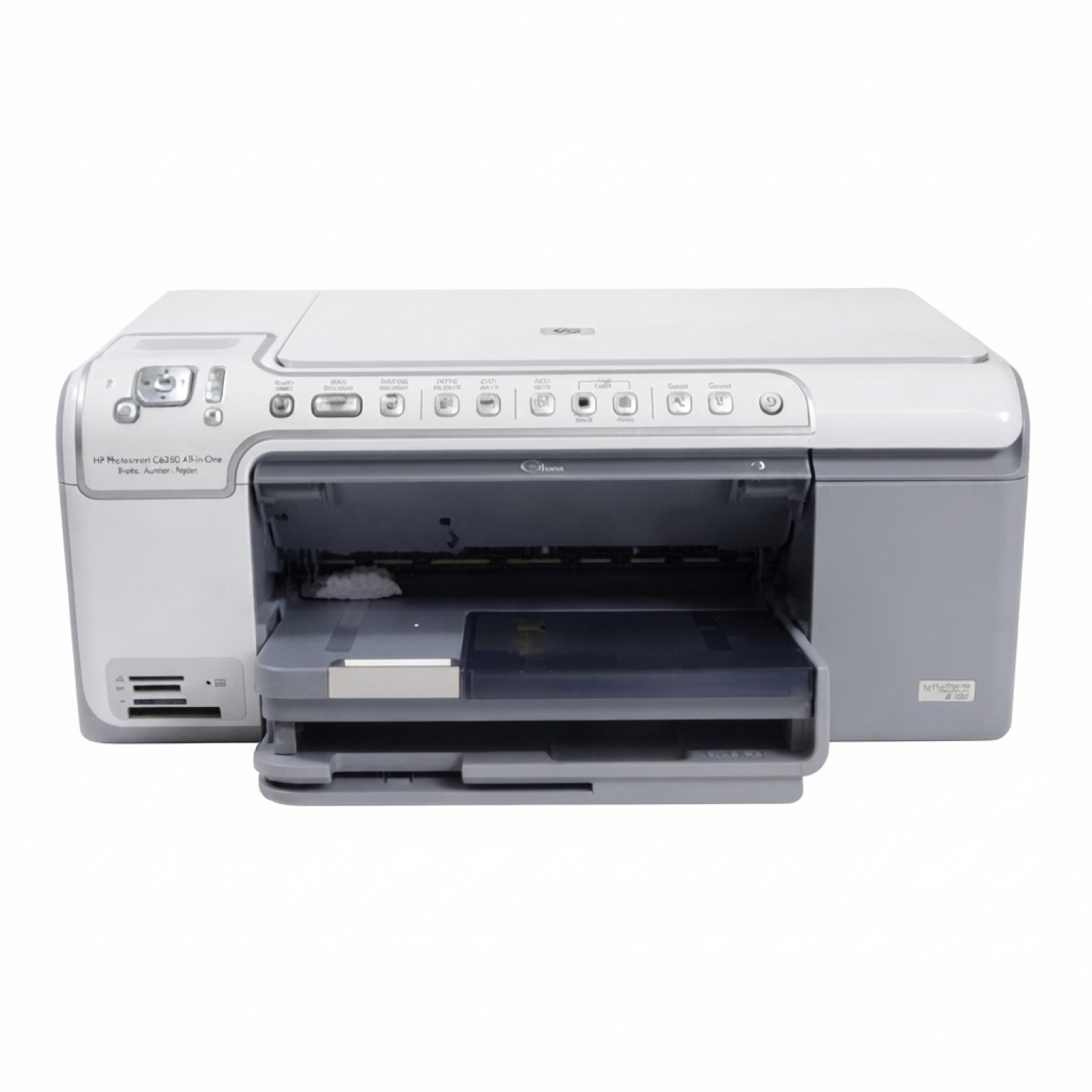
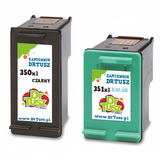
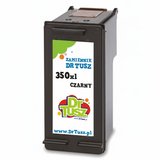
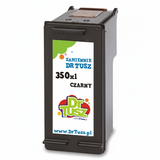
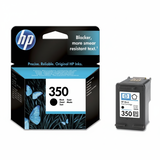
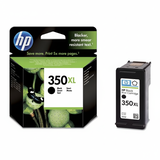
Reliable printing with the HP Photosmart C5288 HP Photosmart C5288 (also found as HP C5288, HP Photosmart C5200 Series or Q8330D) is a versatile all-in-one inkjet printer designed for everyday home use: documents, school materials, and photo printing. To keep it working at its best, you need the right ink for HP Photosmart C5288—matched to the printer’s system and your printing habits. In this category we offer both Original OEM and high-quality compatible ink cartridges for HP Photosmart C5288, so you can choose exactly what fits your needs and budget. Which ink cartridges does the HP Photosmart C5288 use? The HP Photosmart C5288 uses two cartridges: one black and one tri-color. In practice, it means you can easily tailor your purchase: replace only the color or only the black when needed, or choose a convenient multipack. If you print more, XL versions are a smart choice—more pages from one cartridge and fewer replacements. In this category you’ll find ink cartridges for HP Photosmart C5288 in the most popular versions: - HP 350 / HP 350 XL – black ink for HP Photosmart C5288
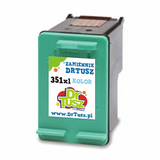
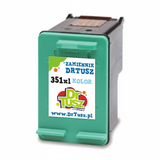
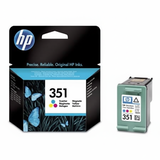
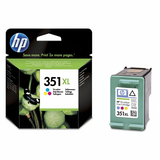
- HP 351 / HP 351 XL – color ink for HP Photosmart C5288 (cyan, magenta, yellow)
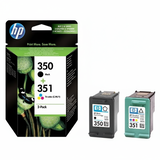
- Convenient sets: HP 350 + 351 multipacks
What you can expect from ink for HP C5288 Good ink for printer HP Photosmart C5288 should deliver sharp text, consistent black density, and smooth color transitions for photos and graphics. Whether you print forms and invoices, homework, presentations, or occasional photos, the right cartridge ensures: - clear, readable documents without smudges,
- stable colors for everyday graphics and photo prints,
- smooth performance and fewer interruptions during printing,
- predictable results from the first page to the last.
We focus on offering both trusted OEM options and carefully selected compatible cartridges—so you can buy ink for HP Photosmart C5288 that matches your expectations. Compatible and Original OEM – choose what works best for you Many customers ask: which is better—Original OEM ink cartridge or compatible ink cartridge for HP Photosmart C5288? The best choice depends on your priorities. - Original OEM cartridges are made by HP and are ideal if you prefer manufacturer-branded supplies and want to keep everything in the official ecosystem.
- Compatible cartridges are a cost-effective alternative. The compatible cartridges from our DrTusz.pl offer are designed to provide printing quality comparable to originals—sharp text, good color coverage, and reliable day-to-day operation.
If you print frequently, XL versions (black or color) can reduce the cost per page and limit how often you need to replace cartridges. Popular cartridges in our HP Photosmart C5288 range We keep the offer broad so you can quickly find the exact cartridge code you need. Among the most frequently chosen products in this category are: - Compatible Ink Cartridges 350 XL + 351 XL for HP (DT-AH-350XL/K) (multi pack) – a practical option for frequent printing, combining high capacity black and color.
- Compatible Ink Cartridge 350 XL for HP (CB336EE) (Black) – for customers who print lots of text and want fewer cartridge swaps.
- Compatible Ink Cartridge 351 XL for HP (CB338EE) (Color) – a strong choice for color documents and occasional photos.
- Original OEM Ink Cartridge HP 350 (CB335EE) (Black) and Original OEM Ink Cartridge HP 351 (CB337EE) (Color) – classic OEM set for everyday printing.
- Original OEM Ink Cartridge HP 350 XL (CB336EE) (Black) and Original OEM Ink Cartridge HP 351 XL (CB338EE) (Color) – OEM high-capacity options for heavier use.
- Original OEM Ink Cartridges HP 350 + 351 (SD412EE) (multi pack) – convenient OEM bundle to refresh both cartridges at once.
Thanks to this variety, you can easily match your purchase to your printer usage—whether you print a few pages a week or handle regular home-office workloads. How to choose the right ink for HP Photosmart C5200 Series To avoid mistakes, we recommend checking two things: the printer series and the cartridge code. For this model, the key identifiers are HP 350 / 350 XL (black) and HP 351 / 351 XL (color). If you often print black text, prioritize the black XL. If you print colorful materials (charts, school projects, photos), consider a color XL or a multipack. Common user issues with the HP Photosmart C5288 are usually simple to solve with the right supplies and habits: - Faded prints or streaks – often caused by low ink or long breaks between prints; replacing the cartridge and printing a test page regularly helps.
- Color looks “off” – a nearly empty tri-color cartridge can affect one channel (e.g., no cyan); replacing the color cartridge restores balance.
- Frequent cartridge changes – switching to XL ink for HP C5288 typically reduces replacement frequency.
Order ink for HP Photosmart C5288 with confidence We encourage you to choose the best ink cartridges for HP Photosmart C5288 from our Compatible and Original OEM range and enjoy hassle-free printing again. Add your selected cartridge or multipack to the cart, and if you’re unsure whether you need CB335EE, CB336EE, CB337EE, CB338EE or a set like SD412EE, contact us—we’ll help you pick the right ink for your printer quickly. CTA: Browse the available options in this category, choose Compatible or Original OEM, and place your order today—fast delivery and helpful support are always part of the deal. |