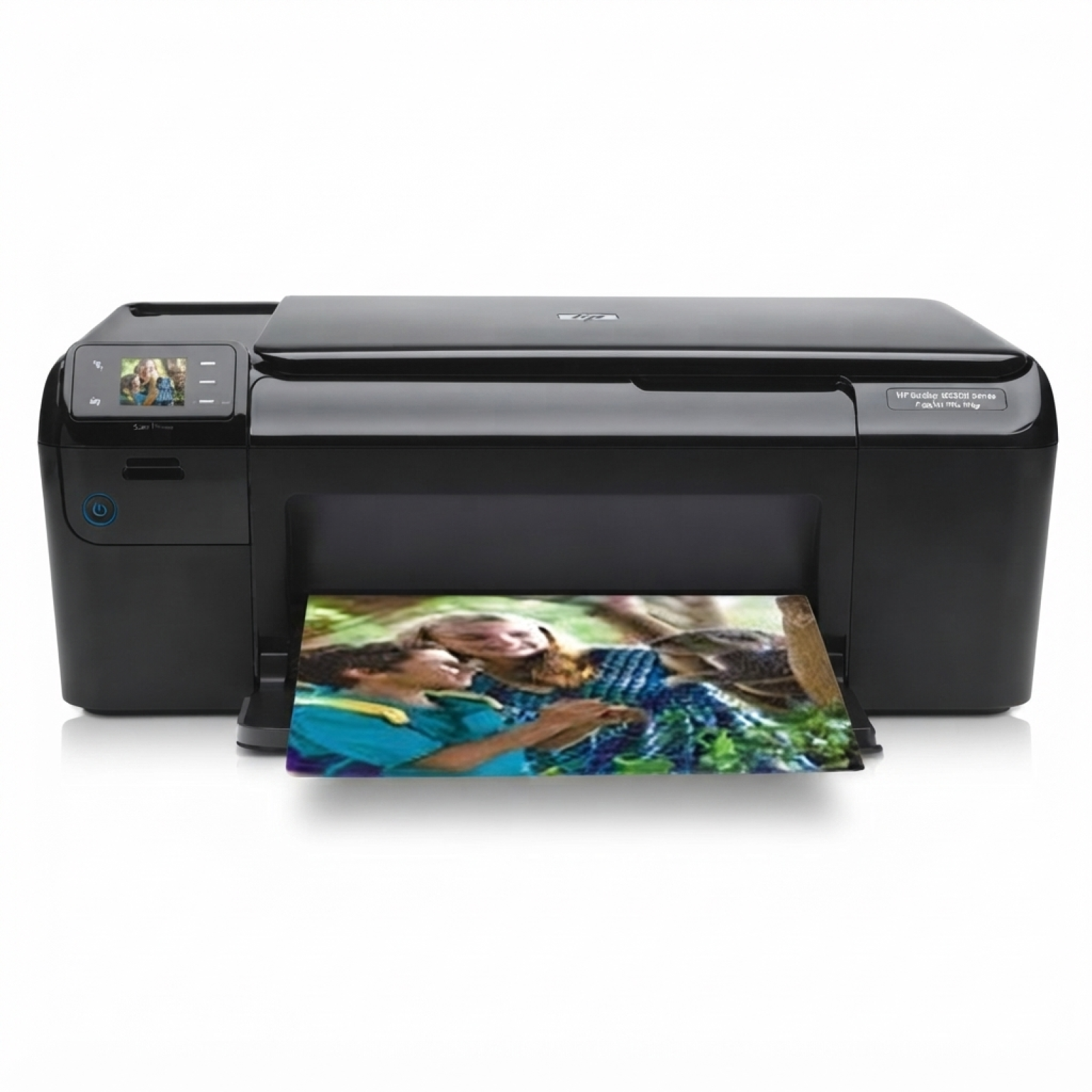
Reliable printing with the HP Photosmart C4680 Dear Customer, the HP Photosmart C4680 (also known as HP C4680 or the HP Photosmart C4600 Series, model Q8418A) is a popular all-in-one inkjet printer designed for everyday home printing. It handles school documents, invoices, forms, and colorful photos, while staying compact and easy to use. To keep it working at its best, you need one thing you can truly rely on: the right ink for HP Photosmart C4680. What ink cartridges the HP C4680 uses and why it matters The HP Photosmart C4680 works with the well-known HP 300 cartridge family—available in Black and Color, also in higher-capacity XL versions. Choosing the correct ink cartridge for HP Photosmart C4680 affects not only print quality, but also cost per page, drying time, and how often you need to replace the cartridge. Whether you print crisp black text or vibrant color graphics, a well-matched ink for printer HP Photosmart C4680 helps you achieve: - sharp, readable documents for work and school,
- smooth color transitions for photos and presentations,
- stable results with fewer streaks and faded areas,
- predictable performance in everyday printing.
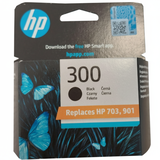
Original OEM and Compatible ink for HP Photosmart C4680 – your choice In our store, we offer both Original OEM cartridges and carefully selected Compatible cartridges for the HP C4680. Original OEM is the manufacturer’s cartridge line, while compatible options are a smart alternative for customers who want great results at a better price. Importantly: our compatible ink for HP Photosmart C4680 from DrTusz.pl is designed to deliver print quality and reliability comparable to originals—so you can print with confidence while optimizing your running costs. Popular ink cartridges in this category We keep this category clear and practical—so you can quickly find the exact cartridge you need for the HP Photosmart C4680: - Original OEM Ink Cartridge HP 300 (CC640EE) (Black) – dependable everyday black printing.
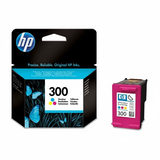
- Original OEM Ink Cartridge HP 300 (CC643EE) (Color) – solid color output for graphics and photos.
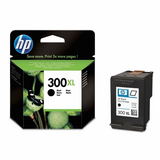
- Original OEM Ink Cartridge HP 300 XL (CC641EE) (Black) – higher capacity for frequent black printing.
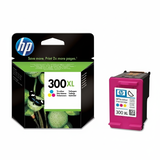
- Original OEM Ink Cartridge HP 300 XL (CC644EE) (Color) – more pages and fewer replacements.
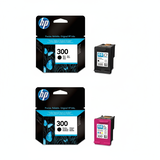
- Original OEM Ink Cartridges HP 300 BK + 300 C (CN637EE) (multi pack) – a convenient set for balanced use.
- Compatible Ink Cartridge 300 for HP (CC640EE) (Black) – cost-effective everyday printing.
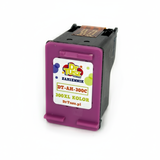
- Compatible Ink Cartridge 300 for HP (CC643EE) (Color) – affordable color for home and school.
- Compatible Ink Cartridge 300 XL for HP (CC641EE) (Black) – more pages with lower cost per print.
- Compatible Ink Cartridge 300 XL for HP (CC644EE) (Color) – a smart option for frequent color work.
- Compatible Ink Cartridges 300 XL BK + 300 XL C for HP (CN637EE) (multi pack) – a high-yield bundle for busy households.
As you can see, we cover both standard and XL capacity, single cartridges and multipacks—so you can match the purchase to your printing habits. How to choose the best ink for printer HP Photosmart C4680 If you’re unsure which ink cartridge for HP C4680 to pick, these quick rules make it easy: - Choose standard (HP 300) if you print occasionally and want a lower upfront cost.
- Choose XL (HP 300 XL) if you print often—XL usually offers better value per page.
- Pick a multipack if you use both black and color regularly—convenient and helps avoid downtime.
- Go Original OEM if you prefer manufacturer-branded supplies.
- Go Compatible if you want excellent quality while reducing printing costs—our compatible cartridges are a reliable everyday choice.
Common HP Photosmart C4680 printing issues—and how the right cartridge helps Many users of the HP Photosmart C4600 Series report similar day-to-day challenges. The good news is that choosing a quality ink for HP Photosmart C4680 and using it correctly often solves or prevents them: - Faded prints or streaks – often linked to low ink levels or dried nozzles; replacing the cartridge and running a cleaning cycle usually helps.
- Printer not printing black or color – can happen when one cartridge is empty or clogged; installing a fresh cartridge is the fastest fix.
- Frequent cartridge replacements – switching to HP 300 XL (or compatible XL equivalents) reduces how often you buy ink.
- Ink drying out – if you print rarely, consider printing a small test page regularly and storing spare cartridges properly.
Order ink for HP Photosmart C4680 today We encourage you to explore our full selection of ink cartridges for HP Photosmart C4680—Original OEM and Compatible—so you can print exactly the way you want: reliably, affordably, and without interruptions. We offer fast order processing, secure packaging, and helpful customer support if you need confirmation of compatibility or help choosing between HP 300 and HP 300 XL. CTA: Add your chosen ink for HP C4680 to the cart now, or contact us—together we’ll pick the best cartridge (black, color, XL, or multipack) for your printing needs. |