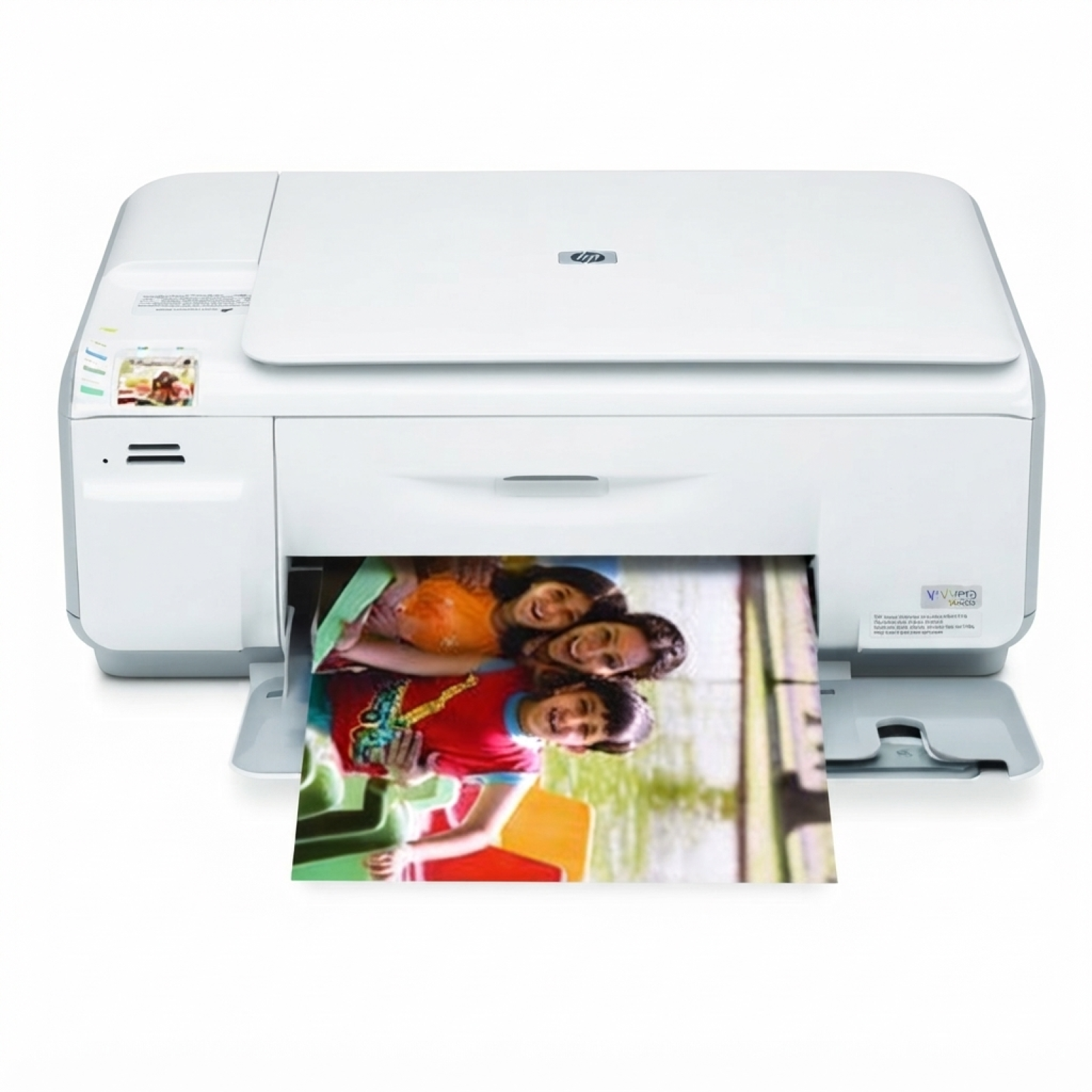
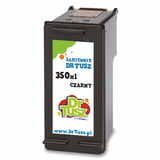
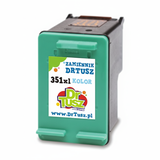
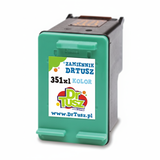
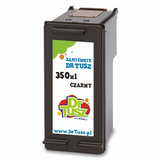
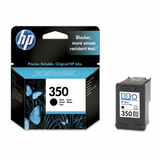
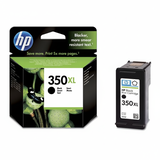
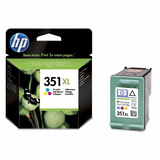
HP Photosmart C4483 – a versatile home photo printer If you use the HP Photosmart C4483 (also searched as HP C4483, HP Photosmart C4400 Series, Q8388C or simply C4483), you know it’s a practical all‑in‑one designed for everyday printing, scanning and copying—especially popular for family photos and colourful documents. To keep this device working at its best, you need reliable ink for HP Photosmart C4483 that delivers consistent blacks, vivid colours and trouble‑free operation. What ink cartridges the HP Photosmart C4483 uses The HP Photosmart C4483 works with two cartridges: a black and a tri‑colour. In this category you’ll find ink cartridges for HP Photosmart C4483 in both Original OEM and Compatible versions—so you can choose between manufacturer cartridges and cost‑effective alternatives without compromising quality. Depending on how much you print, you can pick standard capacity or XL versions. XL is especially convenient if you print frequently, because it reduces how often you replace cartridges and helps keep the cost per page under control. - Black cartridge: HP 350 / 350 XL (CB335EE / CB336EE)
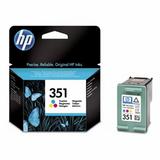
- Colour cartridge: HP 351 / 351 XL (CB337EE / CB338EE)
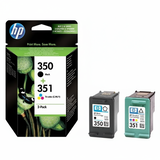
- Multi pack: black + colour sets (great for balanced home printing)
Print quality you can rely on – photos, schoolwork and daily documents Good ink for printer HP Photosmart C4483 makes a clear difference: crisp text, smooth gradients in photos and stable colours from the first page to the last. Whether you print homework, invoices, recipes, labels or occasional photo paper projects, choosing the right cartridge helps avoid common frustrations like faded output, uneven colour or frequent cartridge changes. With the right cartridge type (standard or XL), you can match the ink to your real printing habits—occasional printing at home or more intensive use for school and work documents. Compatible or Original OEM – choose what fits your needs We offer both Original OEM ink cartridges for HP Photosmart C4483 and carefully selected compatible ink cartridges for HP Photosmart C4483. Original OEM cartridges are made by HP and are a great choice if you prefer the manufacturer’s solution. At the same time, our compatible cartridges from DrTusz.pl are designed to be just as good as originals in everyday use: they provide strong print quality, reliable performance and a very attractive price per page—ideal if you print a lot and want to control costs. - Original OEM: manufacturer solution, predictable results, wide compatibility
- Compatible: excellent value, high quality comparable to OEM, smart option for frequent printing
Popular ink cartridges in this category To make choosing easier, here are some of the most frequently selected items for the C4483 / C4400 Series: - Compatible Ink Cartridge 350 XL for HP (CB336EE) (Black) – high capacity black for frequent printing
- Compatible Ink Cartridge 350 for HP (CB335EE) (Black) – standard capacity, great for occasional use
- Compatible Ink Cartridge 351 for HP (CB337EE) (Color) – reliable colour printing for daily documents
- Compatible Ink Cartridge 351 XL for HP (CB338EE) (Color) – XL colour for more photos and graphics
- Compatible Ink Cartridges 350 XL + 351 XL for HP (DT-AH-350XL/K) (multi pack) – convenient set, excellent savings
- Compatible Ink Cartridges 350 XL + 351 XL for HP (SD412EE) (multi pack) – multi pack option for balanced printing
- Original OEM Ink Cartridge HP 350 (CB335EE) (Black) and Original OEM Ink Cartridge HP 350 XL (CB336EE) (Black)
- Original OEM Ink Cartridge HP 351 (CB337EE) (Color) and Original OEM Ink Cartridge HP 351 XL (CB338EE) (Color)
- Original OEM Ink Cartridges HP 350 + 351 (SD412EE) (multi pack) – OEM set for black + colour
Thanks to this range, you can choose exactly the cartridge type you need—single colour replacement, XL capacity, or a cost‑effective multi pack. How to choose the right ink for HP Photosmart C4483 When selecting ink for HP C4483, we recommend checking three simple things: - Cartridge code: black is 350/350 XL (CB335EE/CB336EE), colour is 351/351 XL (CB337EE/CB338EE)
- Printing volume: choose XL if you print often; standard if you print occasionally
- Buying style: choose a multi pack if you want to replace both cartridges at once and save time
Common user issues with HP Photosmart C4483 cartridges – and quick tips Customers using the HP Photosmart C4400 Series sometimes report issues that are easy to prevent with good habits and fresh cartridges: - Printer says “cartridge problem”: reseat the cartridge and ensure protective tape was removed; if needed, gently clean the contacts
- Streaks or missing colours: run the printer’s cleaning/alignment utility; replace low ink cartridges (often the tri‑colour)
- Faded prints after long breaks: ink can dry slightly—printing a test page and running a cleaning cycle usually helps
- Too frequent replacements: switch to 350 XL / 351 XL to reduce changeovers and improve cost per page
If you’re unsure which ink for printer HP Photosmart C4483 is best for your needs, we’re here to help you match the right product to your printing style. Order your HP Photosmart C4483 ink today We encourage you to explore our full selection of ink cartridges for HP Photosmart C4483—both compatible and Original OEM. Choose a single cartridge for a quick refill, or pick an XL multi pack for maximum convenience and savings. If you have any questions about compatibility with Q8388C / C4483 or need help choosing between OEM and compatible options, contact us—we’ll recommend the best solution. Add your cartridges to the cart and enjoy fast, convenient delivery. |