Haven't found what you were looking for? Click here! ▼
Describe below exactly what you are looking for and we will see how we can help. You will receive a reply to your e-mail address by 15:47 at the latest
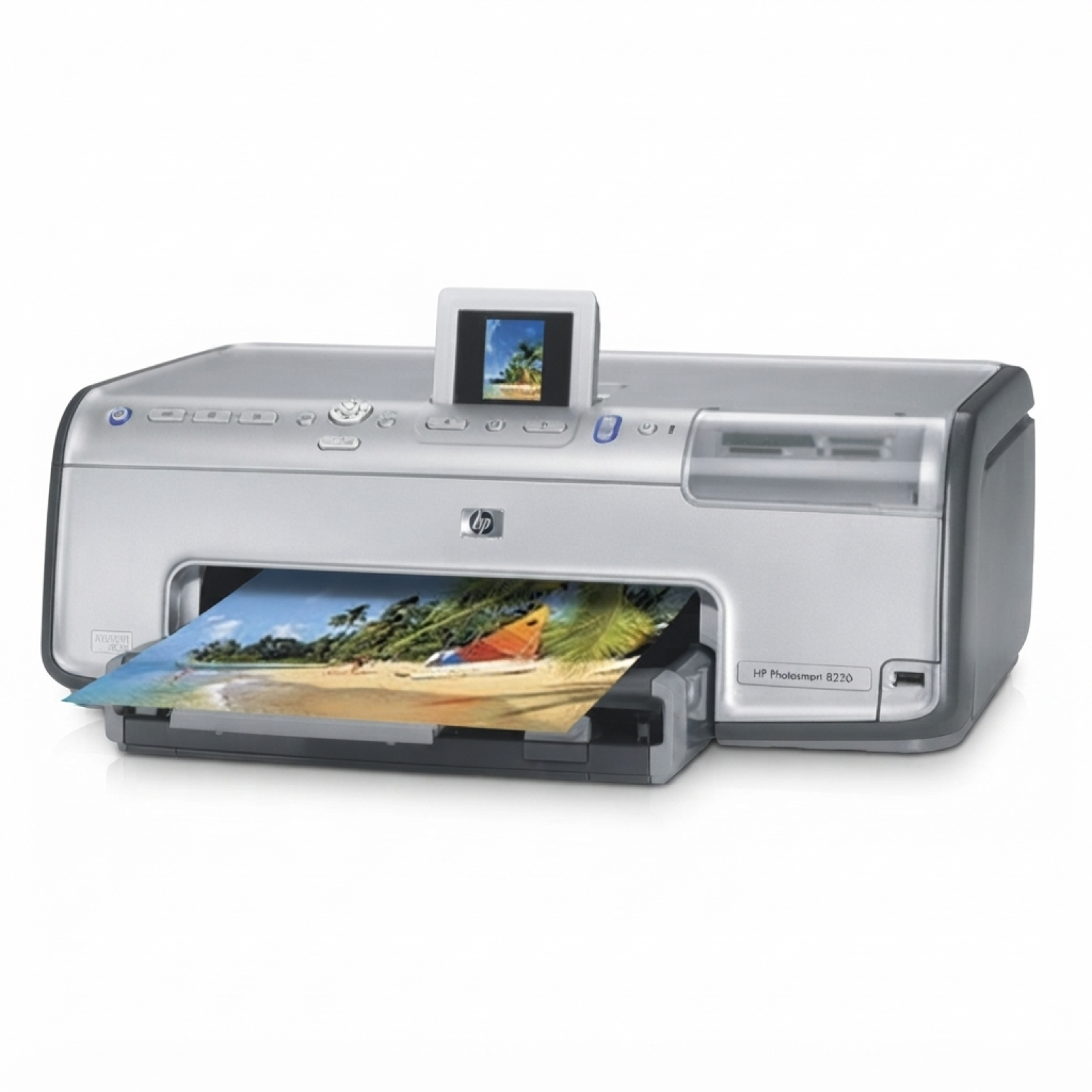
Ink cartridges for HP Photosmart 8250v - compatible and original OEM
Keep your HP Photosmart 8250v printing at its best with the right HP 363 ink cartridges—available here in both Original OEM and reliable compatible options. Whether you search by HP 8250v, HP Photosmart 8200 Series, or codes like Q3473A and Q7966EE, you’ll find cartridges designed to match your printer for smooth installation and consistent results.
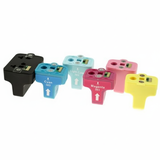
Choose Original OEM cartridges for true HP formulation and dependable photo-quality output, or pick compatible ink cartridges for a cost-effective alternative that still delivers sharp text and vibrant color. This range includes single colors (Black, Cyan, Magenta, Yellow, Light Cyan, Light Magenta), XL Black for higher page yield, and convenient multipacks like CMY 3-packs and complete CMYK+LC+LM sets—ideal for everyday printing and rich photo work.
Stock up on the inks you need today—select your preferred Original OEM or compatible option and print with confidence. Explore the full selection of ink cartridges for HP Photosmart 8250v and find the best fit for your budget and printing needs.
Product Number: Q3473A Other names: Printer HP Photosmart 8250v, Printer HP Photosmart 8250 v, Printer HP Photosmart 8250 V, Printer HP Photosmart 8250V
HP Photosmart 8250v – a photo printer that still impresses
If you use the HP Photosmart 8250v (also searched as HP 8250v, 8250V or HP Photosmart 8200 Series), you know it was designed with one goal in mind: beautiful, detailed photo prints at home. This model uses the proven HP 363 ink system, including standard CMYK and dedicated light inks, which helps deliver smooth gradients and natural skin tones. In our store you’ll find both Original OEM and Compatible ink cartridges for HP Photosmart 8250v, so you can match your purchase to your printing style and budget.
Ink for HP Photosmart 8250v: what it does and why the set matters
The right ink for HP Photosmart 8250v is not only about “does it print.” It’s about consistent colour, clean text, and reliable operation over time. The HP 8250v works with multiple individual cartridges, so you replace only the colour that runs out. That’s convenient and often more cost-effective—especially for photo printing, where Light cyan and Light magenta play a big role.
With properly selected ink cartridges, you can expect:
sharp text in documents thanks to dedicated Black ink,
vivid photos with smooth transitions using Cyan, Magenta, Yellow plus light colours,
better control of printing costs by replacing single cartridges,
stable performance when you print regularly or occasionally.
Original OEM and Compatible cartridges – one printer, two smart options
We offer two quality routes for your ink cartridge for HP Photosmart 8250v:
Original OEM – manufacturer cartridges designed for predictable results and full compatibility. A popular choice for users who want to stick to factory specs.
Compatible – a cost-effective alternative. Our compatible cartridges from DrTusz.pl are made to deliver results that are as good as the originals in everyday printing and photo use, while helping you significantly reduce cost per page.
No matter which option you choose, we focus on availability of the full colour range—so you can complete your set and print without interruptions.
Popular choices in this category (HP 363 / Q3473A family)
Customers looking for ink for HP Photosmart 8250 v often choose multipacks and the most frequently used colours first. Here are several best-selling options you’ll find in this category:
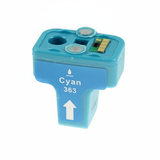
Compatible Ink Cartridges 363 CMYK+LC+LM for HP (Q7966EE) (multi pack) – a convenient full photo set for regular printing.
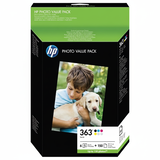
Original OEM Ink Cartridges HP 363 CMYK+LC+LM (Q7966EE) (multi pack) – OEM all-in-one solution for consistent output.
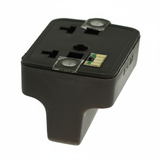
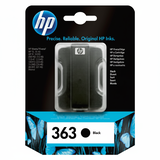
Original OEM Ink Cartridge HP 363 (C8721EE) (Black) and Compatible Ink Cartridge 363 for HP (C8721EE) (Black) – the most commonly replaced cartridge for documents and everyday prints.
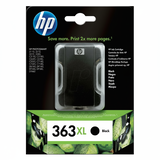
Original OEM Ink Cartridge HP 363 XL (C8719EE) (Black) and Compatible Ink Cartridge 363 XL for HP (C8719EE) (Black) – higher yield option for frequent printing.
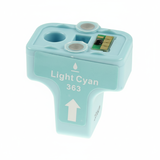
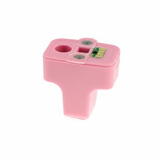
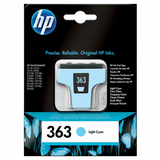
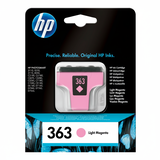
Light colours for photos: Original OEM Ink Cartridge HP 363 (C8774EE) (Light cyan) / Compatible Ink Cartridge 363 for HP (C8774EE) (Light cyan) and Original OEM Ink Cartridge HP 363 (C8775EE) (Light magenta) / Compatible Ink Cartridge 363 for HP (C8775EE) (Light magenta).
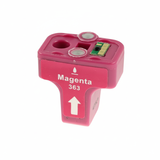
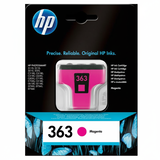
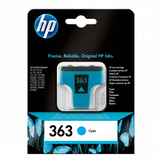
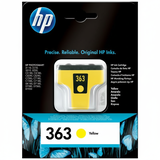
Colour basics: Cyan (C8771EE), Magenta (C8772EE), Yellow (C8773EE) – available in both Original OEM and Compatible variants.
Compatible Ink Cartridges 363 CMY for HP (CB333EE) (3-pack) – a practical choice when you want to refresh core colours at once.
If you search by codes such as Q3473A or Q7966EE, you’re in the right place—this category is built specifically for these cartridge families used by the HP Photosmart 8200 Series.
How to choose the right ink cartridge for HP Photosmart 8250v
When selecting an ink for printer HP Photosmart 8250v, we recommend a simple checklist:
Match the colour – photos need LC/LM for smoother tones; documents mainly consume Black.
Decide on yield – if you print often, consider the XL black (C8719EE).
Consider a multipack – great for photo users who want all colours ready at once (e.g., Q7966EE multipacks).
Choose OEM vs Compatible – OEM for factory-spec preference; Compatible when you want to lower running costs without sacrificing quality (our compatibles are designed to perform like the originals).
Common HP 8250v printing issues – and what usually helps
Many users of the HP Photosmart 8250v report similar day-to-day challenges, especially when the printer is used occasionally. Here’s what we typically see and what helps:
Faded photos or missing colours – often caused by an empty light colour cartridge or a long break between prints. Replacing the right colour (frequently LC/LM) and printing regularly usually restores quality.
Streaks or banding – can happen when one cartridge is running low or after longer downtime. A fresh, properly matched cartridge set often solves it.
Fast black ink usage – common when printing documents. Switching to Black XL (C8719EE) can reduce how often you replace it.
If you’re unsure which ink cartridge for HP Photosmart 8250v you need, tell us what you print most (photos vs documents) and which colours are currently low—we’ll help you choose quickly and accurately.
Choose your ink and keep printing – we’re here to help
We encourage you to explore our full selection of compatible and Original OEM ink cartridges for HP Photosmart 8250v and pick the option that fits your needs—single colours, XL black, practical 3-packs, or full multipacks. We focus on fast order processing, safe packaging, and clear product matching, so you can get back to printing without stress.
CTA: Add the right ink for HP Photosmart 8250v to your cart today, or contact us if you’d like help choosing between OEM and compatible cartridges—we’ll guide you to the best set for your printer and your printing habits.