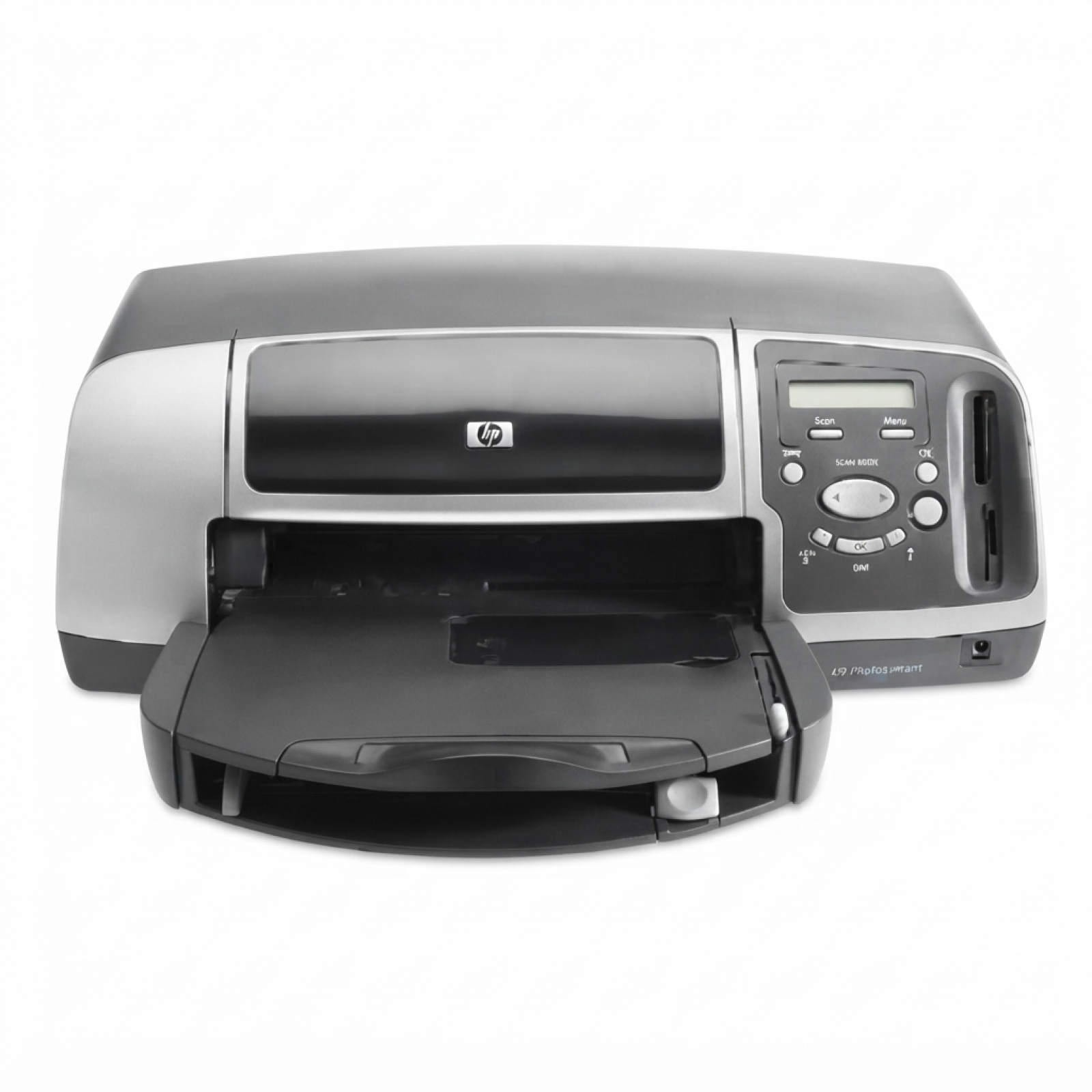
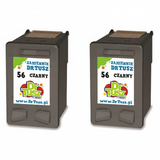
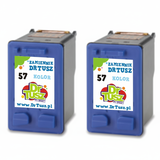
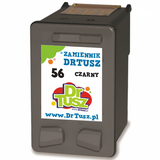
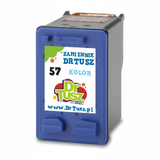
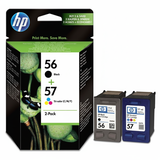
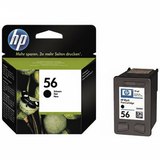
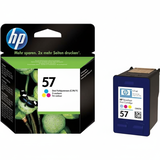
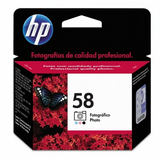
HP Photosmart 7450w – compact photo printing you can rely on The HP Photosmart 7450w (also searched as HP 7450w, 7450 W or HP Photosmart 7400 Series) is a classic inkjet photo printer designed for crisp, vibrant colour prints at home. It’s a great choice for printing family photos, school projects, invitations and everyday documents—provided you use the right ink for HP Photosmart 7450w. In our store you’ll find both Original OEM and carefully selected compatible ink cartridges, so you can match quality, budget and printing style without compromise. Ink for HP Photosmart 7450w: what it does and why the cartridge matters This model uses cartridges from the well-known HP family: HP 56 (black), HP 57 (tri-colour) and optionally HP 58 (photo). Choosing the proper ink cartridge for HP Photosmart 7450w is the fastest way to improve print clarity, colour depth and photo smoothness. With the right set, you can expect: - sharp black text for everyday documents (especially with HP 56)
- natural-looking colours for graphics and photos (with HP 57)
- better photo gradation and more realistic skin tones when you add HP 58 Foto
- stable performance for occasional and regular printing
If you print photos often, combining HP 57 with HP 58 (C6658AE) is a smart way to get smoother transitions and richer detail. If your priority is everyday printing, a solid black cartridge plus a tri-colour cartridge will cover most needs. Our range: compatible and Original OEM cartridges in one place We keep the offer clear and practical—so you can quickly find the exact ink for printer HP Photosmart 7450w you need, including popular codes like C6656AE, C6657AE, C6658AE and sets such as Q3411A / SA342AE. Here are some best‑selling choices from this category: - Compatible Ink Cartridge 56 for HP (C6656AE) (Black) – reliable black for text and everyday documents
- Compatible Ink Cartridge 57 for HP (C6657AE) (Color) – great for colour prints, photos and graphics
- Compatible Ink Cartridges 56 + 57 for HP (SA342AE) (multi pack) – convenient set for home use
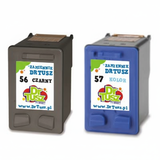
- Compatible Ink Cartridges 2x 56 + 57 for HP (SD399AE) (multi pack) – ideal for frequent printing and better value per page
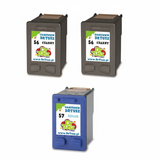
- Original OEM Ink Cartridge HP 56 (C6656AE) (Black) – manufacturer cartridge for users who prefer OEM solutions
- Original OEM Ink Cartridge HP 57 (C6657AE) (Color) – OEM colour performance for photos and colour documents
- Original OEM Ink Cartridges HP 56 + 57 (SA342AE) (multi pack) – OEM set to refresh both black and colour at once
- Original OEM Ink Cartridge HP 58 (C6658AE) (Foto) – dedicated photo cartridge for improved photo quality
Thanks to the mix of singles, 2-packs and multi packs, you can buy exactly what you need—whether you print occasionally or you want to stock up and avoid downtime. How to choose the right cartridge: OEM vs compatible (and what we recommend) When you’re deciding between Original OEM ink cartridges and compatible ink cartridges for HP Photosmart 7450w, the key is to match your expectations and printing habits: - Original OEM – a good choice if you want to stay with the manufacturer’s cartridge line and you print photos where you want repeatable colour characteristics.
- Compatible – the best option when you want excellent results and better cost efficiency. Our compatible cartridges are designed to deliver print quality comparable to OEM—so you don’t have to choose between savings and strong performance.
We often help customers who search by different names such as 7450w, 7450 w, 7450W or HP Photosmart 7400 Series. If you’re unsure, look at the cartridge symbol on the old cartridge or match the code: C6656AE (HP 56 Black), C6657AE (HP 57 Color), C6658AE (HP 58 Foto), as well as sets like SA342AE or Q3411A. Common user issues with HP Photosmart 7450w and quick tips This printer is reliable, but like many inkjet photo models it can show a few typical symptoms—especially if it’s used occasionally. Here’s what usually helps: - Faded colour or missing lines – run the printer’s cleaning cycle and print a test pattern; photo printers can need a quick refresh after longer breaks.
- Cartridge not recognised – remove and reseat the cartridge; gently clean the electrical contacts (dry, lint-free cloth) and restart the printer.
- Photos not as smooth as expected – consider adding or replacing the HP 58 (Foto) cartridge for better photo gradation.
- Ink runs out too quickly – choose multi packs (like SA342AE or SD399AE) and print in the right mode for the job (draft for internal documents, best for photos).
If you tell us what you print most—documents, school materials, or photo albums—we’ll help you select the best ink for HP Photosmart 7450w without overpaying. Choose your ink today and keep your Photosmart ready to print We encourage you to explore our category of ink cartridges for HP Photosmart 7450w—both compatible and Original OEM. Add the right cartridge to your basket and enjoy consistent printing without interruptions. If you need help matching a code like C6656AE, C6657AE, C6658AE or a set such as Q3411A/SA342AE, contact us—our team will guide you quickly and clearly. We ship efficiently and we’re ready to help you choose the best option for your budget and print quality expectations. CTA: Check the available cartridges above, choose your preferred version (compatible or Original OEM), and order your ink for printer HP Photosmart 7450w today. |