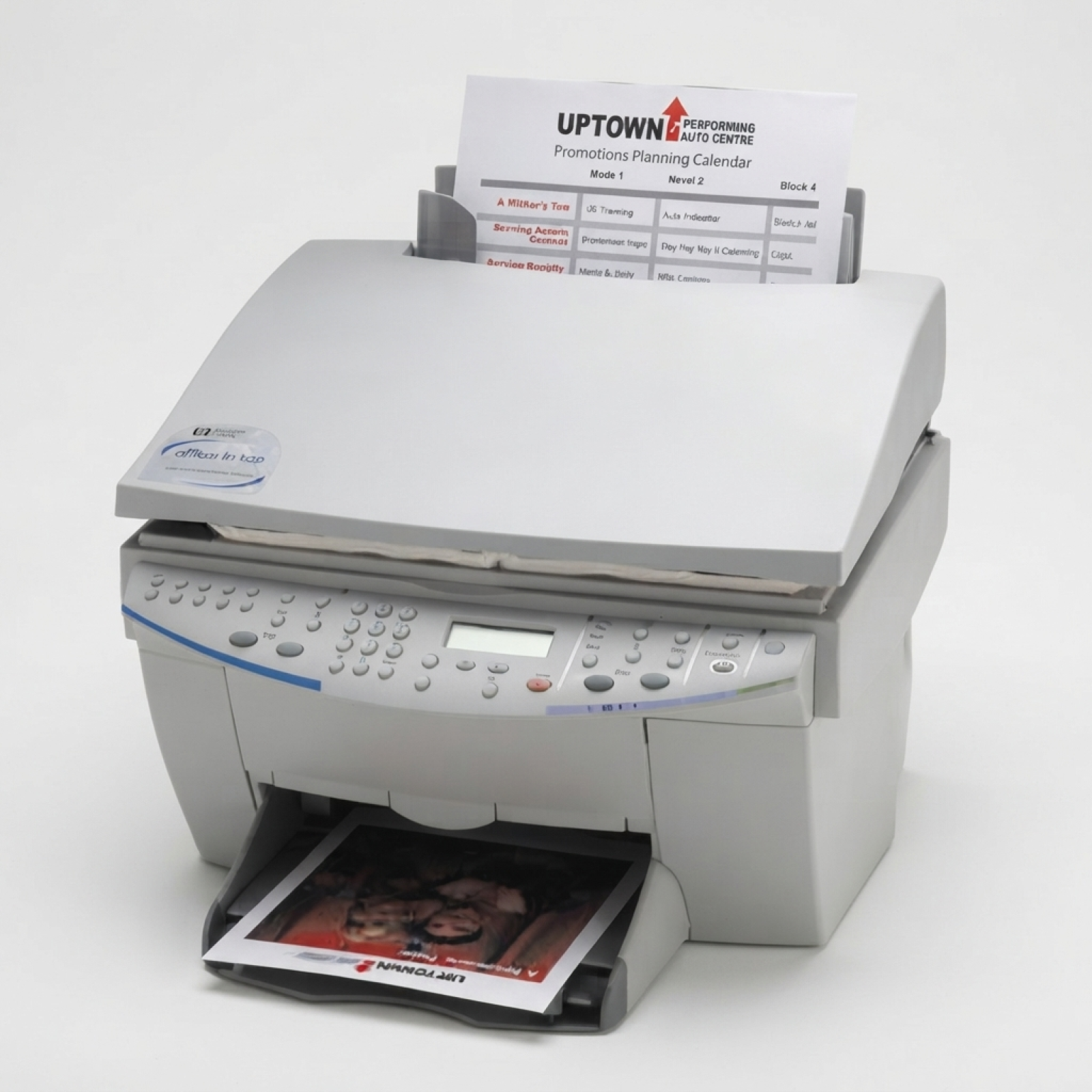
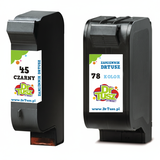
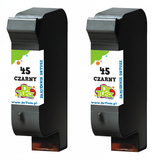
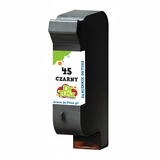
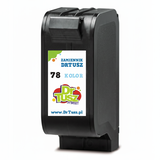
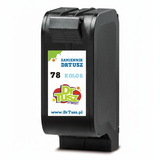
Reliable printing with the HP OfficeJet g85 Dear Customer, the HP OfficeJet g85 (also searched as HP g85, g85 or G85) is a well-known all-in-one from the HP Officejet g Series—valued for practical everyday printing, copying and scanning at home and in small offices. To keep this device working smoothly, you need the right ink cartridges for HP OfficeJet g85 that deliver clear black text and vibrant colour prints whenever you need them. What to expect from ink for HP OfficeJet g85 Choosing the right ink for HP OfficeJet g85 makes a real difference in print quality and convenience. This model uses two main cartridge types: black for crisp documents and colour for photos, charts and graphics. With properly matched cartridges, you can count on consistent results from the first page to the last—whether you print invoices, school materials, forms, or occasional colour handouts. In this category you’ll find ink cartridges designed specifically for the g85 series, including the popular codes 51645AE (often searched as C6737Z in some listings) and C6578AE / C6578DE. We offer both Original OEM and Compatible options, so you can choose what best suits your printing style and budget. Compatible and Original OEM—one place, many choices We know that different customers have different expectations. That’s why we keep a wide selection of ink cartridges for HP OfficeJet g85, from single cartridges to value multipacks. If you prefer the manufacturer’s solution, choose Original OEM ink for HP OfficeJet g85. If you want excellent value without compromising everyday performance, our compatible ink cartridges from the DrTusz.pl offer are a reliable alternative—made to print as well as originals for typical home and office use. Popular products in this category To make your choice easier, here are some of the most frequently selected items—covering black, colour and multipacks: - Compatible Ink Cartridge 45 for HP (51645AE) (Black) – a practical choice for sharp text and office documents.
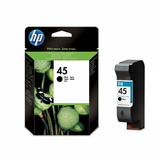
- Original OEM Ink Cartridge HP 45 (51645AE) (Black) – for customers who want the original HP solution.
- Compatible Ink Cartridge 78 for HP (C6578AE / C6578DE) (Color) – ideal for colour printing, graphics and occasional photos.
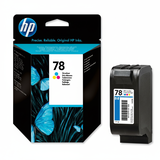
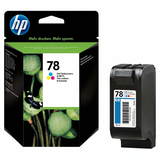
- Original OEM Ink Cartridge HP 78 (C6578AE) (Color) and Original OEM Ink Cartridge HP 78 (C6578DE) (Color) – OEM colour cartridges for consistent results.
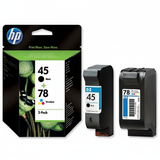
- Compatible Ink Cartridges 45 + 78 for HP (SA308AE) (multi pack) and Original OEM Ink Cartridges HP 45 + 78 (SA308AE) (multi pack) – convenient sets for full replacement in one purchase.
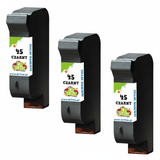
- Compatible Ink Cartridges 45 for HP (SA294AE) (Black) (2-pack) and Compatible Ink Cartridges 45 for HP (51645AE-3) (Black) (3-pack) – great for frequent black printing and better cost-per-page planning.
- Compatible Ink Cartridges 78 for HP (C6578AE-2) (Color) (2-pack) – a smart option if you print colour regularly.
How to choose the right cartridge for your needs If you’re unsure which ink cartridge for HP OfficeJet g85 is best, we recommend a simple approach: - Print mostly text? Choose a black cartridge HP 45 / 51645AE—or a 2-pack/3-pack if you print often.
- Need colour for charts or photos? Add the colour cartridge HP 78 / C6578AE / C6578DE.
- Want convenience? Pick a multipack 45 + 78 so you’re ready for both black and colour printing.
- Prefer OEM vs savings? Select Original OEM for the manufacturer’s cartridge, or go with Compatible for excellent everyday performance and a better price.
Original OEM cartridges are produced by HP and are often chosen for strict brand preference. Our compatible ink for HP OfficeJet g85 is a dependable alternative: it’s designed to match the printer’s requirements and deliver strong quality for typical home and office prints—so you can print confidently while keeping costs under control. Common HP OfficeJet g85 printing issues—and simple tips Older models like the HP OfficeJet g85 can occasionally show problems that are easy to fix with good habits and the right cartridge: - Faded prints or missing lines – often caused by infrequent printing; run the printer’s cleaning cycle and print a test page.
- Ink not recognised after replacement – remove and reinstall the cartridge, and make sure any protective tape has been fully removed.
- Blurry text or smudges – check paper type and settings; use normal/plain paper mode for documents.
- Colour looks “off” – a fresh colour cartridge and nozzle check usually restores proper colour balance.
If you need help identifying whether you need 51645AE, C6578AE or C6578DE, we’re here to help you match the correct ink for HP g85 quickly and safely. Choose your ink and start printing today We encourage you to explore our full range of ink cartridges for HP OfficeJet g85—both compatible and Original OEM. Select a single cartridge for immediate replacement, or choose a multipack to save time and stay stocked. Add your chosen cartridge to the cart, and if you have any questions about compatibility with HP OfficeJet g85 or the HP Officejet g Series, contact us—we’ll guide you to the right product and help you get back to clean, reliable printing with fast, convenient delivery options. |