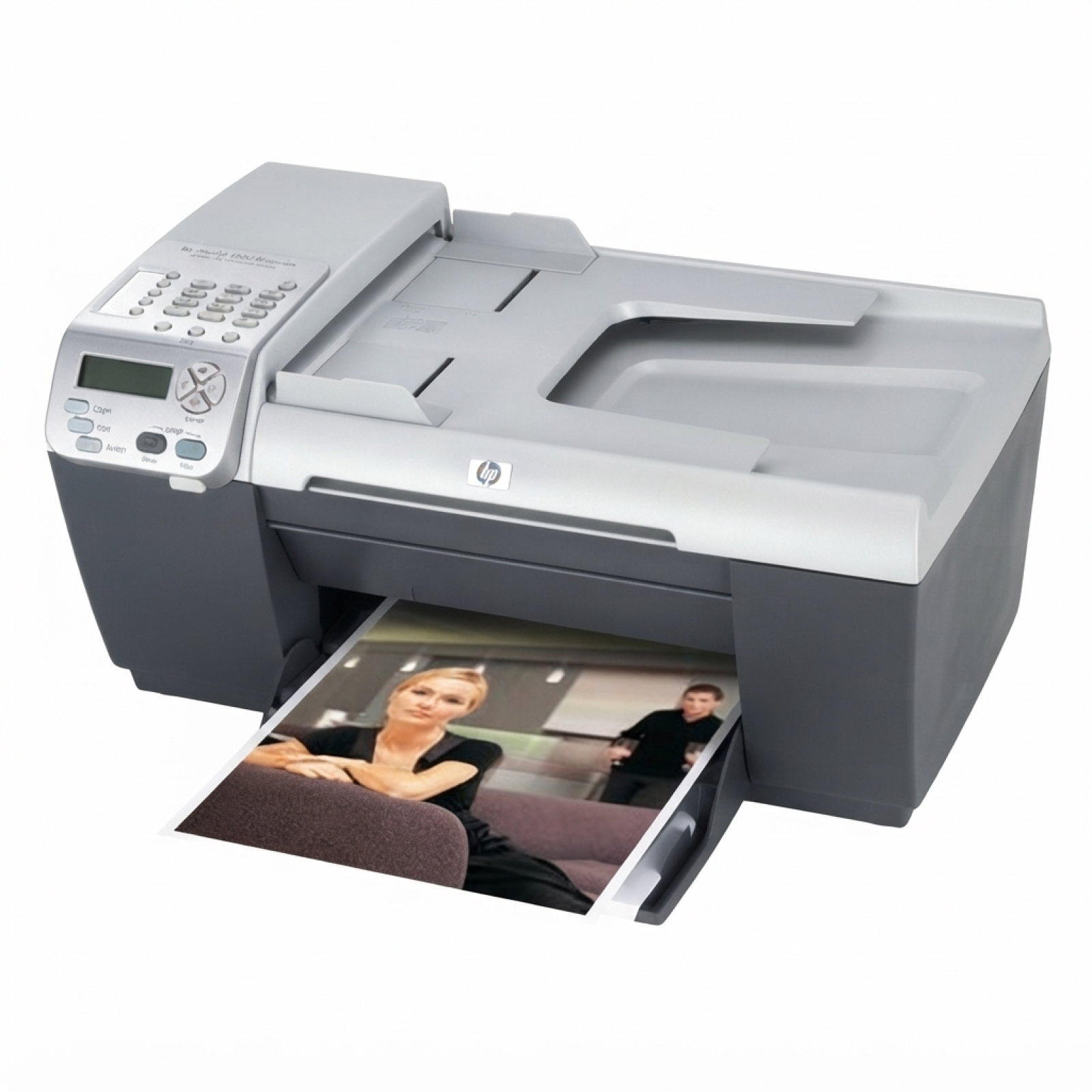
Ink cartridges for HP OfficeJet 5500 – reliable printing for home and office The HP OfficeJet 5500 (also searched as HP 5500, HP Officejet 5500 Series or simply 5500) is a popular inkjet all-in-one designed for everyday documents, occasional color printing and home-office tasks. When your prints start to look faded or streaky, the quickest way to restore quality is choosing the right ink for HP OfficeJet 5500—and that’s exactly what we help you do. What you should know about ink for HP OfficeJet 5500 This printer uses two cartridges: one black and one tri-color. In practice, that means you can replace only the color you need, keeping running costs under control. A well-matched ink cartridge for HP OfficeJet 5500 delivers crisp text for invoices and schoolwork, and vivid colors for charts, photos, and presentations. Key benefits you can expect from the right ink for HP 5500: - Sharp black text for everyday documents and forms
- Consistent color output for graphics and mixed-content printing
- Stable cartridge performance with fewer interruptions
- Easy installation—swap the cartridge and continue printing
Compatible vs Original OEM: choose what fits your needs In this category we offer both Original OEM and Compatible options, so you can decide what matters most: brand-original supplies or a more budget-friendly alternative. The good news is that our compatible cartridges from DrTusz.pl are designed to be as good as the originals in everyday use—great print quality, reliable page output and a smooth fit in your device. - Original OEM ink for HP OfficeJet 5500 – ideal if you want the manufacturer’s cartridge and predictable results.
- Compatible ink for HP OfficeJet 5500 – a smart choice if you print often and want to reduce cost per page without sacrificing quality.
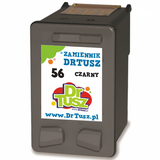
Popular cartridges in this category (Black + Color) We keep the offer clear and practical, focusing on the cartridges most commonly used with the HP OfficeJet 5500 Series. You’ll find both single cartridges and money-saving multipacks: - Compatible Ink Cartridge 56 for HP (C6656AE) (Black) – dependable black printing for text-heavy work.
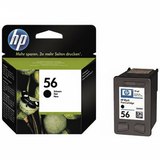
- Original OEM Ink Cartridge HP 56 (C6656AE) (Black) – OEM black for those who prefer original supplies.
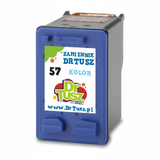
- Compatible Ink Cartridge 57 for HP (C6657AE) (Color) – everyday color printing for graphics and mixed documents.
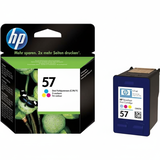
- Original OEM Ink Cartridge HP 57 (C6657AE) (Color) – OEM color for consistent, manufacturer-grade results.
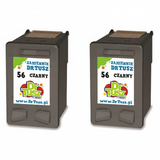
- Compatible Ink Cartridges 56 for HP (C9502AE) (Black) (2-pack) – convenient запас for frequent black printing.
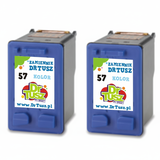
- Compatible Ink Cartridges 57 for HP (C9503AE) (Color) (2-pack) – great if you print color regularly.
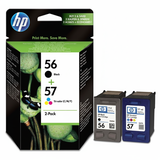
- Compatible Ink Cartridges 56 + 57 for HP (SA342AE) (multi pack) – a balanced set for everyday printing.
- Original OEM Ink Cartridges HP 56 + 57 (SA342AE) (multi pack) – original multipack for complete peace of mind.
- Compatible Ink Cartridges 2x 56 + 57 for HP (SD399AE) (multi pack) – a high-value option for offices and heavy users.
How to choose the right ink cartridge for HP OfficeJet 5500 If you want a simple, no-risk selection method, start with the cartridge codes. For ink for HP OfficeJet 5500, the standard choices are: - HP 56 – Black (code: C6656AE)
- HP 57 – Color (code: C6657AE)
Then decide on the class: - Choose Original OEM if you prefer the manufacturer’s cartridge.
- Choose Compatible if you want excellent value—our compatibles are built for reliable performance and high-quality output comparable to OEM.
And finally, think about your printing habits. If you print a lot (school materials, invoices, shipping labels), multipacks and 2-packs can be the most cost-effective way to keep ink for HP 5500 always ready. Common HP OfficeJet 5500 issues we help solve Many customers come to us with similar symptoms. The right ink cartridge for HP OfficeJet 5500 often resolves them quickly: - Faded prints or missing colors – usually means the cartridge is running low or the nozzle needs a cleaning cycle.
- Streaks on the page – can be improved with printer maintenance and a fresh cartridge.
- Printer doesn’t recognize the cartridge – reseating the cartridge and checking the model/code (HP 56/57) often helps.
- Color looks “off” – replacing the tri-color cartridge (HP 57) restores balanced output.
If you’re unsure which ink for printer HP OfficeJet 5500 to choose, we encourage you to contact us—we’ll help you match the correct cartridge code and pick the best option for your budget. Order today and keep your HP 5500 printing without interruptions We encourage you to explore our full selection of compatible and Original OEM ink for HP OfficeJet 5500 and choose the option that fits your printing style. With multipacks, 2-packs, and single cartridges available, it’s easy to stock up and avoid downtime when you need documents fast. CTA: Add your chosen ink cartridge for HP OfficeJet 5500 to the cart now, or contact us if you want help selecting the best compatible or Original OEM option. We’re here to make sure your printing stays clean, sharp, and hassle-free—with fast delivery and friendly support whenever you need it. |