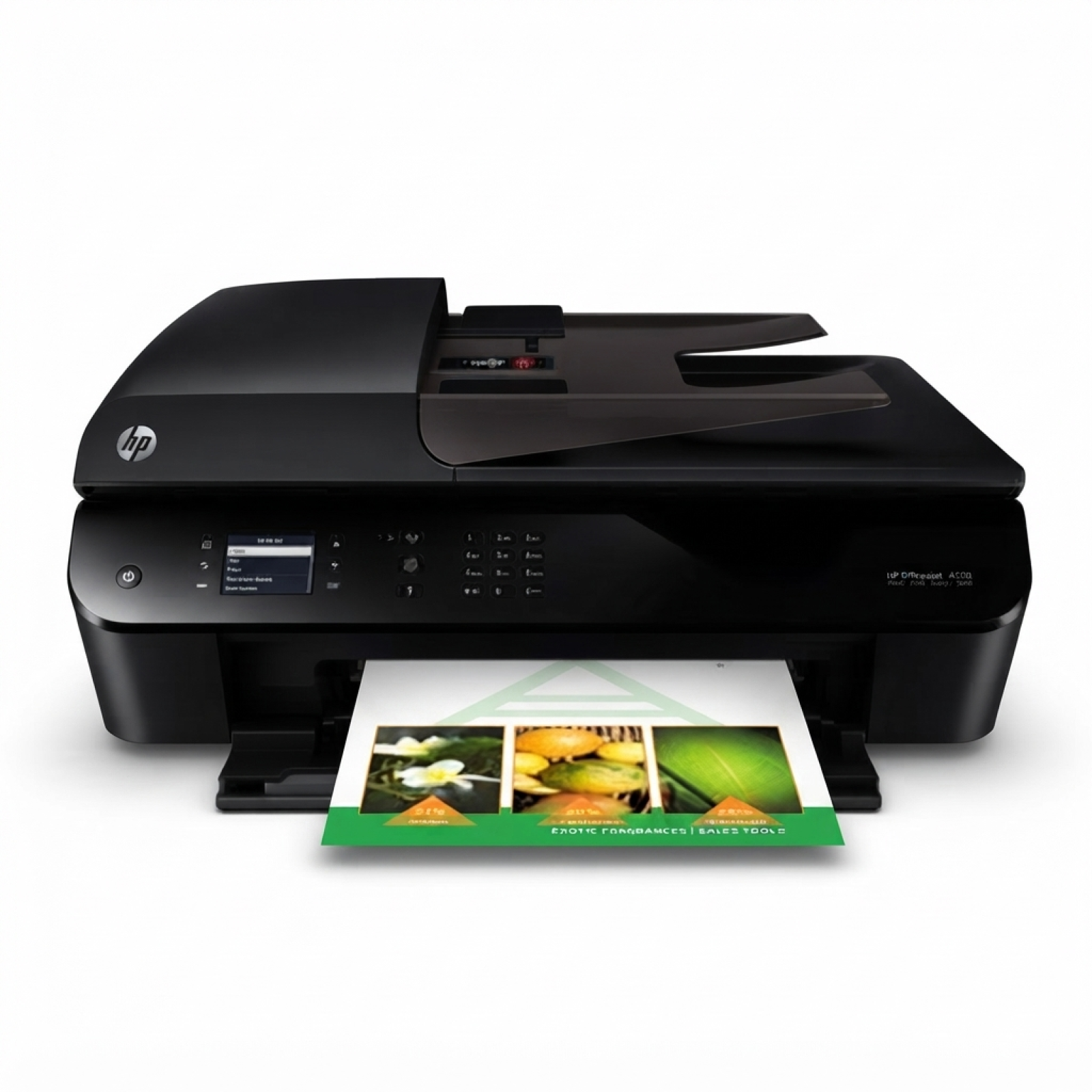
| If you use the HP OfficeJet 4632 e-All-in-One (also found under names such as HP 4632, HP Officejet 4630 e-All-in-One Printer series, or the designation B4L05A), you already know why this device is so popular: it’s a practical home-and-small-office all-rounder for printing, scanning and copying. To keep it working smoothly, you simply need the right ink for HP OfficeJet 4632 e-All-in-One—and in this category we’ve gathered both Original OEM and reliable compatible ink cartridges that fit this model perfectly. Ink for HP OfficeJet 4632 e-All-in-One – what matters in everyday printing Choosing the right ink for printer HP OfficeJet 4632 e-All-in-One affects not only print quality, but also convenience and cost per page. This model uses the popular HP 301 family of cartridges (standard and XL), available in black and tri-colour. With the right set, you can comfortably print: - sharp documents for work and school (black ink),
- colour graphics, charts and presentations (tri-colour),
- everyday home prints, forms and email attachments,
- occasional colour photos (best results with fresh colour cartridges and proper paper).
In our offer you’ll find both standard capacity options for lighter use and high-yield versions that are ideal when you print more and don’t want to replace cartridges so often. Original OEM or compatible? We make it easy to choose In this category we offer Original OEM ink cartridges as well as compatible ink for HP 4632. Original OEM is the manufacturer’s cartridge—chosen by customers who want to stick to factory solutions. At the same time, our compatible cartridges from the DrTusz.pl offer are designed as a smart alternative: they deliver very good print quality, stable operation and great value. What’s the practical difference? - Original OEM HP 301 / HP 301 XL – manufacturer cartridges, a straightforward choice for those who prefer OEM supplies.
- Compatible HP 301 / HP 301 XL – budget-friendly option with performance comparable to originals in everyday office and home printing; perfect if you want to lower printing costs without sacrificing quality.
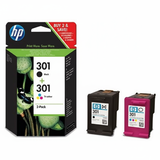
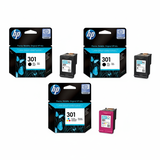
Popular cartridges for HP 4632 – best-selling choices in one place We’ve built this category so you can quickly find exactly the cartridge you need—black, colour, standard or XL, single packs or multipacks. Customers most often choose: - Original OEM Ink Cartridges HP 301 BK + 301 C (N9J72AE) (multi pack) – a convenient OEM set for black + colour printing.
- Compatible Ink Cartridges 301 XL BK + 301 XL C for HP (N9J72AE) (multi pack) – a high-yield compatible multipack for frequent printing and excellent cost-per-page.
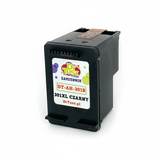
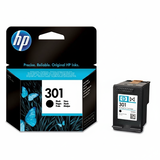
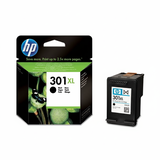
- Compatible Ink Cartridge 301 XL for HP (CH563EE) (Black) and Original OEM Ink Cartridge HP 301 XL (CH563EE) (Black) – two strong options when you print mainly text and want longer runtime.
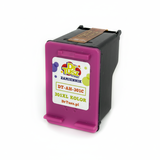
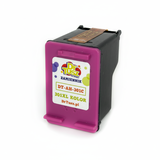
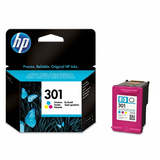
- Original OEM Ink Cartridge HP 301 (CH562EE) (Color) and Compatible Ink Cartridge 301 for HP (CH562EE) (Color) – for everyday colour graphics and mixed documents.
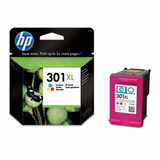
- Original OEM Ink Cartridge HP 301 XL (CH564EE) (Color) and Compatible Ink Cartridge 301 XL for HP (CH564EE) (Color) – colour XL options for more frequent colour printing.
- Original OEM Ink Cartridges HP 2x 301 BK + 301 C (E5Y87EE) (multi pack) – a practical OEM multipack when you want an extra black cartridge ready to go.
Thanks to this variety, you can match the cartridge to your printing style—whether you print occasionally or every day. How to pick the right ink for HP OfficeJet 4632 e-All-in-One To choose the best ink for HP OfficeJet 4632 e-All-in-One, we recommend a simple checklist: - Check what you print most: mainly text → consider black XL; a mix of documents and graphics → go for a black + colour set.
- Decide on capacity: standard cartridges are fine for light use; XL is better for frequent printing and fewer replacements.
- Match the code: the HP 301 family includes CH561EE (black), CH562EE (colour), CH563EE (black XL), CH564EE (colour XL) and multipacks such as N9J72AE or E5Y87EE.
- Choose OEM vs compatible: if you want manufacturer cartridges, pick Original OEM; if you want excellent value and reliable results, choose our compatible cartridges—proven and widely selected by customers.
Common user issues with HP 4632 and how the right cartridge helps With the HP OfficeJet 4632 e-All-in-One, users most often report typical inkjet situations such as faded prints, missing lines, or messages about low ink. In many cases, the solution is straightforward: - Streaks or faded text – often means the black cartridge is running low or has been unused for a long time; replacing it (ideally with an XL if you print a lot) usually fixes the issue quickly.
- Washed-out colours – the tri-colour cartridge may be near empty; a fresh colour cartridge restores proper saturation.
- Frequent replacement – if you feel you change cartridges too often, switching to HP 301 XL versions (OEM or compatible) is the most effective way to improve comfort and reduce cost per page.
If you’re unsure which cartridge your printer currently uses, we’re here to help—just tell us the model name (HP OfficeJet 4632) and the cartridge code from your old cartridge if possible. Order ink today and keep your HP 4632 ready to print We encourage you to explore our selection of ink cartridges for HP OfficeJet 4632 e-All-in-One—both Original OEM and high-quality compatible options. Choose a single cartridge or a cost-effective multipack, place your order, and enjoy fast delivery and friendly support. If you have any questions about compatibility or want help selecting the best ink for HP 4632, contact us—we’ll guide you to the right choice. CTA: Browse the cartridges listed in this category, pick the capacity that fits your needs (standard or XL), and order your ink for HP OfficeJet 4632 e-All-in-One now—or message us and we’ll help you select the perfect cartridge set. |