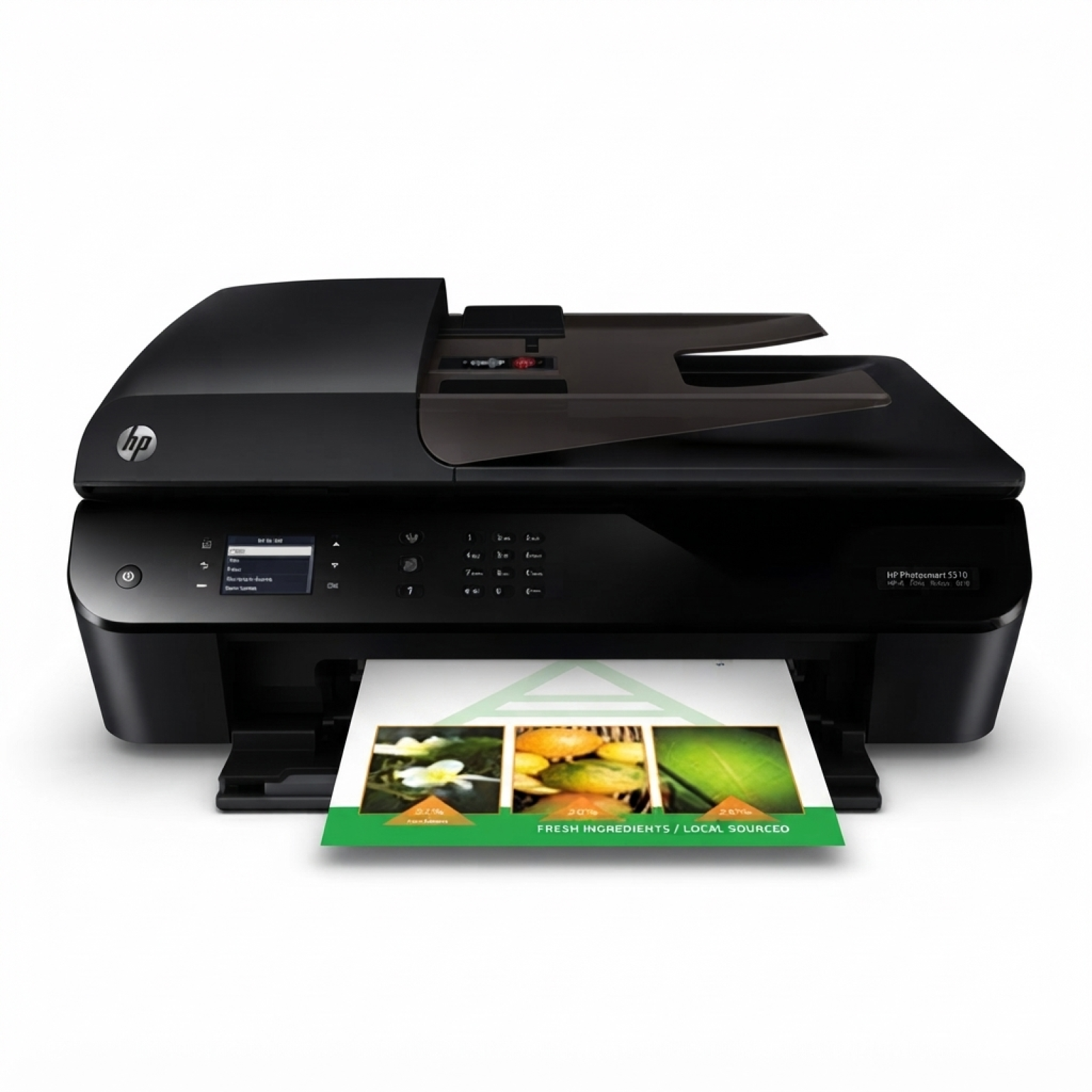
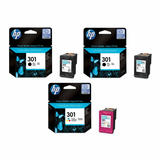
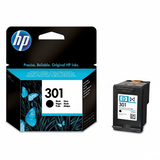
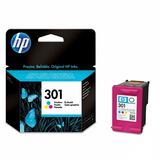
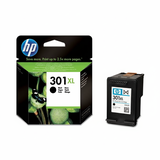
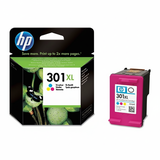
| Looking for reliable ink for HP OfficeJet 4630 e-All-in-One? This popular all-in-one device (also found under names such as HP 4630, HP Officejet 4630 e-All-in-One Printer series, or code B4L03B) is valued for everyday home and small-office printing, scanning and copying. To keep it performing at its best, it’s worth choosing cartridges that match your printing style—whether you prefer the certainty of Original OEM or the savings of well-made compatible options. Ink for HP 4630 – what matters in daily printing The HP OfficeJet 4630 e-All-in-One uses the well-known HP 301 family of cartridges, available in standard and high-yield (XL) versions. Good-quality ink for HP OfficeJet 4630 e-All-in-One should deliver clear text, strong blacks and natural colours—especially if you print documents for work, school materials, invoices, shipping labels, or occasional photos. When choosing an ink cartridge for HP OfficeJet 4630, pay attention to two things: page yield (standard vs XL) and your printing profile (mostly black text vs frequent colour graphics). XL cartridges are often the best choice for frequent printing because they reduce cartridge changes and can lower the cost per page. Original OEM and compatible ink cartridges – choose the option that fits you In our offer you’ll find both Original OEM ink cartridges for HP 4630 and carefully selected compatible alternatives. Original cartridges are produced by HP and are a great solution if you want to stick to manufacturer-branded consumables. At the same time, our compatible ink for HP OfficeJet 4630 e-All-in-One is designed to provide print quality and reliability on par with originals—while helping you significantly reduce printing costs. - Original OEM HP 301 / HP 301 XL – manufacturer cartridges, a classic choice for consistent everyday printing.
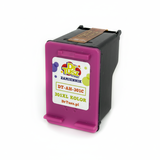
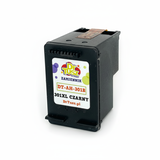
- Compatible HP 301 / HP 301 XL – cost-effective cartridges from DrTusz.pl offer, made to deliver excellent results for documents and colour prints.
- Multi packs – practical sets that combine black and colour cartridges for convenient replacements and better value.
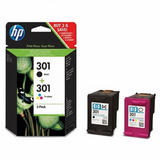
Popular cartridges in this category (HP 301 / HP 301 XL) To make your selection easier, here are some of the most frequently chosen products for ink for HP OfficeJet 4630: - Original OEM Ink Cartridges HP 301 BK + 301 C (N9J72AE) (multi pack) – a convenient set for users who want OEM black and colour in one purchase.
- Compatible Ink Cartridges 301 XL BK + 301 XL C for HP (N9J72AE) (multi pack) – a high-yield compatible multipack for frequent printing and lower cost per page.
- Original OEM Ink Cartridge HP 301 (CH561EE) (Black) and Original OEM Ink Cartridge HP 301 (CH562EE) (Color) – standard yield OEM options for moderate print volumes.
- Original OEM Ink Cartridge HP 301 XL (CH563EE) (Black) and Original OEM Ink Cartridge HP 301 XL (CH564EE) (Color) – XL cartridges for users who print often.
- Compatible Ink Cartridge 301 for HP (CH561EE) (Black) and Compatible Ink Cartridge 301 for HP (CH562EE) (Color) – great everyday alternatives when you want savings without compromising quality.
- Compatible Ink Cartridge 301 XL for HP (CH563EE) (Black) and Compatible Ink Cartridge 301 XL for HP (CH564EE) (Color) – ideal when you want fewer replacements and a better running cost.
- Original OEM Ink Cartridges HP 2x 301 BK + 301 C (E5Y87EE) (multi pack) – a smart OEM bundle when you print lots of black text and still need colour on hand.
How to choose the right ink cartridge for HP OfficeJet 4630 e-All-in-One If you’re unsure which ink for printer HP OfficeJet 4630 e-All-in-One to pick, use these simple rules: - Mostly documents? Choose HP 301 XL Black (CH563EE) or its compatible version—black runs out first in most homes and offices.
- Printing colour charts, school projects or photos? Add HP 301 / 301 XL Color (CH562EE / CH564EE) or the compatible colour cartridge.
- Want convenience? Pick a multipack (black + colour) so you can replace both at the right time and avoid downtime.
- Want the best value for frequent printing? Choose compatible XL cartridges—our DrTusz.pl compatible options are designed to be as good as the originals in everyday use.
Common user issues with HP OfficeJet 4630 ink – and quick solutions The HP OfficeJet 4630 is straightforward to run, but like any inkjet printer it can sometimes show typical cartridge-related messages. Here’s what to check before you worry: - Printer doesn’t detect the cartridge – remove and reinsert it firmly, check protective seals were removed, and make sure the contacts are clean and dry.
- Streaks or faded print – run the printer’s cleaning/aligning routine; if the cartridge is low or has been stored too long, replacing it often solves the issue immediately.
- “Ink low” warning too early – treat it as an estimate; print quality is the best indicator. Having a spare multipack helps avoid interruptions.
- Black text looks grey – choose an XL black cartridge for longer stable output, and use the printer’s quality settings when printing important documents.
If you need help selecting the correct ink cartridge for HP 4630 (B4L03B) or matching the right HP 301 / HP 301 XL code, we’re here to advise you. Order ink for HP OfficeJet 4630 with confidence We encourage you to explore our category of ink cartridges for HP OfficeJet 4630 e-All-in-One—both Original OEM and Compatible. Choose the multipack for convenience, pick XL for heavy printing, or go standard yield for occasional use. We focus on a wide selection, dependable availability and support you can count on. CTA: Check the available HP 301 and HP 301 XL cartridges in this category and place your order today. If you’re not sure which ink for HP OfficeJet 4630 e-All-in-One is best for your needs, contact us—we’ll help you choose quickly so you can get back to printing without delays. |