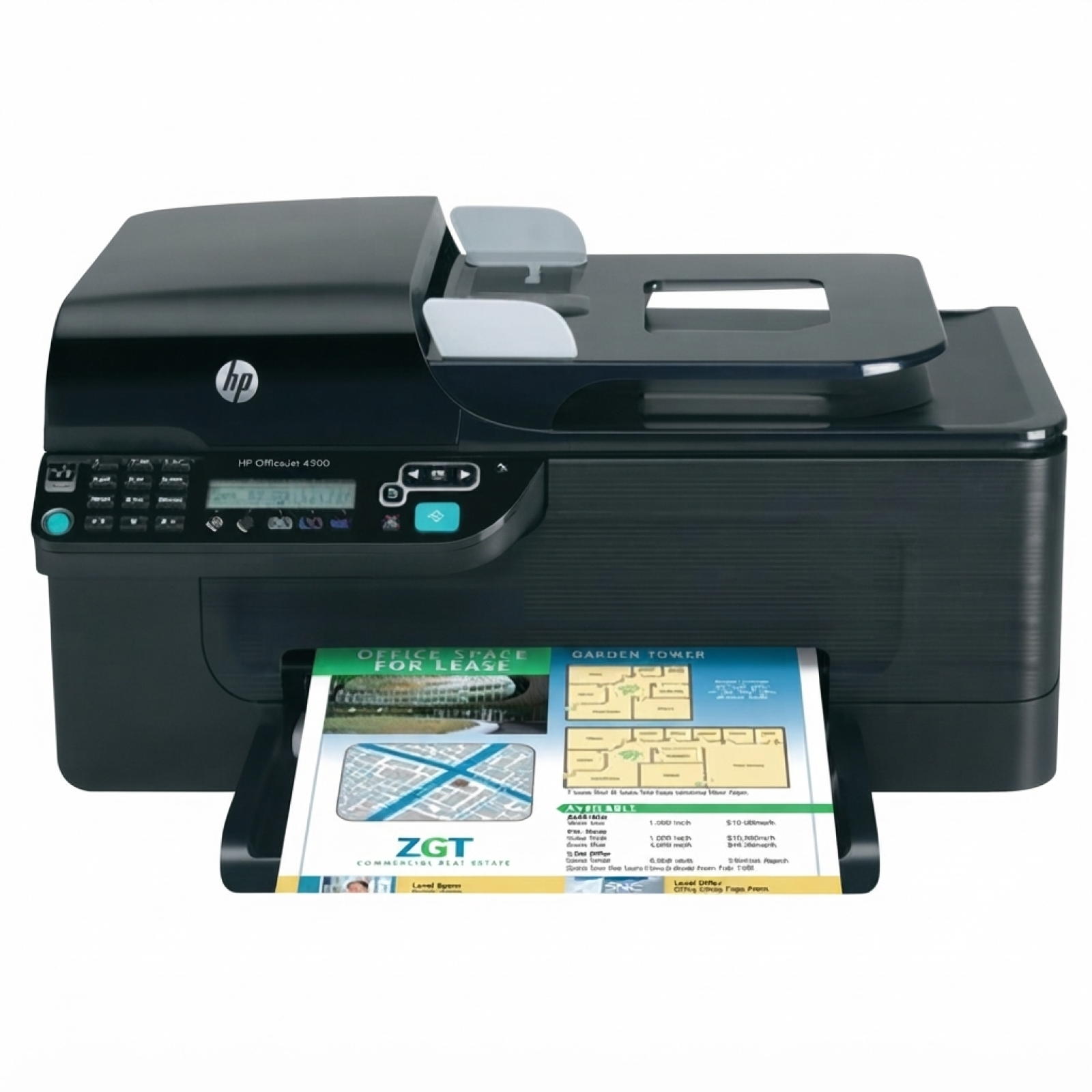
Ink for HP OfficeJet 4500 G510a – reliable printing for home and office The HP OfficeJet 4500 G510a (also found as HP G510a, HP Officejet 4500 All-in-One Series - G510, CM753A or simply 4500) is a popular all-in-one printer designed for everyday documents, forms and occasional color printing. To keep it working smoothly, you need the right ink cartridge for HP OfficeJet 4500 G510a—and that’s exactly what we offer in this category: both Original OEM and Compatible ink cartridges, ready for fast replacement and consistent results. What you get with the right ink cartridge for HP G510a Choosing a proper ink for HP OfficeJet 4500 G510a matters not only for print quality, but also for reliability. These cartridges are made for sharp black text, clean grayscale prints and vivid color graphics—perfect for invoices, school materials, office correspondence, presentations and simple marketing prints. With a well-matched ink cartridge for HP 4500, you can expect: - clear text and stable black density for daily documents,
- good color balance for charts and graphics,
- smooth printer operation and fewer interruptions,
- an easy cartridge swap with minimal downtime.
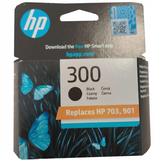
Original OEM and Compatible ink – choose what fits your needs In this category we stock both Original OEM ink cartridges and carefully selected compatible ink cartridges for the HP OfficeJet 4500 G510a. OEM cartridges are produced by the printer manufacturer and are a great choice if you want to stick to the original solution. If you’re looking for a smart way to lower printing costs, our compatible ink for HP OfficeJet 4500 G510a is a strong alternative. We select proven replacements that deliver very good print quality and reliable performance. In practice, many customers choose compatible cartridges for everyday printing and keep OEM for special tasks—although our compatible options are fully capable for regular office and home use. Popular ink cartridges for HP OfficeJet 4500 G510a in our offer To make shopping easier, we keep the most commonly used cartridges for this model readily available. In this category you’ll find, among others: - Original OEM Ink Cartridge HP 300 (CC640EE) (Black) – dependable black ink for crisp text documents,
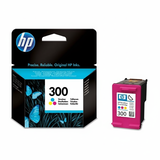
- Original OEM Ink Cartridge HP 300 (CC643EE) (Color) – color printing for everyday graphics and mixed documents,
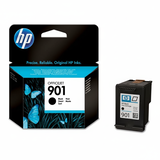
- Original OEM Ink Cartridge HP 901 (CC653AE) (Black) – a popular black cartridge variant for this printer family,
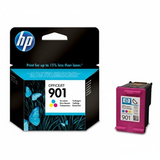
- Original OEM Ink Cartridge HP 901 (CC656AE) (Color) – color cartridge for balanced, natural-looking output,
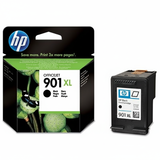
- Original OEM Ink Cartridge HP 901 XL (CC654AE) (Black) – higher-capacity option for more frequent black printing,
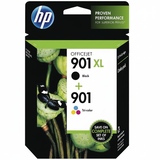
- Original OEM Ink Cartridges HP 901 XL BK + 901 C (SD519AE) (multi pack) – a convenient set for people who print in both black and color,
- Compatible Ink Cartridge 901 XL for HP (CC654AE) (Black) – an economical high-yield alternative,
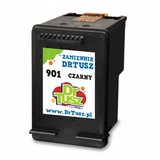
- Compatible Ink Cartridge 901 for HP (CC653AE) (Black) – cost-effective black ink for everyday pages,
- Compatible Ink Cartridge 901 for HP (CC656AE) (Color) – affordable color printing without sacrificing clarity.
Thanks to this selection, you can quickly match the right ink cartridge for HP G510a to your printing style—whether you print occasionally or regularly. How to choose ink for HP OfficeJet 4500 G510a (and avoid common issues) When buying ink for HP OfficeJet 4500 G510a, start by checking the cartridge symbol currently installed in your printer or referenced in your printer menu. This model is often searched under different names (e.g., CM753A or Officejet 4500 All-in-One Series - G510), so focusing on the cartridge code is the safest approach. We also recommend the following simple rules: - Choose XL when you print more – an XL black cartridge (like 901 XL) can reduce the frequency of replacements.
- Pick OEM for maximum “manufacturer default” compatibility – great for those who want the original solution.
- Pick Compatible to save money without compromising quality – our compatible cartridges are a proven, practical alternative and are as good as originals for everyday printing.
Common user-reported situations with the HP OfficeJet 4500 G510a include fast ink consumption with frequent printing, warnings after cartridge replacement, or reduced quality after longer periods of inactivity. In many cases, installing a fresh ink cartridge for HP OfficeJet 4500 G510a and printing a quick test page helps restore normal performance. If you’re unsure which version (standard vs XL, black vs color, OEM vs compatible) will be best for your needs, we encourage you to contact us—our team will help you choose quickly and correctly. Order ink cartridges today – convenient shopping and support We make it easy to get the right ink for HP OfficeJet 4500 G510a in one place—both Original OEM and Compatible options, clearly labeled and ready to ship. Browse the products in this category, choose the cartridge code that matches your needs, and keep your HP printer ready for work. CTA: We encourage you to view the full selection of ink cartridges for HP OfficeJet 4500 G510a and place your order now. If you have any questions about compatibility (HP 4500 / G510a / CM753A), write to us or call—we’ll gladly help you pick the best cartridge and arrange fast delivery. |