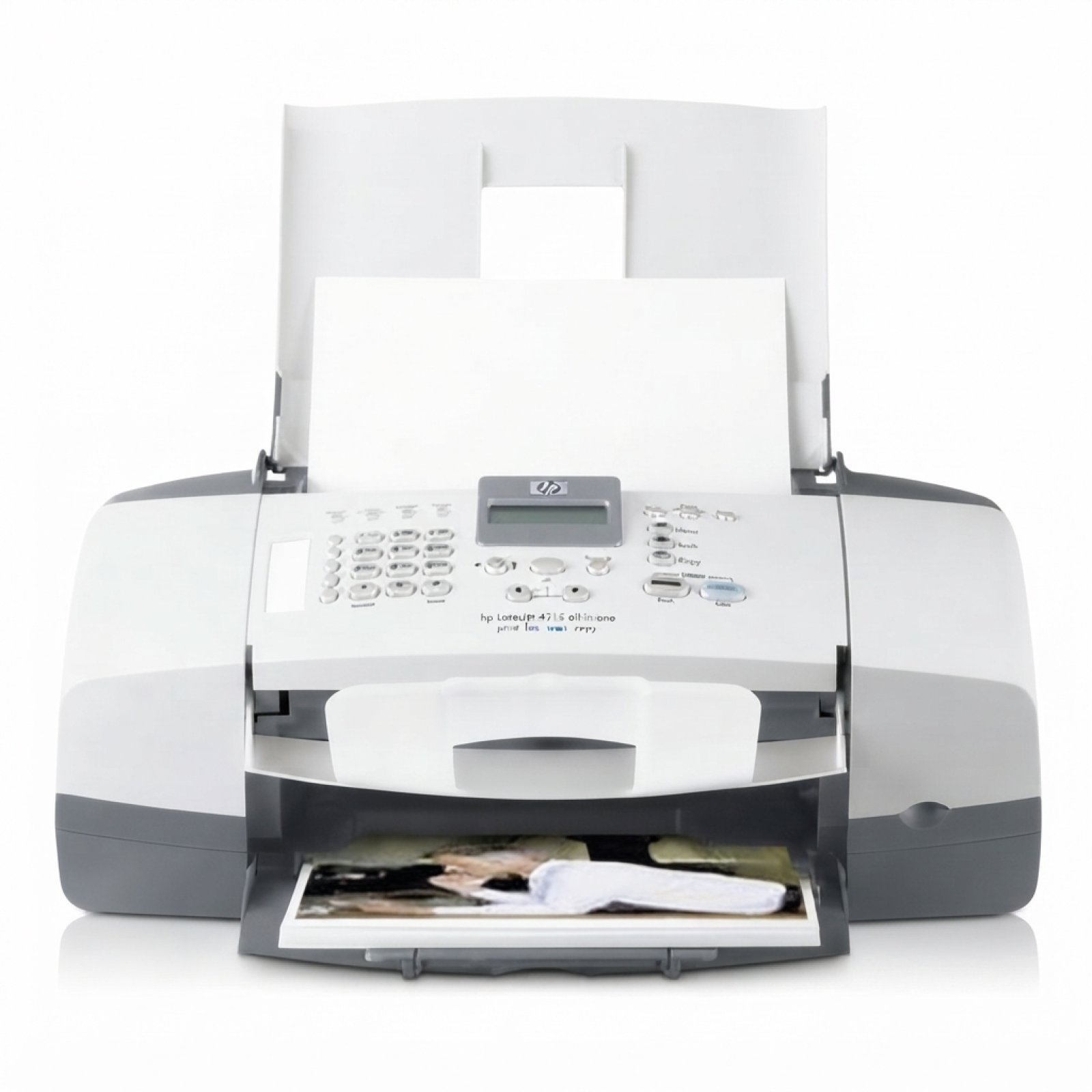
HP OfficeJet 4252 – a reliable all‑rounder for everyday printing If you use the HP OfficeJet 4252 (also searched as HP 4252 or HP OfficeJet 4200 Series), you probably value practicality: quick documents, school printouts, occasional color graphics, and simple home-office tasks. To keep this device performing at its best, you need the right ink for HP OfficeJet 4252—fresh, well-matched, and ready to deliver sharp black text and vivid color. What to expect from ink cartridges for HP OfficeJet 4252 Choosing the correct ink cartridge for HP OfficeJet 4252 directly affects print quality, cost per page, and how smoothly your printer works. This model uses classic HP cartridge references often searched by code (e.g., Q5610A) as well as the well-known cartridge families HP 56/57 and HP 27/28. In our category you’ll find both Original OEM and Compatible options—so you can match your purchase to your printing style and budget. - Black ink for crisp contracts, invoices, and homework
- Color ink for charts, photos, and mixed documents
- Multipacks for convenience and better value
- 2-packs for frequent printing and fewer replacements
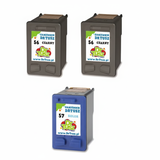
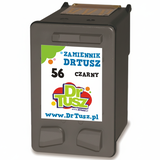
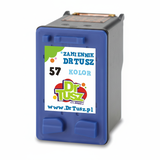
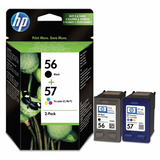
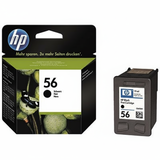
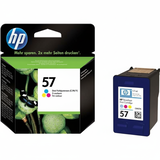
Whether you print occasionally or regularly, the right ink for HP 4252 helps maintain consistent results from the first page to the last. Compatible or Original OEM – choose the option that fits you In this category we offer both Original OEM ink cartridges and carefully selected compatible ink cartridges. Original cartridges are produced by HP and are a great choice if you prefer manufacturer-branded supplies. Compatible cartridges are a smart alternative for customers who want to reduce printing costs without sacrificing reliability. Our experience shows that a high-quality compatible ink cartridge for HP OfficeJet 4252 from DrTusz.pl can perform just as well as the original—clear text, stable colors, and dependable everyday printing. If you print a lot, compatible multipacks and twin packs can significantly lower your total cost per page. Popular picks in our range (HP 56/57 and HP 27/28) We keep this category wide and practical, so you can quickly find the ink for HP OfficeJet 4252 you need—single cartridges for urgent replacements and sets for planned savings. Customers often choose: - Compatible Ink Cartridges 56 + 57 for HP (SA342AE) (multi pack) – a convenient black + color combo for everyday home and office use
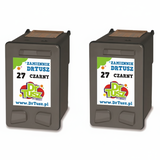
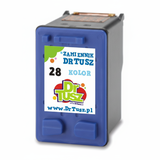
- Compatible Ink Cartridges 27 + 28 for HP (CC628AE) (multi pack) – a popular alternative set for mixed printing
- Compatible Ink Cartridge 56 for HP (C6656AE) (Black) and Compatible Ink Cartridge 57 for HP (C6657AE) (Color) – ideal when you only need one color replaced
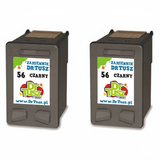
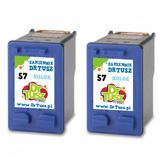
- Compatible Ink Cartridges 56 for HP (C9502AE) (Black) (2-pack) and Compatible Ink Cartridges 57 for HP (C9503AE) (Color) (2-pack) – great for frequent printing and better stock control
- Original OEM Ink Cartridge HP 56 (C6656AE) (Black) and Original OEM Ink Cartridge HP 57 (C6657AE) (Color) – manufacturer originals for those who prefer OEM supplies
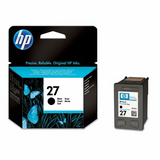
- Original OEM Ink Cartridge HP 27 (C8727AE) (Black) and Original OEM Ink Cartridge HP 28 (C8728AE) (Color) – OEM options for the 27/28 family
- Original OEM Ink Cartridges HP 56 + 57 (SA342AE) (multi pack) – an easy OEM bundle for black + color replacement
How to choose the right ink for HP OfficeJet 4252 (and avoid common problems) When selecting ink for HP OfficeJet 4252, we recommend checking the cartridge symbol currently installed in your printer (or your previous order). This model may be used with different cartridge families depending on the configuration, so matching the code is key: C6656AE / C6657AE (HP 56/57) and C8727AE / C8728AE (HP 27/28). If you’re unsure, we encourage you to contact us—we’ll help you choose correctly. Common user issues with inkjet devices like the HP OfficeJet 4252 are usually simple to prevent: - Faded print or streaks – often caused by low ink levels or infrequent printing; replacing with fresh ink for HP 4252 typically restores quality
- Color imbalance – when one color runs out earlier; a single color cartridge replacement may be enough
- “Cartridge not detected” messages – usually resolved by reseating the cartridge and ensuring you’ve selected the correct model/code
- High running costs – solved by switching to a compatible multipack or 2-pack without compromising day-to-day results
If you print regularly, consider a multipack—having black and color ready means fewer interruptions. If you print mostly documents, stocking an extra black cartridge is often the most cost-effective plan. Order ink for HP OfficeJet 4252 with confidence We make it easy to choose the best ink cartridge for HP OfficeJet 4252—compatible or Original OEM—so you can print more, worry less, and keep your device ready whenever you need it. Browse the products in this category, pick the set that matches your printing habits, and enjoy a smooth shopping experience with clear product naming and cartridge codes. Call to action: We encourage you to explore our full selection of ink for HP OfficeJet 4252 above. If you have any doubts about compatibility (HP Officejet 4200 Series, Q5610A, SA342AE, CC628AE, C6656AE, C6657AE, C8727AE, C8728AE), contact us—together we’ll choose the best cartridge and arrange fast, convenient delivery. |