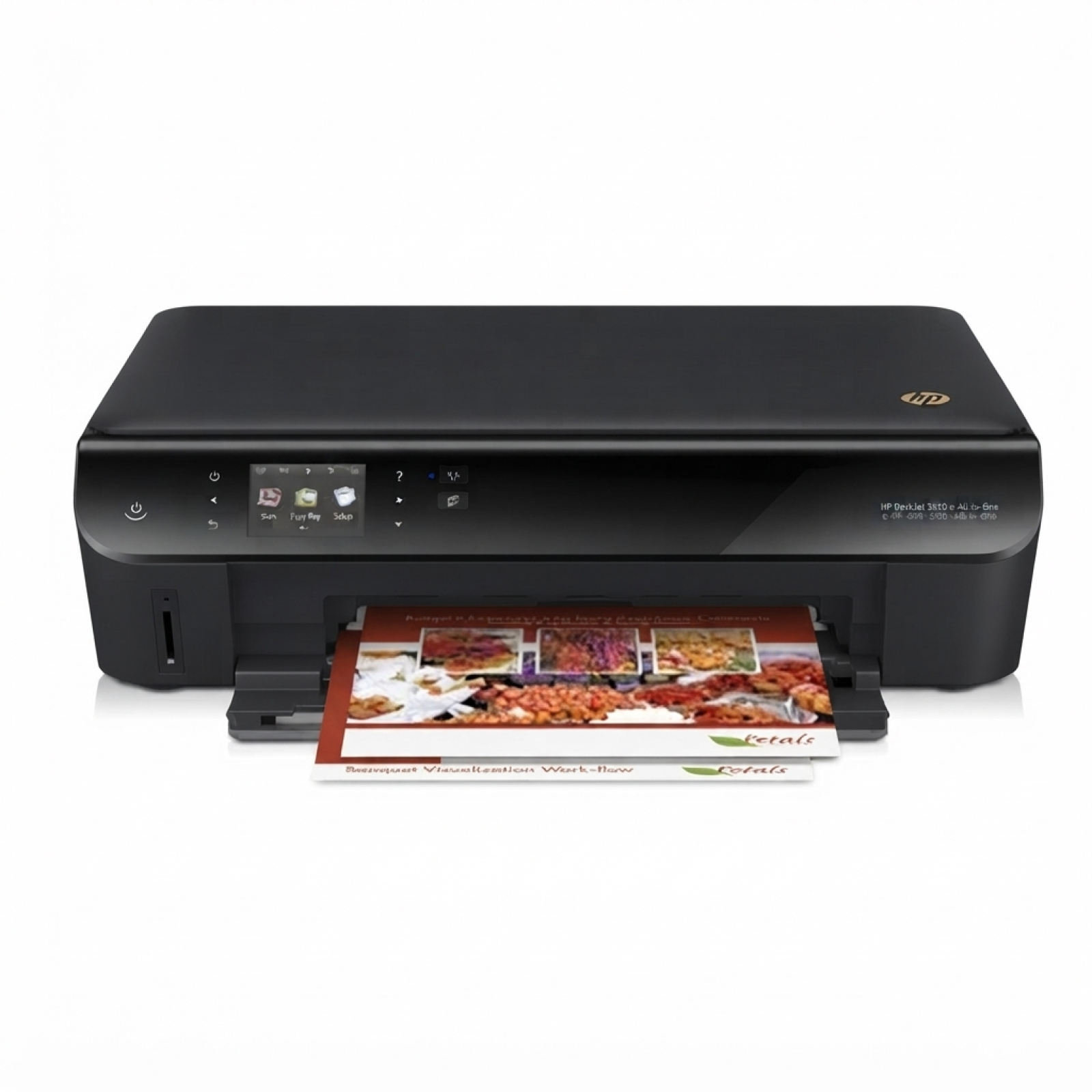
Reliable printing with HP DeskJet Ink Advantage 4515 e-All-in-One If you use the HP DeskJet Ink Advantage 4515 e-All-in-One (also searched as HP 4515, A9J41A or the HP Deskjet Ink Advantage 4000 Printer series), you already know why it’s so popular: it’s a compact home-and-office device that prints, scans and copies with ease, and adds the convenience of e-services and wireless printing. To keep this printer working at its best, you need the right ink cartridge for HP DeskJet Ink Advantage 4515 e-All-in-One—and that’s exactly what we offer in this category: both Original OEM and high-quality Compatible options. What to expect from ink for HP 4515: quality, efficiency, everyday comfort Choosing the right ink for HP DeskJet Ink Advantage 4515 e-All-in-One affects more than just the look of your prints. A good cartridge delivers consistent text sharpness, smooth grayscale, and vivid color for photos, school materials, invoices and everyday documents. In this category you’ll find HP 650 cartridges in two essential versions: Black for crisp documents and Color for graphics and photos. Whether you print occasionally or regularly, a properly selected ink cartridge for HP 4515 helps you: - maintain clear, readable black text in reports and forms,
- get bright colors in presentations and family photos,
- avoid streaks and faded output with dependable ink flow,
- keep printing costs under control by matching the cartridge type to your needs.
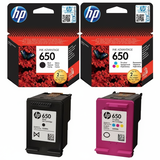
Our range: Original OEM and Compatible HP 650 cartridges We know that customers shop differently—some want the manufacturer’s cartridge, others prefer a smart alternative with excellent value. That’s why we offer a broad selection of ink cartridges for HP DeskJet Ink Advantage 4515 e-All-in-One, including popular best-sellers: - Original OEM Ink Cartridges HP 650 BK + 650 C (CZ101AE, CZ102AE) (multi pack) – a convenient set for users who want OEM reliability for both black and color.
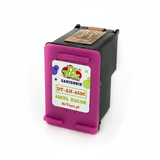
- Compatible Ink Cartridges 650 BK + 650 C for HP (DT-AH-650/K) (multi pack) – a cost-effective multipack for everyday printing with great quality from our proven compatible line.
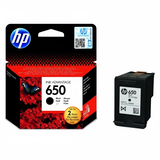
- Original OEM Ink Cartridge HP 650 (CZ101AE) (Black) – classic OEM black for sharp documents and consistent performance.
- Compatible Ink Cartridge 650 for HP (CZ101AE) (Black) – a practical choice when you print a lot of text and want to reduce cost per page.
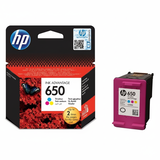
- Original OEM Ink Cartridge HP 650 (CZ102AE) (Color) – OEM color for natural tones and accurate color output.
- Compatible Ink Cartridge 650 for HP (CZ102AE) (Color) – strong color performance for home printing, schoolwork and graphics.
Thanks to this mix, you can easily match your purchase to your printing style—single cartridge replacement or a handy multipack that keeps you ready for anything. How to choose the best cartridge: Original OEM vs Compatible When buying an ink cartridge for HP DeskJet Ink Advantage 4515 e-All-in-One, start with one simple question: what do you print most often? - Mostly text and documents? Choose the HP 650 Black (CZ101AE)—OEM or Compatible depending on your budget and volume.
- Color charts, photos, school projects? Add the HP 650 Color (CZ102AE) for vibrant results.
- Want peace of mind and convenience? Go for a multipack (black + color) so you don’t run out unexpectedly.
Original OEM cartridges are produced by HP and are a great choice if you prefer sticking to manufacturer supplies. At the same time, our Compatible ink cartridge for HP 4515 is designed to deliver print quality and reliability that is just as good as the original—while helping you significantly reduce printing costs. We select our compatible solutions with performance in mind, so you can print confidently without compromising everyday quality. Common HP 4515 printing issues and simple fixes Many issues that users attribute to the printer are actually related to the cartridge condition or maintenance. If your ink for HP DeskJet Ink Advantage 4515 e-All-in-One doesn’t print as expected, these quick checks often help: - Streaks or missing lines: run the printer’s head cleaning/alignment utility and make sure the cartridge is correctly seated.
- Faded color or weak black: verify ink levels, replace the specific cartridge (black or color), and print a test page.
- Cartridge not recognized: remove and reinstall the cartridge, gently clean the contacts, and restart the printer.
- Ink dries out with occasional printing: printing a small page in black and color regularly helps keep nozzles clear.
If you’re unsure which ink cartridge for HP 4515 you need, we’re here to help you choose the correct HP 650 version quickly and safely. Order ink for HP DeskJet Ink Advantage 4515 e-All-in-One and print without interruptions We encourage you to browse the full selection in this category and pick the best option for your needs—Original OEM for manufacturer-standard supplies or a proven Compatible cartridge that delivers excellent results and strong savings. Add a multipack to your cart for extra convenience and fewer last-minute purchases. CTA: Choose your ink for HP DeskJet Ink Advantage 4515 e-All-in-One today—if you have any questions about compatibility with HP 4515 / A9J41A or about selecting HP 650 (CZ101AE, CZ102AE), contact us and we’ll guide you to the right cartridge. We also make sure your order is packed securely and shipped quickly, so you can get back to printing as soon as possible. |