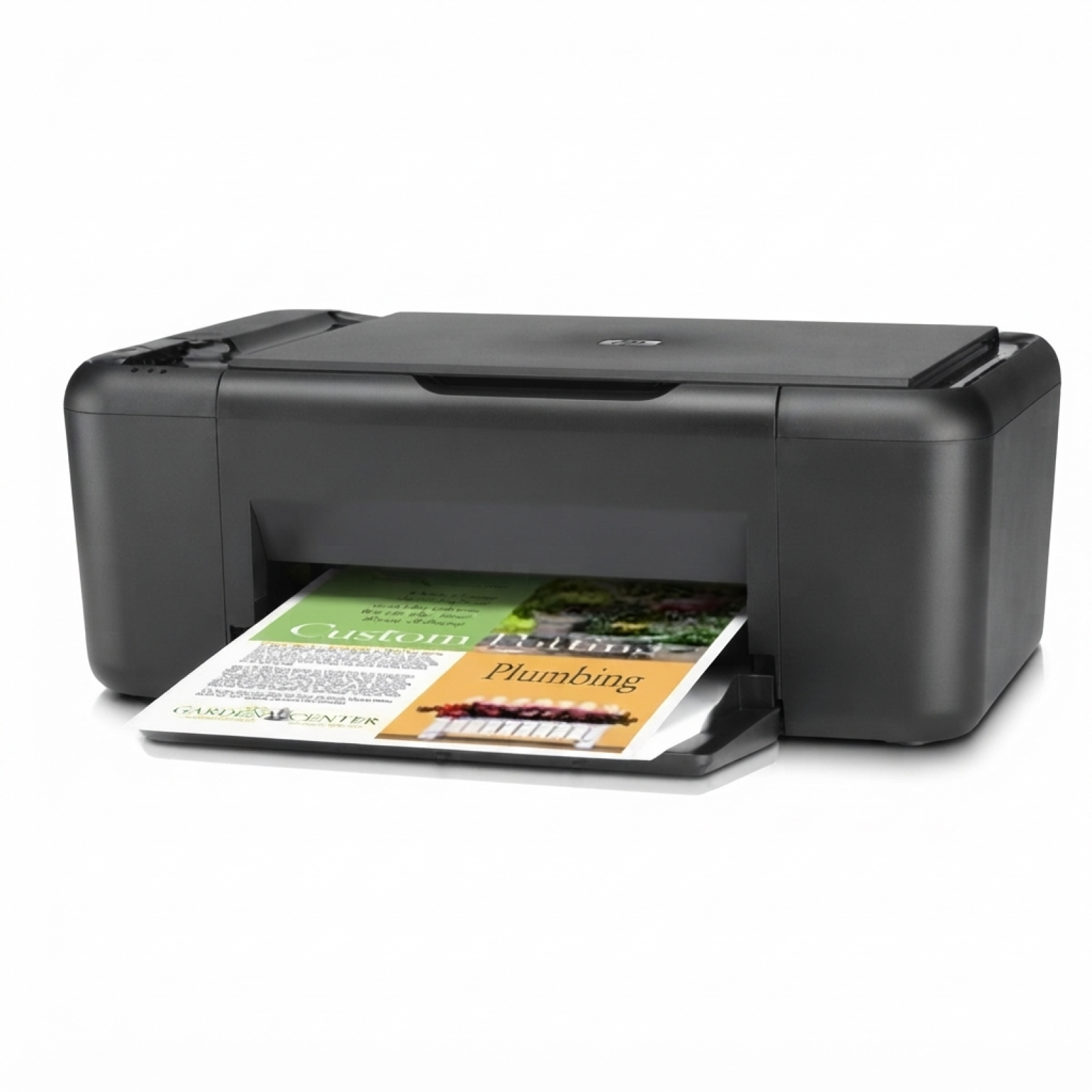
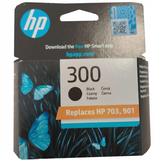
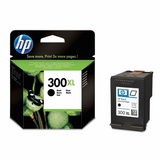
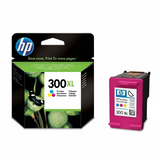
HP DeskJet F4580 – a reliable all‑in‑one for everyday printing The HP DeskJet F4580 (also searched as HP F4580 or HP Deskjet F4500 Series) is a popular home and small‑office all‑in‑one printer designed for simple, dependable printing, scanning and copying. To keep this model working at its best, it’s worth choosing the right ink for HP DeskJet F4580—matched to the printer and to how much you print. In this category we’ve gathered both Original OEM and high‑quality Compatible ink cartridges for HP DeskJet F4580, so you can choose exactly what you need: standard cartridges for occasional use or XL versions for frequent printing and a better cost per page. Which ink cartridge fits HP DeskJet F4580? This printer uses the well‑known HP 300 family of cartridges. You may also encounter the marking CB755B for the device series, while the cartridges are identified by codes such as CC640EE, CC643EE, CC641EE, and CC644EE. In practice, you choose: - Black ink for HP DeskJet F4580 – for crisp text, forms, school prints and documents
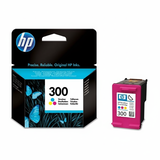
- Color ink for HP DeskJet F4580 – for photos, charts, graphics and colourful everyday prints
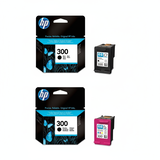
- Multipacks – black + color together, convenient and often the most economical option
- XL ink cartridges – higher capacity for people who print more and want fewer replacements
Whether you print an occasional boarding pass or a stack of invoices, the right ink for HP F4580 helps keep colours stable, text sharp and pages resistant to smudging. Original OEM vs Compatible – choose what suits your printing style We offer two proven options: Original OEM ink cartridges and carefully selected compatible ink cartridges. Original OEM cartridges are made by HP and are a great choice if you prefer manufacturer‑branded consumables and a predictable, consistent output. At the same time, our compatible ink for HP DeskJet F4580 is designed to deliver results that are just as satisfying in everyday use—clear text, strong blacks and vivid colour—while offering excellent value. If you print a lot (or simply don’t want to overpay for each page), compatible cartridges—especially XL—are often the smartest way to reduce printing costs without compromising on quality. Popular cartridges in this category (OEM and compatible) To make shopping easy, we’ve included the most commonly chosen options for the F4580: - Original OEM Ink Cartridge HP 300 (CC640EE) (Black) – reliable black for everyday documents
- Original OEM Ink Cartridge HP 300 (CC643EE) (Color) – colour cartridge for graphics and photos
- Original OEM Ink Cartridge HP 300 XL (CC641EE) (Black) – higher capacity, great for frequent printing
- Original OEM Ink Cartridge HP 300 XL (CC644EE) (Color) – XL colour for more pages and fewer changes
- Original OEM Ink Cartridges HP 300 BK + 300 C (CN637EE) (multi pack) – convenient set for home and office
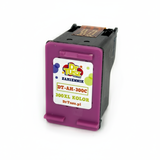
- Compatible Ink Cartridge 300 (CC640EE) (Black) – cost‑effective everyday black
- Compatible Ink Cartridge 300 (CC643EE) (Color) – affordable colour printing for daily needs
- Compatible Ink Cartridge 300 XL for HP (CC641EE) (Black) – more pages, better cost per print
- Compatible Ink Cartridge 300 XL for HP (CC644EE) (Color) – great for frequent colour printing
- Compatible Ink Cartridges 300 XL BK + 300 XL C for HP (CN637EE) (multi pack) – a popular value multipack
Thanks to this range, you can quickly match the cartridge to your needs—OEM or compatible, standard or XL, black only, colour only, or a complete set. Helpful tips and common issues with HP DeskJet F4580 ink Not sure what to choose? Here’s what we recommend when buying ink for HP DeskJet F4580: - Choose XL if you print often – fewer replacements, better value per page.
- Pick a multipack for convenience – black and colour run out at different times, but sets are a safe, practical choice.
- Printing faded or streaky? – it’s often a sign of low ink, dried nozzles, or the need for a quick printhead cleaning from the printer menu.
- Cartridge not recognized? – remove and reinsert it firmly, check protective tapes are fully removed, and clean the electrical contacts gently with a dry, lint‑free cloth.
- Infrequent printing? – print a small colour test page once in a while to keep ink flowing smoothly.
If you tell us how you print (mostly text, lots of colour, occasional photos, or high monthly volume), we’ll help you choose the best ink cartridge for HP DeskJet F4580—OEM or compatible. Order ink for HP DeskJet F4580 with confidence We make it easy to find the exact ink for HP Deskjet F4500 Series by using clear names and cartridge codes, so you can shop without guesswork. Explore our selection of Original OEM and Compatible ink cartridges, choose the standard or XL version, and get your printer back to perfect working order. CTA: Add the right HP 300 cartridges to your basket today—if you have any questions about compatibility or which option is best for your printing needs, contact us and we’ll guide you quickly and accurately. We also offer fast, convenient delivery so you can start printing again without delay. |