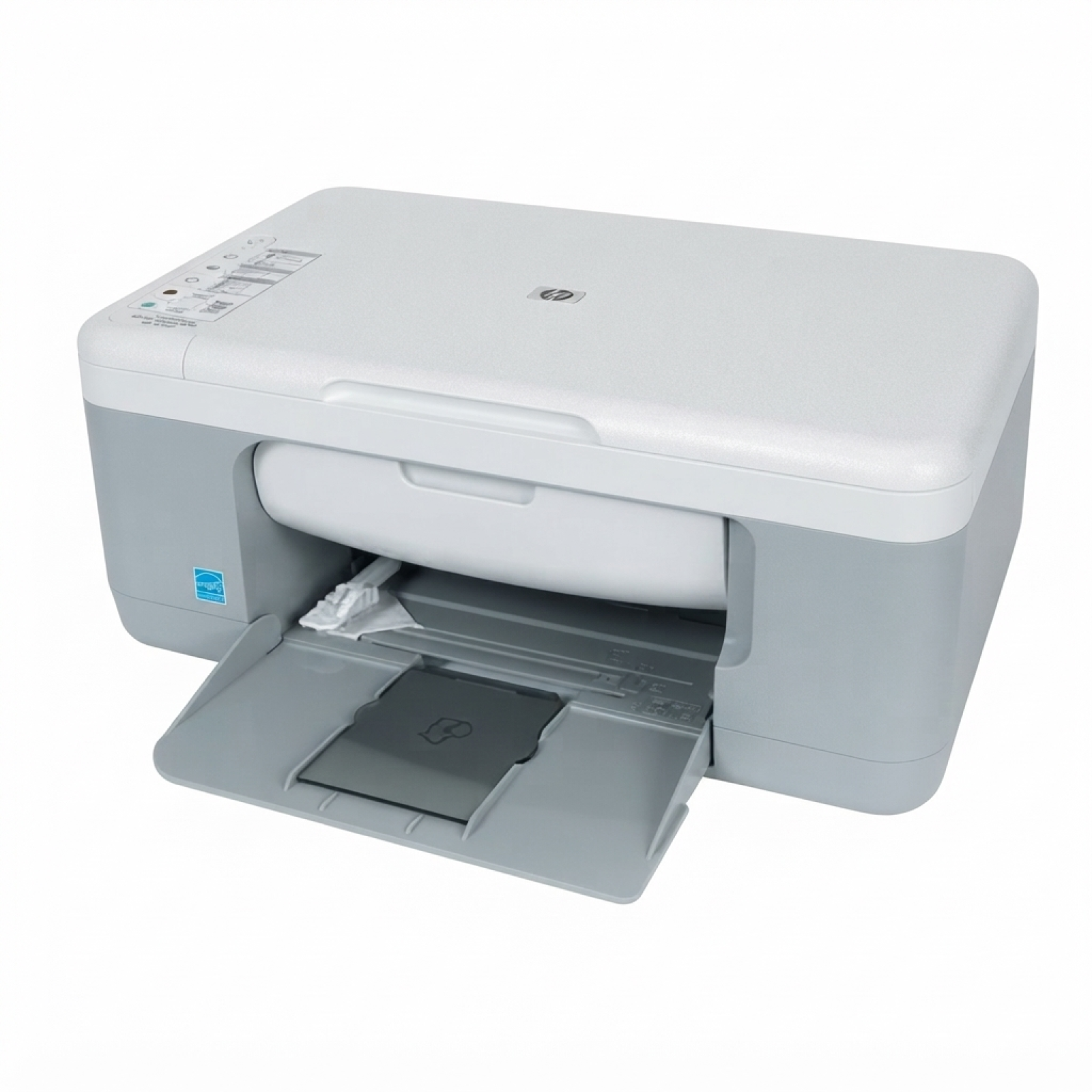
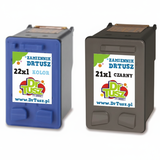
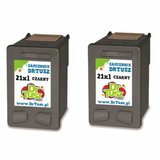
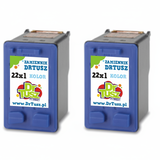
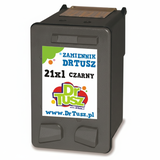
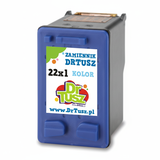
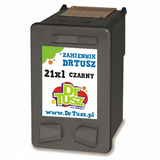
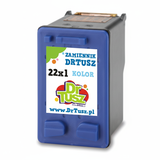
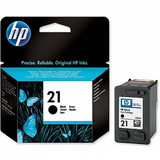
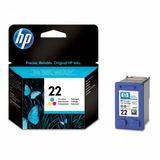
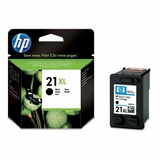
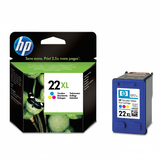
| The HP DeskJet F2280 (also found as HP F2280 or HP Deskjet F2200 Series, model code CB683A) is a popular home all‑in‑one designed for everyday printing, scanning and copying. It’s valued for simple operation and low running costs—provided you choose the right ink for HP DeskJet F2280. In this category we’ve gathered both Original OEM and high-quality compatible ink cartridges for HP DeskJet F2280, so you can easily match the cartridge to your needs and budget. Ink for HP DeskJet F2280 – what you print, how you print To keep your printer working smoothly and your pages looking sharp, it’s crucial to use the correct ink cartridge for HP F2280. This model uses the well-known HP families: HP 21 (black) and HP 22 (color), including their higher-yield versions 21 XL and 22 XL. With the right cartridge you can expect: - Crisp black text for school, office documents and forms (ideal for black cartridges).
- Clear color graphics for charts, simple photos and homework projects (ideal for color cartridges).
- Better efficiency with XL: more pages per cartridge, fewer replacements, and more convenience.
- Reliable everyday performance when you print regularly and store cartridges properly.
If you’re comparing options, remember: choosing ink for printer HP DeskJet F2280 isn’t only about price—it’s also about yield, print habits and whether you mostly print in black or color. Compatible and Original OEM cartridges – a wide selection in one place We make it easy to buy exactly the ink for HP DeskJet F2280 you need—whether you prefer manufacturer cartridges or cost-effective alternatives. Among the most popular choices in this category you’ll find: - Compatible Ink Cartridges 21 XL + 22 XL for HP (SD367AE) (multi pack) – a practical set when you want both black and color ready to go.
- Original OEM Ink Cartridges HP 21 XL + 22 XL (SD367AE) (multi pack) – OEM convenience for users who want the official HP set.
- Compatible Ink Cartridge 21 XL for HP (C9351CE) (Black) and Original OEM Ink Cartridge HP 21 XL (C9351CE) (Black) – great when you print lots of text.
- Compatible Ink Cartridge 22 XL for HP (C9352CE) (Color) and Original OEM Ink Cartridge HP 22 XL (C9352CE) (Color) – ideal for frequent color printing.
- Compatible Ink Cartridges 21 XL for HP (CC627AE) (Black) (2-pack) and Compatible Ink Cartridges 22 XL for HP (C9352AE-2) (Color) (2-pack) – smart value for higher volume users.
- Original OEM Ink Cartridge HP 21 (C9351AE) (Black) / Original OEM Ink Cartridge HP 22 (C9352AE) (Color) – standard yield OEM cartridges for occasional printing.
- Compatible Ink Cartridge 21 for HP (C9351AE) (Black), Compatible Ink Cartridge 22 for HP (C9352AE) (Color) and Compatible Ink Cartridge 21 for HP (C9351AE-S) (Black) (starter) – dependable everyday compatibles.
Thanks to this variety, you can choose a single cartridge, an XL option, or a multipack—always matching the exact series used by HP DeskJet F2200 Series. How to choose the right cartridge for HP F2280 When selecting a HP DeskJet F2280 ink cartridge, start with two simple questions: how much do you print and what do you print most often? - Mostly documents (text, invoices, schoolwork): choose HP 21 or, for better value, HP 21 XL.
- Documents + color graphics: add HP 22 or HP 22 XL.
- Frequent printing: consider 2‑packs or multi pack options to reduce cost per page and avoid downtime.
- Occasional printing: standard cartridges can be enough—just print a page now and then to keep nozzles in good condition.
Also verify the codes you see on the cartridge name: C9351AE / C9351CE for black and C9352AE / C9352CE for color. If you searched by CB683A or simply F2280, you’re in the right place—these are the correct cartridge families for this printer. Original OEM vs compatible ink for HP DeskJet F2280 – what’s the difference? Original OEM ink for HP DeskJet F2280 is produced by the printer manufacturer and is a solid choice for users who want to stick to official supplies. Compatible ink cartridges for HP DeskJet F2280 are an alternative designed to match the printer’s requirements and deliver excellent results at a lower cost. In our offer, compatible cartridges from DrTusz.pl are as good as the originals in everyday use—clear text, strong blacks and vivid colors—while helping you control printing expenses. Many customers choose compatible ink for HP F2280 specifically to get more value per page without giving up print quality. Common user issues with the HP DeskJet F2280 and helpful tips This printer is straightforward, but like any inkjet it may sometimes need a little care. If you want your ink for printer HP DeskJet F2280 to work at its best, keep these practical tips in mind: - Streaks or faded prints: run the printer’s cleaning/alignment function and ensure the cartridge is properly seated.
- Color looks “off”: replace the color cartridge (HP 22 / 22 XL) if it’s low, and print a test page after alignment.
- Ink dries out with rare printing: print a simple page once every 1–2 weeks to keep the nozzles clear.
- Cartridge not recognized: remove and reinstall, check protective tape is fully removed (new cartridges), and gently clean contacts if needed.
If you’re unsure which ink cartridge for HP DeskJet F2280 to choose, we’re here to help you match the right black, color or multipack option to your printing habits. Choose your ink and start printing today We encourage you to browse our full selection of ink cartridges for HP DeskJet F2280—both compatible and Original OEM. Pick a standard cartridge for occasional use, go for XL for better economy, or choose a multi pack to stay prepared for every task. Add your chosen ink for HP DeskJet F2280 to the cart, and if you have any questions, contact us—we’ll gladly help you select the best option and get your printer back to perfect prints with fast, convenient delivery. |