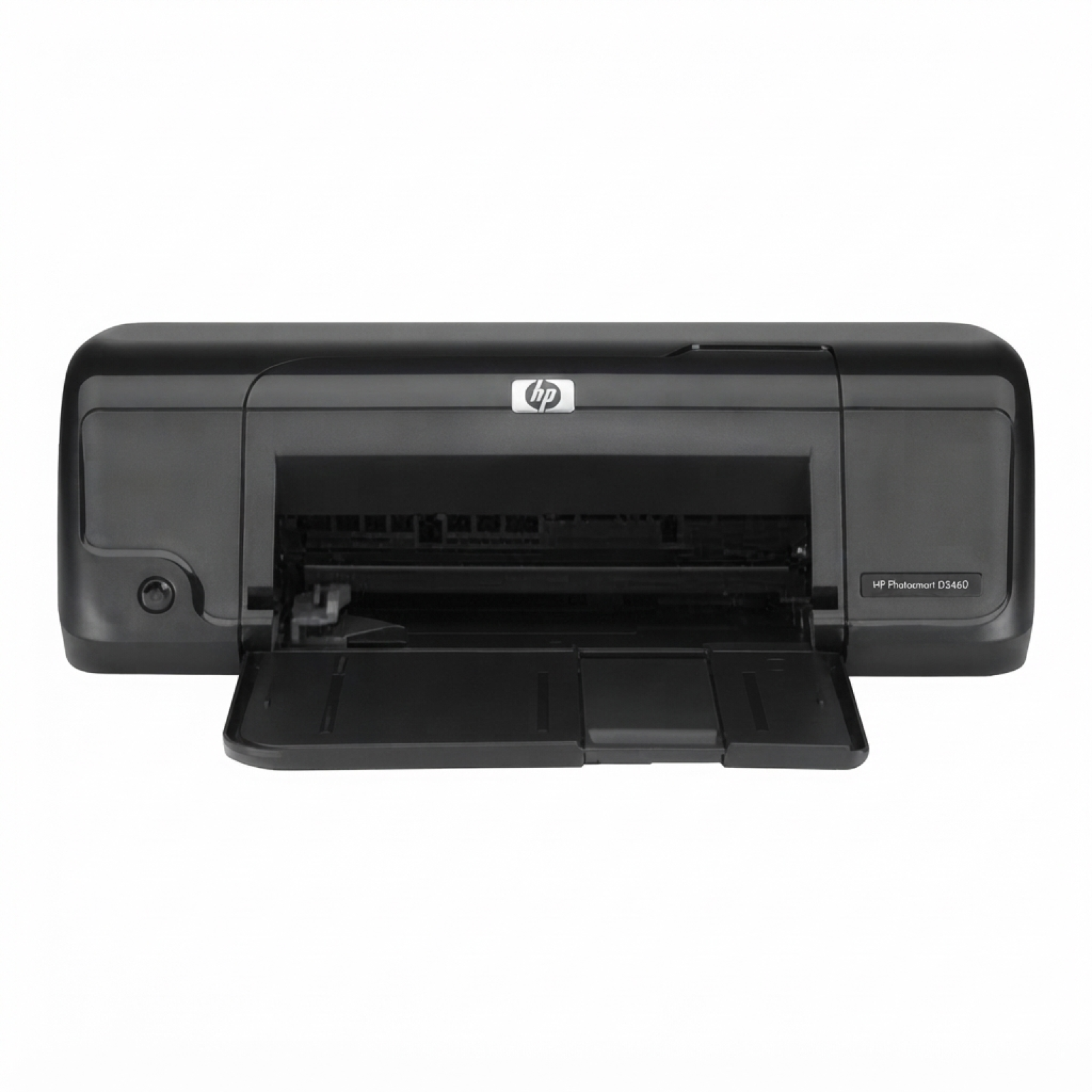
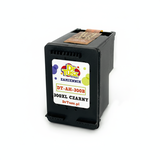
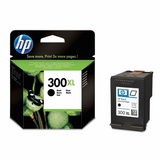
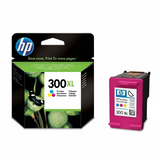
Ink cartridges for HP DeskJet D1663 – reliable printing in a compact home printer The HP DeskJet D1663 (also searched as HP D1663 or HP Deskjet D1600 Series) is a popular, no-nonsense inkjet printer designed for everyday home documents, school assignments and occasional color printing. It’s valued for simple operation and low running costs—provided you choose the right ink for HP DeskJet D1663. In this category we gathered both Original OEM and Compatible ink cartridges fully suited to this model, so you can print exactly the way you want: maximum brand consistency or best value per page. What ink for HP DeskJet D1663 uses and why it matters The HP DeskJet D1663 works with the well-known HP 300 cartridge family. Depending on your needs, you can choose standard capacity for lighter use or XL versions for more frequent printing. Here you’ll find ink for HP D1663 in both black and color variants, including convenient multipacks. With the right ink cartridge for HP DeskJet D1663 you can expect: - clear black text for everyday documents,
- vivid color graphics for school projects and home use,
- consistent output from page one to the last page,
- easy installation and quick recognition by the printer (when installed correctly).
If you print more often, consider XL versions—higher capacity typically means fewer replacements and less interruption. This is especially useful in the HP Deskjet D1600 Series, where users often want a simple “install and print” routine without constantly monitoring ink levels. Original OEM and Compatible cartridges – a wide choice in one place We created this category so you can compare options easily and pick the best match for your printing style. You’ll find popular SKUs and search codes such as CC640EE, CC643EE, CC641EE, CC644EE, as well as multipacks like CN637EE (sometimes searched as CB770C). Among the most frequently chosen products in this category are: - Original OEM Ink Cartridge HP 300 (CC640EE) (Black) – dependable OEM black for sharp text.
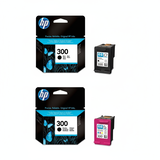
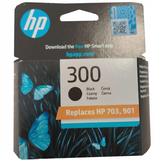
- Original OEM Ink Cartridge HP 300 (CC643EE) (Color) – OEM color for everyday graphics and photos.
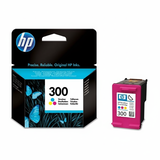
- Original OEM Ink Cartridges HP 300 BK + 300 C (CN637EE) (multi pack) – a practical OEM set for balanced home printing.
- Original OEM Ink Cartridge HP 300 XL (CC641EE) (Black) and Original OEM Ink Cartridge HP 300 XL (CC644EE) (Color) – XL capacity for users who print more.
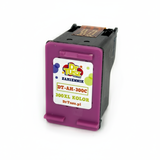
- Compatible Ink Cartridge 300 for HP (CC640EE) (Black) and Compatible Ink Cartridge 300 for HP (CC643EE) (Color) – cost-effective daily printing.
- Compatible Ink Cartridge 300 XL for HP (CC641EE) (Black) and Compatible Ink Cartridge 300 XL for HP (CC644EE) (Color) – maximum savings per page with higher capacity.
- Compatible Ink Cartridges 300 XL BK + 300 XL C for HP (CN637EE) (multi pack) – a great option when you want a full XL set in one order.
Thanks to this selection, you can quickly choose an ink for HP DeskJet D1663 that fits your budget and expectations—without searching multiple places. How to choose the best ink cartridge for HP DeskJet D1663 When choosing ink for printer HP DeskJet D1663, start with two simple questions: how often do you print and what do you print most? - Mainly text documents? Choose black—ideally XL if you print frequently.
- Color for school and home projects? Add the color cartridge or pick a multipack.
- Regular printing? XL versions help reduce replacement frequency.
- Occasional printing? Standard capacity may be enough and can be more economical upfront.
Original OEM cartridges are designed by the printer manufacturer and are a solid choice if you want strict OEM specifications and predictable results. At the same time, our Compatible ink cartridges are an excellent alternative—carefully selected to deliver print quality and reliability comparable to originals, with a more attractive cost per page. If you’re looking to reduce printing costs without sacrificing everyday performance, compatible ink for HP D1663 from our offer is a very smart pick. Common HP DeskJet D1663 user issues and practical tips This printer model is straightforward, but there are a few recurring situations users report. Here’s how we recommend handling them: - Printer doesn’t detect the cartridge – remove and reinsert the cartridge, make sure protective tape is fully removed, and gently clean the contacts with a soft, dry cloth.
- Streaks or faded print – run the printer’s cleaning/maintenance utility and print a test page; if the printer stands unused for long periods, ink can dry slightly.
- Color looks off – check print settings (draft vs. normal), paper type, and ensure the correct cartridge is installed (color vs. black).
- Ink runs out too quickly – if you print a lot, switching to HP 300 XL (black or color) or choosing an XL multipack can significantly improve cost efficiency.
And one more important note: to keep your HP DeskJet D1663 in good shape, it’s worth printing at least a page from time to time—especially if you use color. Regular use helps maintain stable ink flow and consistent results. Choose your ink today – and print without interruptions We encourage you to explore our full range of ink cartridges for HP DeskJet D1663—both Original OEM and high-quality Compatible options. Whether you’re looking for HP 300, HP 300 XL, black, color, or a convenient multipack, we make it easy to find the right cartridge by code and by printer model. CTA: Add the right ink for HP DeskJet D1663 to your cart now, or contact us if you want help choosing between OEM and compatible versions—our team will gladly recommend the best option for your printing habits. We also offer fast delivery and customer support so you can get back to printing as soon as possible. |