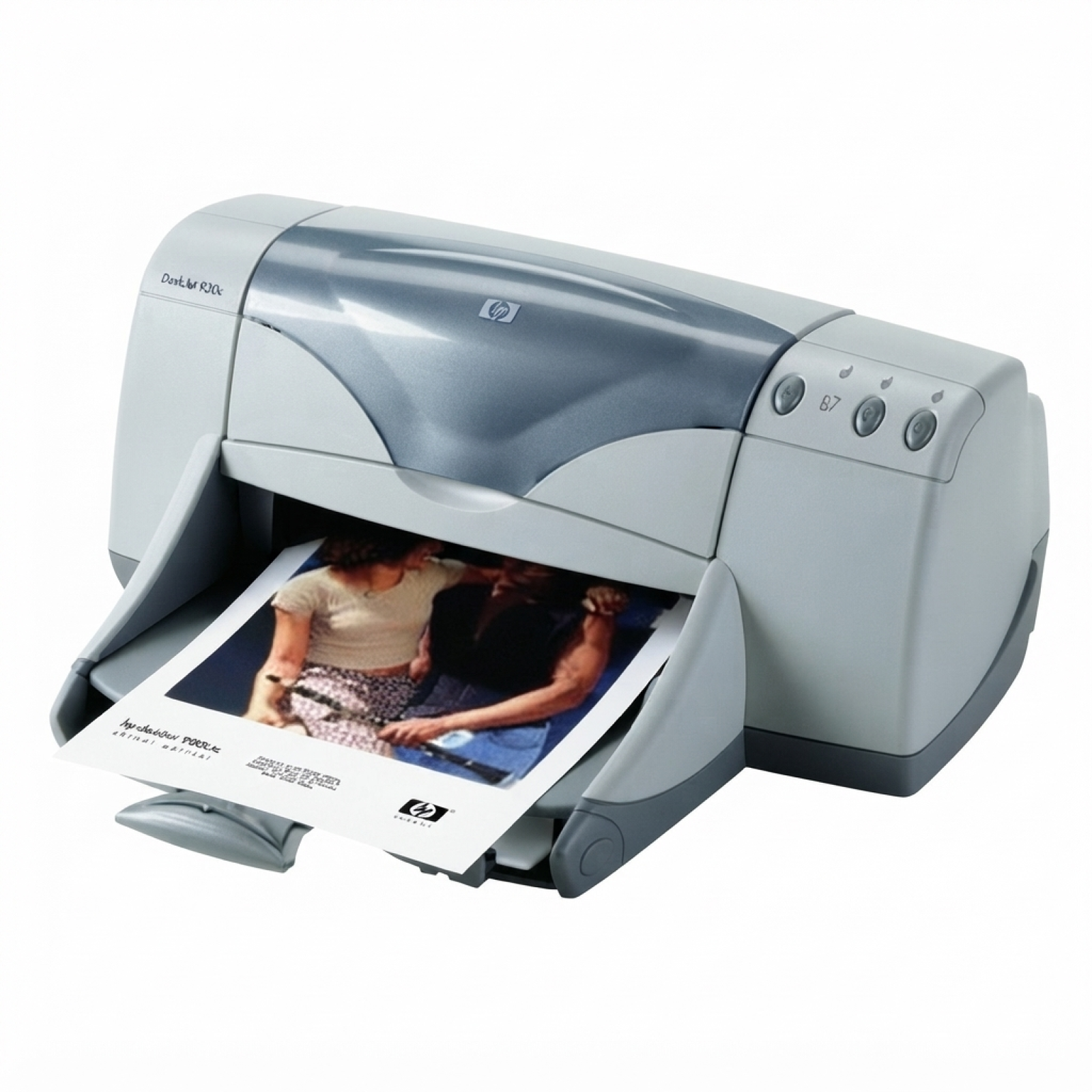
Reliable printing with the HP DeskJet 960cse (HP Deskjet 900 Series) The HP DeskJet 960cse is a classic, proven inkjet printer from the HP Deskjet 900 Series, appreciated for crisp everyday text, solid color output and easy operation. To keep this model working at its best, you need the right ink for HP DeskJet 960cse—matched to the correct cartridge family and your real printing needs. In this category we offer both Original OEM and carefully selected compatible ink cartridges for HP 960cse, so you can choose exactly what fits your budget and expectations. Ink cartridge types for HP 960cse: what you need to know This printer uses two main cartridges: a black cartridge for sharp documents and a tri‑color cartridge for graphics and photos. The most common references you’ll see are C8932B (printer model) and the cartridge codes 51645AE (black) and C6578AE / C6578DE (color). When you order ink for HP DeskJet 960 cse, pay attention to the cartridge symbol—this is the safest way to ensure compatibility. What you can expect from a properly chosen ink cartridge for HP DeskJet 960CSE: - clear, readable black text for invoices, schoolwork and office documents,
- vivid color for charts, simple graphics and home photo prints,
- stable performance when you print regularly and use good quality paper,
- less hassle with streaks or fading thanks to fresh, well‑sealed ink.
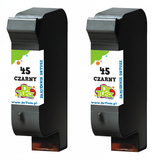
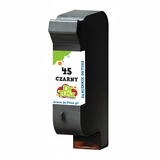
Compatible vs Original OEM ink for HP DeskJet 960cse We know customers often ask whether it’s better to choose Original OEM ink cartridges or compatible ink for HP DeskJet 960cse. Original OEM cartridges are made by the printer manufacturer and are a great choice if you want to stay with the brand’s standard solution. At the same time, our compatible ink cartridges for HP 960cse are designed to deliver print quality and reliability that are as good as the originals—while typically offering a more cost‑effective way to print. If you print a lot (documents, homework, home office), compatible options can reduce your cost per page without sacrificing clarity or color. Popular ink cartridges in this category (black, color and multipacks) To make shopping easier, we stock the most frequently chosen versions for the HP DeskJet 960cse—single cartridges as well as convenient sets. Here are some bestsellers you’ll find in this category: - Compatible Ink Cartridge 45 for HP (51645AE) (Black) – a practical choice for everyday text printing.
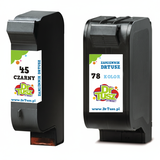
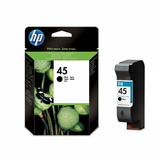
- Original OEM Ink Cartridge HP 45 (51645AE) (Black) – OEM black cartridge for consistent office-style output.
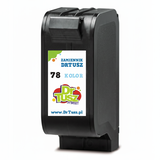
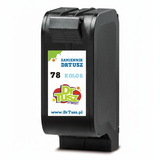
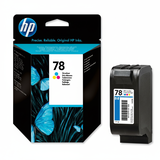
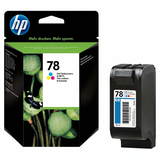
- Compatible Ink Cartridge 78 for HP (C6578DE) (Color) and Compatible Ink Cartridge 78 for HP (C6578AE) (Color) – for color documents and graphics.
- Original OEM Ink Cartridge HP 78 (C6578AE) (Color) / Original OEM Ink Cartridge HP 78 (C6578DE) (Color) – OEM color options for users who prefer manufacturer originals.
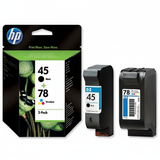
- Compatible Ink Cartridges 45 + 78 for HP (SA308AE) (multi pack) and Original OEM Ink Cartridges HP 45 + 78 (SA308AE) (multi pack) – a smart way to refresh both black and color at once.
- Value packs for frequent printing: Compatible Ink Cartridges 45 for HP (SA294AE) (Black) (2-pack) and Compatible Ink Cartridges 45 for HP (51645AE-3) (Black) (3-pack).
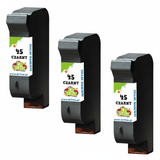
- Color multipack option: Compatible Ink Cartridges 78 for HP (C6578AE-2) (Color) (2-pack) – convenient if you print color often.
This range makes it easy to tailor your order: one cartridge for occasional printing, or a multipack if you want better value and fewer interruptions. How to choose the right ink for printer HP DeskJet 960cse If you want to pick the best ink for HP 960cse, think about how you print and what matters most—price per page, OEM preference, or the convenience of multipacks. We recommend: - Mostly text? Choose a black 51645AE (HP 45) cartridge—consider a 2-pack or 3-pack to keep a spare.
- Text + color charts? Add the tri‑color C6578AE / C6578DE (HP 78).
- Want simplicity? Pick a 45 + 78 multipack so you’re ready for both monochrome and color printing.
- Printing irregularly? It’s worth running a small test page from time to time—older DeskJet models can dry out if left unused for long periods.
Common issues with HP DeskJet 960 cse printing—and quick tips Many users of the HP DeskJet 960CSE contact us about a few typical situations. The good news: most of them are easy to fix with the right ink cartridge and basic maintenance. - Streaks or missing lines – run the printer’s cleaning cycle and make sure the cartridge is fresh and correctly seated.
- Faded color – tri-color cartridges can deplete unevenly; replacing the color cartridge often restores vibrancy.
- Ink not detected – remove and reinstall the cartridge, gently clean the contacts if needed, and confirm you ordered the correct HP 45 / HP 78 code.
- Printhead dryness after long breaks – print a small page weekly and store spare cartridges in proper conditions.
If you’re unsure which ink cartridge for HP DeskJet 960cse is right for your printer or your printing habits, we’re here to help—just tell us what you print and how often. Choose your ink and keep your DeskJet 960cse ready to print We encourage you to explore our full selection of ink for HP DeskJet 960cse—both Original OEM and high-quality compatible ink cartridges. Order a single cartridge or choose a multipack to save time and avoid running out at the worst moment. If you have any questions about codes like 51645AE, C6578AE, C6578DE or printer references such as C8932B, contact us—we’ll help you match the correct cartridge quickly. Browse the products above and place your order today. |