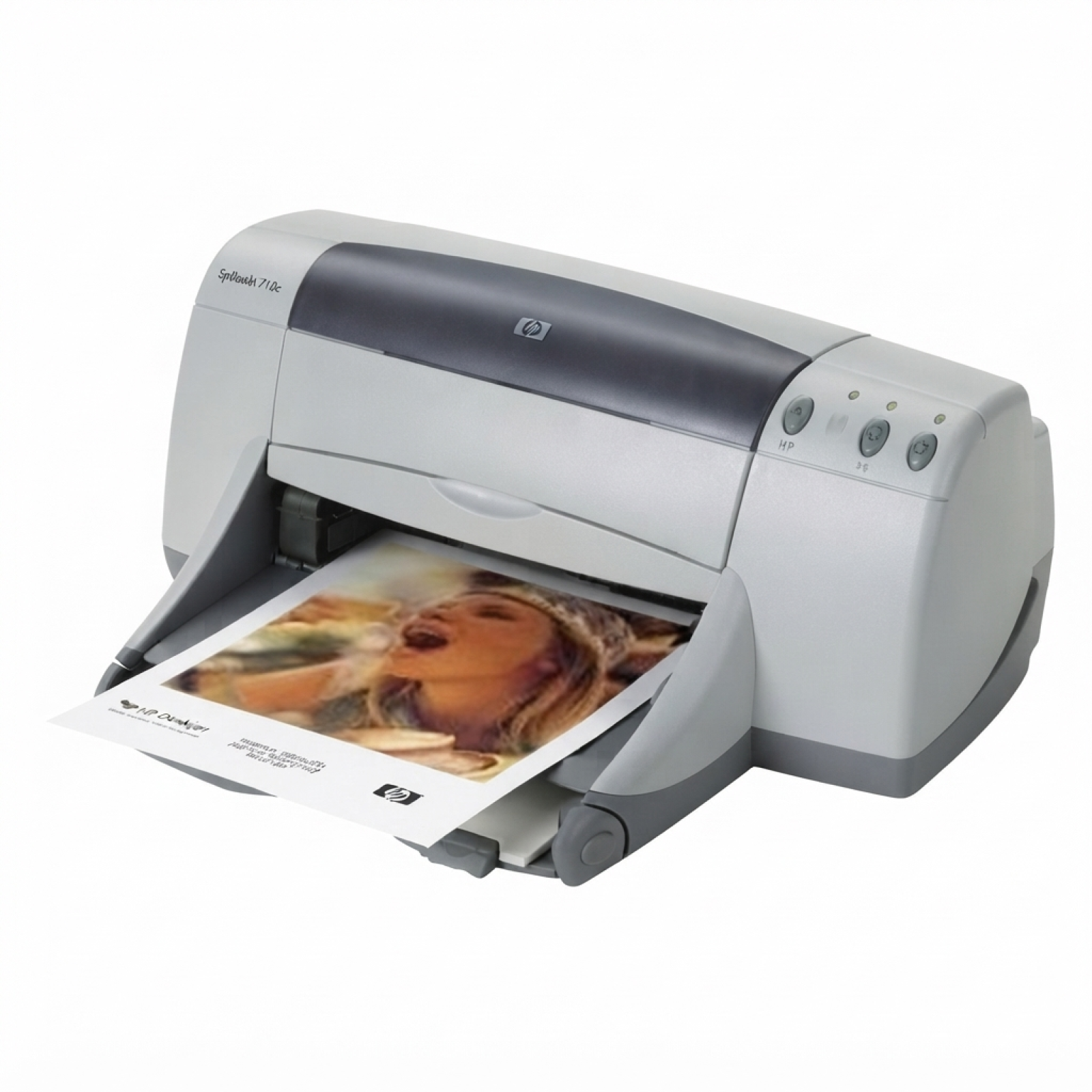
HP DeskJet 955c – a proven home-and-office classic The HP DeskJet 955c (also searched as HP 955c, 955C, 955 c, or as part of the HP Deskjet 900 Series) is a well-known inkjet printer valued for its reliability and straightforward operation. It’s still a great choice for everyday printing—documents, school materials, forms, and color graphics. To keep it performing at its best, it’s worth choosing the right ink for printer HP DeskJet 955c: the correct cartridges, good print quality, and dependable page yield. Ink cartridges for HP DeskJet 955c: what you need to know This category brings together ink cartridges for HP DeskJet 955c in two options: Original OEM and carefully selected compatible alternatives. The printer uses two separate cartridges—black and color—so you can replace only what you actually need. When you choose the right ink for HP DeskJet 955c, you get crisp text, readable small fonts, and smooth color transitions in charts and images. In this section you’ll find cartridges identified by popular codes and phrases such as C8429C, 51645AE, C6578AE, and C6578DE. These markings help match the cartridge to your printer and printing needs. Compatible or Original OEM – two solid paths to great prints We know customers often ask whether it’s better to choose Original OEM ink cartridge for HP DeskJet 955c or go for a compatible option. The answer depends on your priorities, but the good news is: both can be an excellent choice. - Original OEM cartridges are made by HP and are the go-to option for those who want the manufacturer’s solution, consistent results, and maximum peace of mind.
- Compatible ink cartridges are budget-friendly and ideal for frequent printing. The compatible cartridges we offer are designed to deliver print quality and reliability comparable to originals—so you can print more without compromising everyday results.
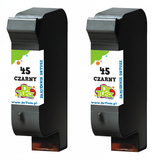
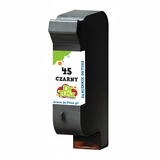
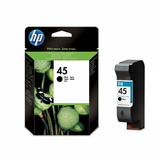
Whichever route you choose, you’ll find the right ink for 955c here—black for sharp documents and color for vivid graphics. Popular picks in our range (black, color, and multipacks) We’ve built this category so you can quickly find exactly what fits your printing routine—single cartridges when you print occasionally, and multipacks when you print a lot. - Compatible Ink Cartridge 45 for HP (51645AE) (Black) – a practical choice for everyday text printing.
- Original OEM Ink Cartridge HP 45 (51645AE) (Black) – original black cartridge for those who prefer HP’s own solution.
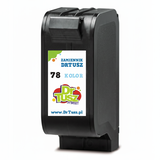
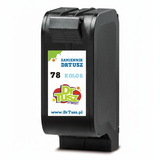
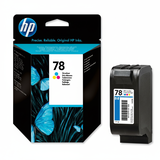
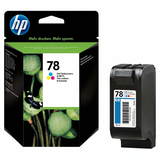
- Compatible Ink Cartridge 78 for HP (C6578AE / C6578DE) (Color) – a great option for color documents, charts, and mixed printing.
- Original OEM Ink Cartridge HP 78 (C6578AE) (Color) and Original OEM Ink Cartridge HP 78 (C6578DE) (Color) – original color cartridges for consistent color output.
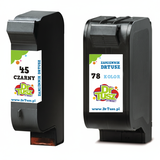
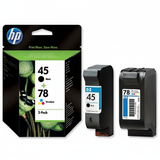
- Compatible Ink Cartridges 45 + 78 for HP (SA308AE) (multi pack) and Original OEM Ink Cartridges HP 45 + 78 (SA308AE) (multi pack) – convenient sets when you want to replace both cartridges at once.
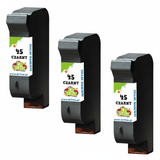
- Compatible Ink Cartridges 45 for HP (SA294AE) (Black) (2-pack) and Compatible Ink Cartridges 45 for HP (51645AE-3) (Black) (3-pack) – smart choices for heavy black printing and better cost per page.
- Compatible Ink Cartridges 78 for HP (C6578AE-2) (Color) (2-pack) – ideal if you print a lot of color and want a backup ready.
Thanks to this variety, it’s easy to tailor your purchase to how you print—whether it’s occasional invoices or regular school and office materials. How to choose the best ink for HP DeskJet 955c To pick the right ink cartridge for HP DeskJet 955c, we recommend focusing on three simple criteria: - What you print most often – mostly text? Choose black, consider a 2-pack or 3-pack. More graphics? Add a color cartridge or a multipack.
- How frequently you print – for regular printing, multipacks are convenient and cost-effective.
- Your preference: compatible vs OEM – OEM for manufacturer originality; compatible for excellent everyday quality and a better price-to-yield ratio (and yes—our compatible cartridges are as good as originals in normal use).
Common issues reported by users of the HP DeskJet 955c are usually easy to prevent with good habits: ink drying after long breaks, streaks or missing lines after storage, or cartridges not recognized after replacement. If you print only occasionally, it helps to print a simple page every now and then to keep the ink flowing. And if printouts show gaps, a basic cleaning cycle can often restore quality quickly. Ready to print? Choose your cartridge and get back to work We invite you to explore our full selection of ink for printer HP DeskJet 955c—including both compatible and Original OEM options, singles and multipacks. If you’re unsure whether you need 51645AE (black), C6578AE/C6578DE (color), or a set like SA308AE, contact us—we’ll help you match the right cartridge to your printer and your printing style. CTA: Check the available ink cartridges for HP DeskJet 955c in this category, choose the option that fits your needs, and place your order today. If you have any questions, we’re here to help—and we’ll make sure your printing stays smooth and hassle-free, with fast delivery and friendly support. |