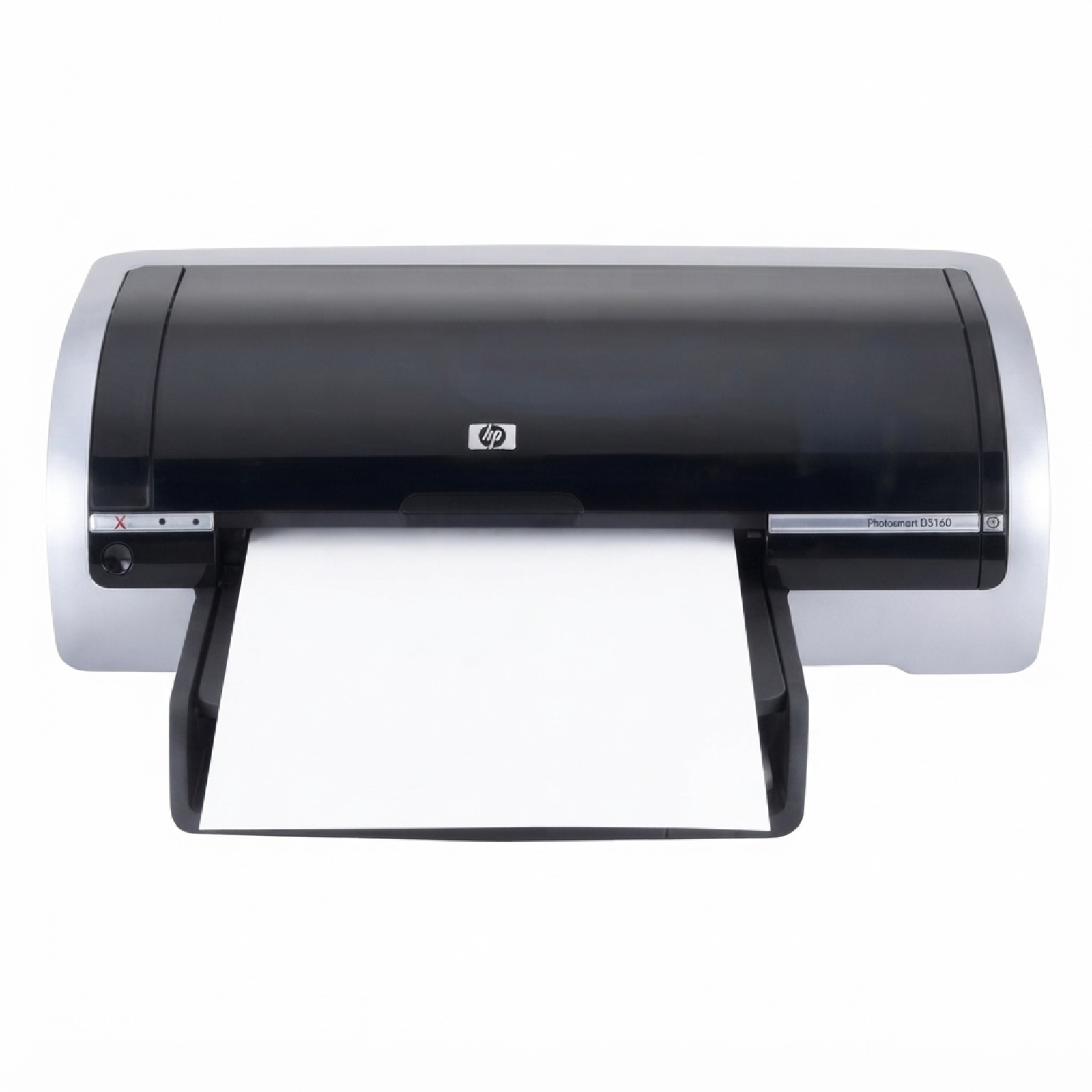
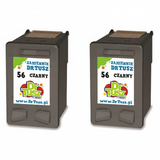
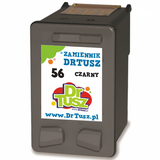
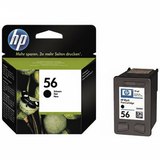
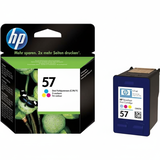
Reliable printing with the HP DeskJet 5650w HP DeskJet 5650w (also found as HP 5650w, 5650 W, 5650w or HP Deskjet 5600 Series) is a classic home and small-office inkjet printer valued for simple operation and dependable everyday output. Whether you print school materials, emails, web pages, or occasional photos, the key to consistent results is choosing the right ink for HP DeskJet 5650w. In this category we offer both Original OEM and carefully selected compatible ink cartridges, so you can match the cartridge to your needs and budget without compromising on quality. Ink cartridges for HP DeskJet 5650w – what to expect The HP DeskJet 5650w uses two separate cartridges: one for black and one for color. This setup is convenient and economical—when one runs out, you replace only that cartridge. A properly matched ink cartridge for HP DeskJet 5650w delivers sharp text, readable documents and vivid color prints for charts, graphics and family photos. In this category you will find ink based on the popular cartridge references used in the 5600 series, including HP 56 (black) and HP 57 (color). Many customers search by codes like C6656AE, C6657AE, or even printer references such as C6490A—we’ve grouped everything clearly so you can pick the correct ink for printer HP DeskJet 5650w quickly and confidently. Our range: compatible and Original OEM cartridges We want you to have a real choice. That’s why we stock both Original OEM ink for HP DeskJet 5650w (manufacturer cartridges) and high-quality compatible ink for HP 5650w that performs just as well in everyday printing. You can buy single cartridges or money-saving multipacks—perfect when you print more often or want a backup at home. - Compatible Ink Cartridge 56 for HP (C6656AE) (Black) – a great choice for sharp text and everyday documents.
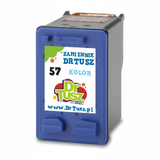
- Compatible Ink Cartridge 57 for HP (C6657AE) (Color) – ideal for graphics, school projects and color printing.
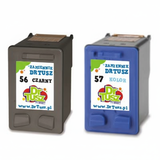
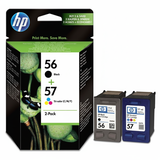
- Compatible Ink Cartridges 56 + 57 for HP (SA342AE) (multi pack) – a convenient set when you want both black and color ready to go.
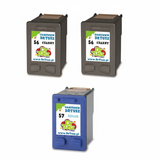
- Compatible Ink Cartridges 2x 56 + 57 for HP (SD399AE) (multi pack) – a higher-capacity purchase plan for frequent printing.
- Compatible Ink Cartridges 56 for HP (C9502AE) (Black) (2-pack) – two black cartridges for uninterrupted work.
- Original OEM Ink Cartridge HP 56 (C6656AE) (Black) – the official manufacturer cartridge for users who prefer OEM.
- Original OEM Ink Cartridge HP 57 (C6657AE) (Color) – OEM color cartridge for consistent color output.
- Original OEM Ink Cartridges HP 56 + 57 (SA342AE) (multi pack) – the OEM multipack for complete coverage.
How to choose the right ink for HP DeskJet 5650w When selecting ink for HP DeskJet 5650w, start with two simple questions: what do you print most, and how often do you print? If your priority is crisp documents and office-style printing, focus on the black cartridge (HP 56). If you need color charts, presentations, or photos, add the color cartridge (HP 57) or choose a multipack. - Choose Original OEM if you want manufacturer branding, predictable results and you print occasionally.
- Choose compatible ink cartridges if you want excellent quality at a better price—our compatible cartridges are designed to work smoothly with your printer and deliver results as good as originals.
- Choose multipacks or 2-packs if you print frequently or don’t want to worry about running out at the wrong moment.
Common issues with the HP DeskJet 5650w and practical tips Users of the HP DeskJet 5650w sometimes report issues that are easy to solve with the right routine and a fresh ink cartridge for HP DeskJet 5650w: - Faded prints or streaks – often caused by low ink or dried nozzles. Replacing the cartridge and running the printer’s cleaning/alignment cycle usually restores quality.
- Color looks “off” – a depleted color cartridge or a clogged nozzle can shift tones. A new HP 57 equivalent and a quick cleaning helps.
- Printer not used for a long time – ink can dry in the printhead area. We recommend printing a small test page periodically and storing cartridges properly.
- Cartridge recognition messages – reseating the cartridge and ensuring the contacts are clean can resolve many alerts. If you need help, we’re here to advise.
We encourage you to keep a spare black cartridge at home—nothing is more frustrating than needing a document urgently and discovering the ink is empty. Choose your cartridge and start printing today If you’re looking for dependable ink for printer HP DeskJet 5650w, you’re in the right place. We offer both compatible and Original OEM solutions, single cartridges and multipacks, and clear product labeling so you can buy with confidence. Browse the available options for HP DeskJet 5650w ink cartridges, select the version that fits your printing style, and place your order today. Need assistance choosing between HP 56 / HP 57, OEM vs compatible, or a multipack? Contact us—our team will help you pick the best ink cartridge for your HP DeskJet 5650w and get you back to smooth, clean printing with fast delivery options. |