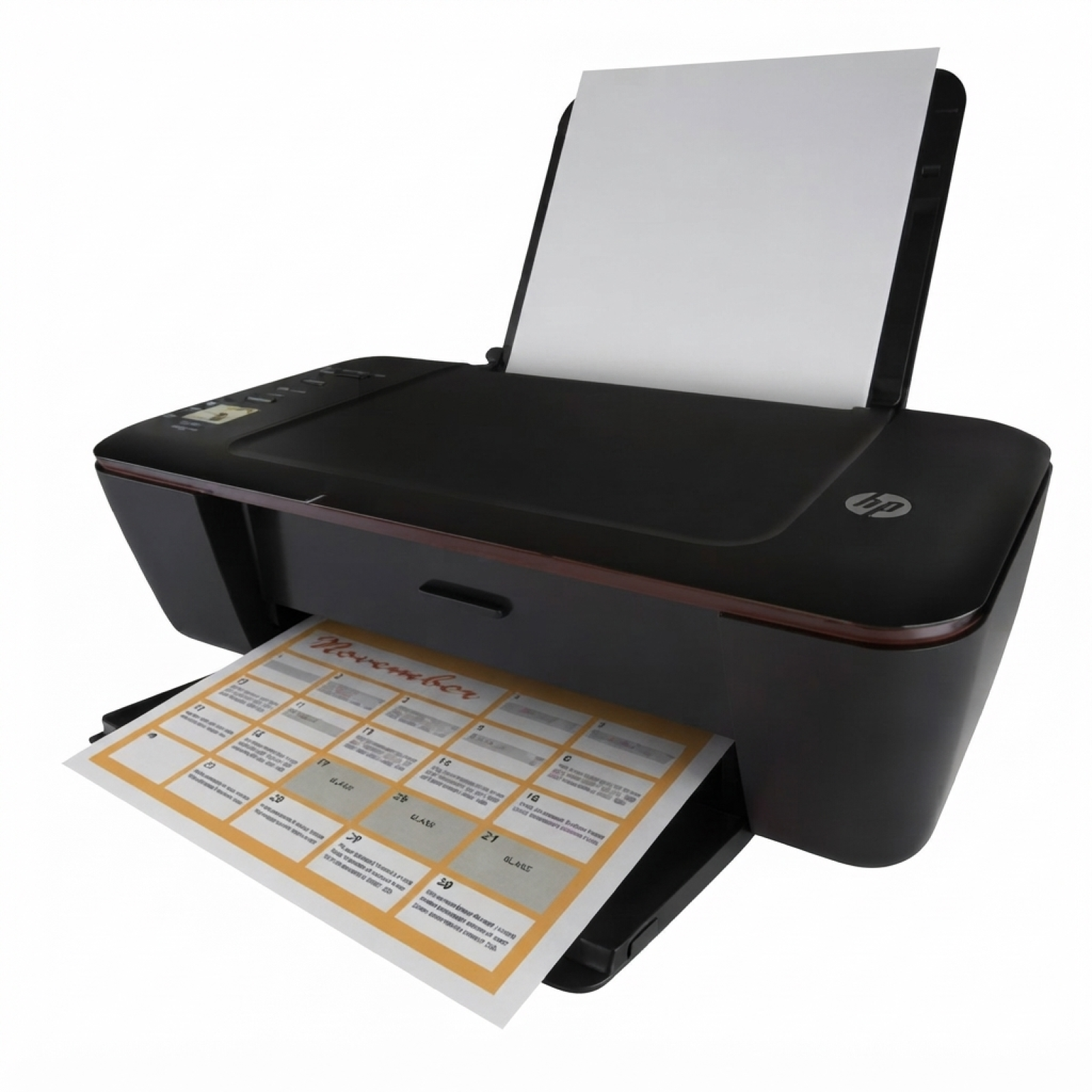
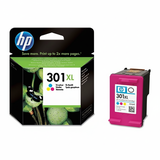
Ink cartridges for HP DeskJet 3000 J310a – reliable printing every day The HP DeskJet 3000 J310a (also searched as HP 3000 J310a, 3000 J310A or HP Deskjet 3000 Printer series - J310) is a popular home and small-office inkjet printer designed for straightforward, everyday printing. It’s valued for its simplicity, compact size and Wi‑Fi convenience—perfect for schoolwork, invoices, forms and occasional color documents. To keep it performing at its best, choosing the right ink for HP DeskJet 3000 J310a is key. In this category we offer both Original OEM and Compatible ink cartridges so you can match print quality, page yield and budget to your needs. What to expect from ink for HP 3000 J310a (HP 301 series) The printer uses cartridges from the HP 301 family: black for crisp text and color for everyday graphics and photos. A good ink cartridge for HP DeskJet 3000 J310a should deliver consistent flow, clean lines and stable colors—without streaking or fading. If you print frequently, we recommend XL variants, because high-yield cartridges reduce the cost per page and require fewer replacements. Whether you print occasionally or daily, you can choose between standard and XL capacity: - Standard yield – a good choice for sporadic printing and lower upfront cost.
- XL (high yield) – ideal for frequent printing, home offices, and families; fewer cartridge changes.
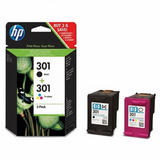
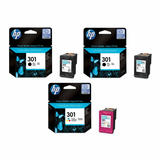
Looking for the right product quickly? Many customers search by cartridge codes such as CH561EE (black) and CH562EE (color), or XL versions like CH563EE (black) and CH564EE (color). This page is exactly where you’ll find them—both Original OEM and Compatible. Our range: Original OEM and Compatible ink cartridges (popular choices) We make it easy to buy exactly the ink for printer HP DeskJet 3000 J310a you need—single cartridges or convenient multipacks. Here are some of the most frequently chosen options in this category: - Original OEM Ink Cartridges HP 301 BK + 301 C (N9J72AE) (multi pack) – a safe, all-in-one set for everyday printing.
- Compatible Ink Cartridges 301 XL BK + 301 XL C for HP (N9J72AE) (multi pack) – high yield, great value, and fewer replacements.
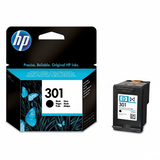
- Original OEM Ink Cartridge HP 301 (CH561EE) (Black) – sharp black text for documents and forms.
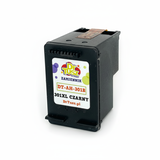
- Compatible Ink Cartridge 301 for HP (CH561EE) (Black) – an economical alternative for daily printing.
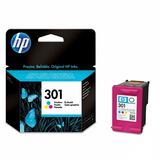
- Original OEM Ink Cartridge HP 301 (CH562EE) (Color) – reliable color output for mixed documents.
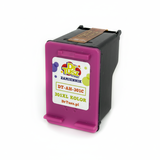
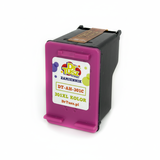
- Compatible Ink Cartridge 301 for HP (CH562EE) (Color) – cost-effective color printing at home.
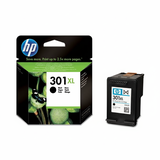
- Original OEM Ink Cartridge HP 301 XL (CH563EE) (Black) and Original OEM Ink Cartridge HP 301 XL (CH564EE) (Color) – when you want OEM quality with higher yield.
- Compatible Ink Cartridge 301 XL for HP (CH563EE) (Black) and Compatible Ink Cartridge 301 XL for HP (CH564EE) (Color) – our go-to choice for frequent printing and lower cost per page.
- Original OEM Ink Cartridges HP 2x 301 BK + 301 C (E5Y87EE) (multi pack) – perfect if you print a lot in black and want a backup ready.
Thanks to this selection, you can easily build your own set: black only, color only, XL for heavy use, or a multipack for maximum convenience. How to choose: Original OEM vs Compatible (and what works best) When choosing ink for HP DeskJet 3000 J310a, start with two questions: how much you print, and what you print most often. For text-heavy work (documents, homework, shipping labels), black XL is usually the most cost-effective. For school projects and colorful charts, add a color cartridge or choose a multipack. - Original OEM ink cartridges – made by the printer manufacturer, often chosen for peace of mind and predictable results.
- Compatible ink cartridges – a smart option when you want to reduce printing costs. Our compatible cartridges from DrTusz.pl are designed to be just as dependable in everyday use: clean prints, stable performance, and excellent value.
In other words: if you want to optimize your budget without sacrificing quality, our Compatible cartridges are a very strong choice. If you prefer sticking strictly to manufacturer-branded consumables, choose Original OEM—either way, you’re in the right place. Common user issues with HP DeskJet 3000 J310a and how the right cartridge helps This printer model is straightforward, but like most inkjets it can run into typical ink-related problems—especially when cartridges are low or the printer sits unused for longer periods. The most common issues we see include: - Faded prints or streaks – often caused by low ink levels or ink drying after long breaks between prints.
- Missing colors – usually a depleted color cartridge or clogged nozzles; replacing the cartridge and running cleaning can help.
- Frequent cartridge replacement – a sign that XL versions could be a better fit for your printing habits.
- “Cartridge problem” messages – sometimes solved by reinstalling the cartridge carefully, checking the model code (301 vs 301 XL), or replacing a worn cartridge.
Choosing the correct ink cartridge for HP 3000 J310a (matching the proper code such as CH561EE, CH562EE, CH563EE, CH564EE) and selecting XL when you print more often can significantly reduce day-to-day frustrations. Order today and print without interruptions We encourage you to browse the full selection of ink cartridges for HP DeskJet 3000 J310a available in this category—Original OEM for those who prefer manufacturer cartridges, and Compatible for those who want excellent quality at a better price. If you’re not sure which cartridge fits your needs, contact us—we’ll help you choose the best ink for HP DeskJet 3000 J310a based on your printing style. CTA: Choose your cartridge (standard or XL, black or color, single or multipack), add it to your cart, and enjoy fast, convenient delivery. If you need support, we’re ready to help—so you can get back to printing quickly and confidently. |