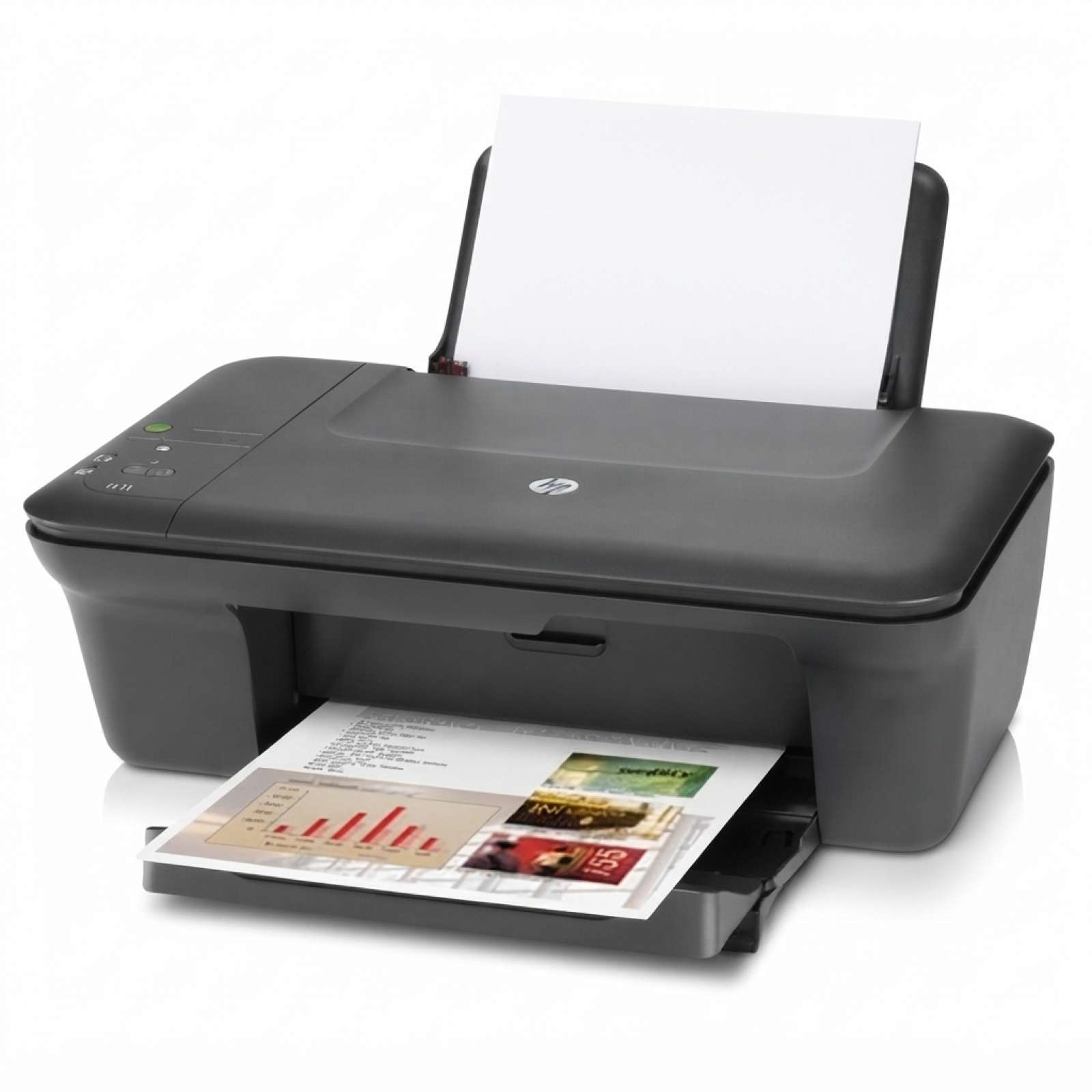
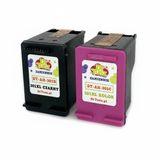
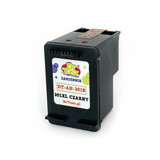
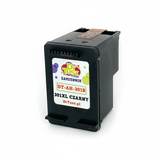
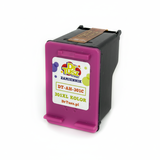
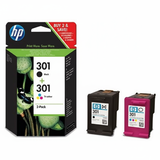
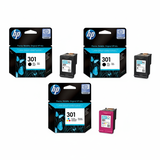
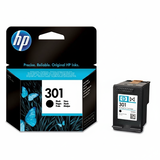
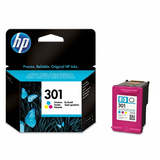
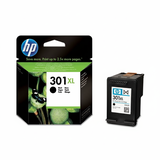
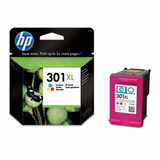
| HP DeskJet 2050 J510h (also known as HP 2050 J510h, HP Deskjet 2050 AiO series or CQ199C) is a compact all-in-one printer designed for everyday home and small-office tasks. It’s a dependable choice for printing school materials, invoices, forms and simple colour documents—especially when you match it with the right ink for HP DeskJet 2050 J510h. In this category we’ve gathered both Original OEM and Compatible ink cartridges, so you can choose exactly what fits your budget and printing style. Ink for HP DeskJet 2050 J510h – what you get with the right cartridge The HP DeskJet 2050 J510h works with the popular HP 301 family of cartridges (black and tri-colour), available in standard and high-yield versions. Choosing the proper ink for printer HP DeskJet 2050 J510h impacts not only print quality, but also convenience and cost per page. For crisp text, black ink is the daily workhorse; for presentations, homework, photos and colourful charts, the tri-colour cartridge keeps tones balanced and vibrant. In our offer you will find: - Black ink cartridge for sharp documents and clear outlines
- Colour ink cartridge (tri-colour) for graphics and everyday colour printing
- XL ink cartridge options for more pages and fewer replacements
- Multipacks for convenient, better-value buying
Original OEM vs Compatible – choose what suits you best We know customers often ask: “Should we pick Original OEM, or is a compatible cartridge enough?” With ink for HP 2050 J510h the answer depends on your priorities—both options are solid when sourced from a reliable store. - Original OEM ink cartridges (HP originals) are designed by the manufacturer for consistent results and predictable performance.
- Compatible ink cartridges are a cost-effective alternative. The compatible cartridges available at DrTusz.pl are made to deliver print quality and reliability comparable to originals—ideal when you want to reduce printing costs without sacrificing everyday results.
If you print a lot (homework, documents, shipping labels), consider an XL ink for HP DeskJet 2050 J510h—it’s simply more convenient and typically lowers the cost per page. Popular cartridges for HP DeskJet 2050 J510h in our range To make your choice easy, we stock the most commonly used HP 301 cartridges in both Original OEM and Compatible versions. Here are some customer favourites from this category: - Compatible Ink Cartridges 301 XL BK + 301 XL C for HP (N9J72AE) (multi pack) – a practical, high-yield set for frequent printing
- Original OEM Ink Cartridges HP 301 BK + 301 C (N9J72AE) (multi pack) – the classic original combo for everyday use
- Compatible Ink Cartridge 301 XL for HP (CH563EE) (Black) – more black pages, fewer replacements
- Original OEM Ink Cartridge HP 301 (CH561EE) (Black) – dependable OEM black for sharp text
- Compatible Ink Cartridge 301 for HP (CH561EE) (Black) – budget-friendly black for daily documents
- Original OEM Ink Cartridge HP 301 (CH562EE) (Color) – OEM colour for balanced everyday prints
- Compatible Ink Cartridge 301 for HP (CH562EE) (Color) – compatible colour for affordable graphics and school projects
- Original OEM Ink Cartridge HP 301 XL (CH563EE) (Black) and Original OEM Ink Cartridge HP 301 XL (CH564EE) (Color) – OEM XL options for higher volume
- Original OEM Ink Cartridges HP 2x 301 BK + 301 C (E5Y87EE) (multi pack) – a convenient set when you want extra backup at home
- Compatible Ink Cartridge 301 XL for HP (CH564EE) (Color) – more colour printing without frequent changes
Thanks to this selection, you can easily match your needs—whether you print occasionally or regularly. How to choose ink for HP DeskJet 2050 J510h – practical tips and common issues When choosing ink for HP Deskjet 2050 AiO series, start with two questions: how much do you print, and what do you print most often? For mainly text, black (preferably XL) is the most economical. For mixed documents, it’s best to keep both black and colour on hand—multipacks are great for that. Common user issues for this model usually relate to day-to-day cartridge use rather than the printer itself. Here’s how we recommend avoiding them: - “The printer prints streaks or faded lines” – most often this means the cartridge is low or the nozzles need cleaning. Running the built-in cleaning cycle and replacing an empty cartridge solves it quickly.
- “The printer doesn’t recognise the cartridge” – ensure you’ve removed all protective tape, and re-seat the cartridge firmly. If needed, gently clean the electrical contacts with a soft, dry cloth.
- “Colour looks off” – the tri-colour cartridge may be running out of one colour. Replacing the colour cartridge restores proper balance.
- “Ink runs out too fast” – if you print frequently, switching from standard to 301 XL usually improves cost-efficiency and reduces replacements.
If you’re unsure which cartridge fits your printer, remember the identifiers: 2050 J510h, 2050 J510H, and CQ199C all refer to the same device family—this category is tailored specifically for it. Order ink today – we’re here to help We encourage you to choose the best ink for HP DeskJet 2050 J510h from our carefully selected range of Original OEM and high-quality Compatible cartridges. Add a multipack for convenience, pick XL versions for heavy printing, and keep a spare at home to avoid downtime. If you have any questions about compatibility or which option is best for your usage, contact us—we’ll help you select the right cartridge and get you printing again as quickly as possible. Check the available cartridges in this category, choose your preferred OEM or compatible option, and place your order now. |