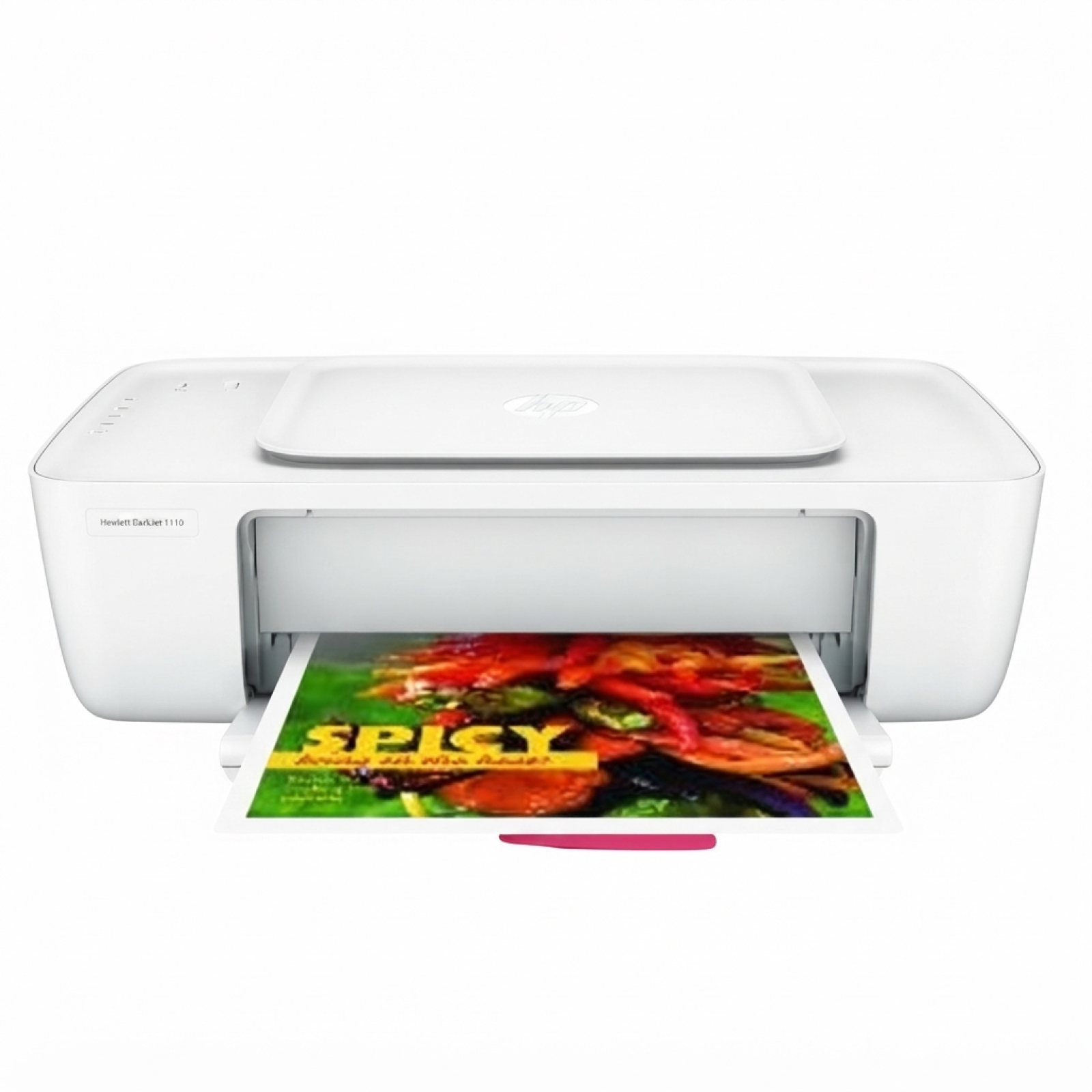
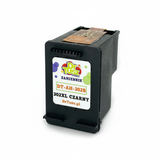
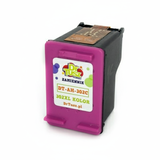
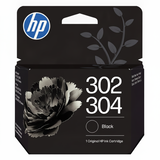
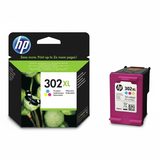
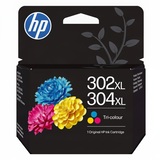
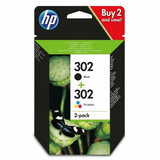
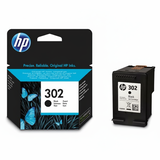
| The HP DeskJet 1110 (also searched as HP 1110, HP Deskjet 1100 Series, or F5S20B) is a compact, everyday inkjet printer designed for simple home and student printing. It’s valued for its ease of use and low entry cost—provided you choose the right ink for HP DeskJet 1110. In this category we’ve gathered everything you need: both Original OEM cartridges and carefully selected compatible ink cartridges for HP DeskJet 1110, so you can print the way you prefer. Ink for HP DeskJet 1110 – what to expect from the right cartridge Choosing the correct ink cartridge for HP DeskJet 1110 directly affects print quality, page yield, and daily convenience. This printer uses the popular HP 302 family (including standard and XL versions), available in Black for crisp text and Color for charts, photos, school projects, and color documents. With the right cartridge, you’ll get: - clear, readable text for homework, invoices, and forms,
- consistent color reproduction for graphics and presentations,
- reliable printing at home without frequent replacements (especially with XL versions),
- options tailored to your budget: Original OEM or compatible cartridges.
When you search for ink for printer HP DeskJet 1110, it’s worth considering how often you print. Occasional printing typically works well with standard capacity, while frequent printing usually benefits from HP 302 XL equivalents for better efficiency. Compatible and Original OEM cartridges – one place, many options We know customers want choice. That’s why our selection includes both Original OEM ink cartridges for HP DeskJet 1110 and compatible ink for HP 1110 that delivers results you can trust. You’ll find single cartridges for quick replacement as well as convenient multipacks for a complete refresh. - Compatible Ink Cartridges 302 XL BK + 302 XL C for HP (X4D37AE) (multi pack) – a high-yield set for frequent printing and a great way to keep both black and color ready.
- Original OEM Ink Cartridges HP 302 BK + 302 C (X4D37AE) (multi pack) – the classic OEM bundle for users who prefer manufacturer cartridges.
- Compatible Ink Cartridge 302 XL for HP (F6U68AE) (Black) and Compatible Ink Cartridge 302 XL for HP (F6U67AE) (Color) – higher capacity options for heavy users.
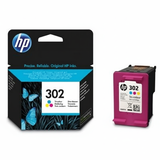
- Original OEM Ink Cartridge HP 302 (F6U66AE) (Black) and Original OEM Ink Cartridge HP 302 (F6U65AE) (Color) – standard capacity OEM choices for everyday needs.
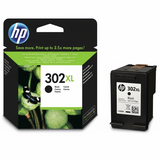
- Original OEM Ink Cartridge HP 302 XL (F6U68AE) (Black) and Original OEM Ink Cartridge HP 302 XL (F6U67AE) (Color) – for those who want OEM plus increased yield.
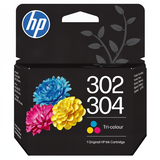
- Original OEM Ink Cartridge HP 302/304 (B7RT7AE) (Black) and Original OEM Ink Cartridge HP 302/304 (B7RT6AE) (Color) – OEM variants often chosen for compatibility across related models.
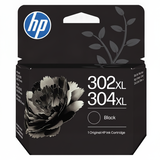
- Original OEM Ink Cartridge HP 302XL/304XL (B7RT9AE) (Black) and Original OEM Ink Cartridge HP 302XL/304XL (B7RT8AE) (Color) – OEM XL versions for extended printing.
- Compatible Ink Cartridge 302 for HP (F6U66AE) (Black) and Compatible Ink Cartridge 302 for HP (F6U65AE) (Color) – budget-friendly replacements for standard usage.
Thanks to this variety, it’s easy to match the cartridge to your print habits—without overpaying or buying more capacity than you actually need. How to choose ink for HP DeskJet 1110 (and avoid common problems) If you’re unsure which ink for HP DeskJet 1110 to pick, we recommend starting with two simple questions: Do you print mostly text or also color? And do you print often or only occasionally? Here’s a practical checklist: - Choose Black if you mainly print documents; add Color for graphics, schoolwork, and photos.
- Choose XL (e.g., 302 XL) if you print frequently and want fewer replacements.
- Choose a multipack if you want a balanced set and prefer to stock up once.
- Match the code: the HP DeskJet 1110 uses the HP 302 family—look for markings like F6U66AE, F6U65AE, F6U68AE, F6U67AE or the bundle code X4D37AE.
We also help customers solve the most common issues related to the HP DeskJet 1110 and ink cartridges: - Printer not recognizing the cartridge – often resolved by reinstalling the cartridge, cleaning contacts, or restarting the printer.
- Streaks or faded prints – typically caused by low ink, infrequent printing, or clogged nozzles; running a cleaning cycle and using fresh ink helps.
- Ink dries out due to rare use – if you print occasionally, doing a small test print every 1–2 weeks can keep the system in good shape.
- Unexpectedly fast ink usage – color printing and high coverage documents consume more ink; an XL cartridge can significantly improve efficiency.
Original OEM vs compatible ink cartridges – what’s the difference? Original OEM ink for HP DeskJet 1110 is produced by the printer manufacturer and is a great fit for users who want to stick with brand cartridges. Compatible ink cartridges for HP DeskJet 1110 are an excellent alternative for customers who want strong performance and better cost control. In our offer, compatible cartridges are designed to be as good as the originals in everyday printing—clear text, stable color, and dependable operation—while remaining budget-friendly. In other words: if you want maximum value, choose compatible; if you prefer OEM by default, we have those too. Either way, you can buy confidently in one place, with a selection built specifically for HP 1110 and the HP Deskjet 1100 Series. Ready to print? Pick your HP DeskJet 1110 cartridge today We encourage you to explore our full range of ink cartridges for HP DeskJet 1110—both Compatible and Original OEM. Choose a single black or color cartridge, upgrade to an XL for higher yield, or grab a multipack for the most convenient refill. CTA: Add your selected ink for printer HP DeskJet 1110 to the cart now, and if you’d like help choosing the right HP 302 version (standard vs XL, black vs color, OEM vs compatible), contact us—we’ll guide you quickly and clearly. We also focus on fast order processing and convenient delivery options, so you can get back to printing without delays. |