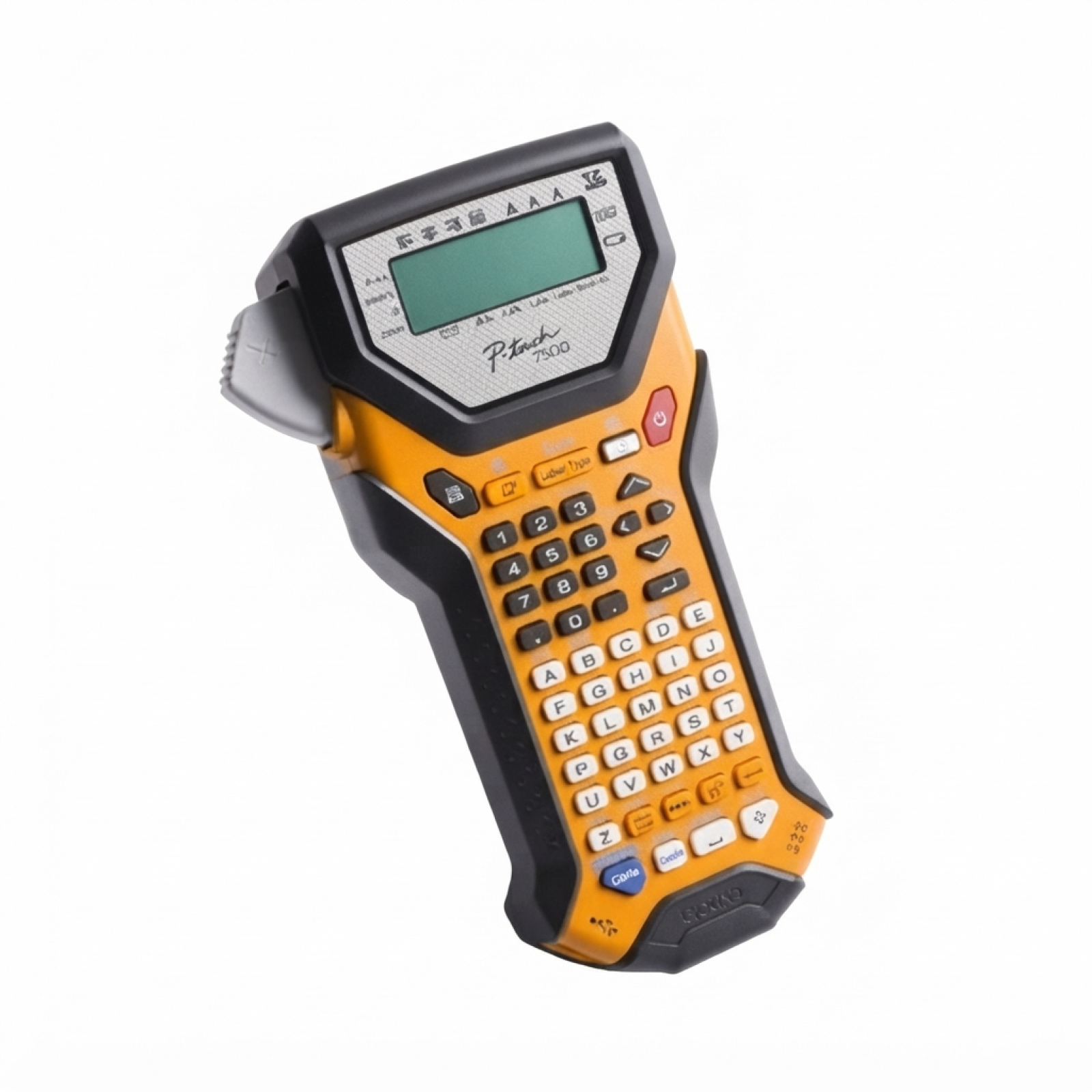
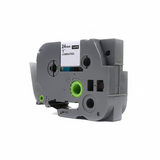
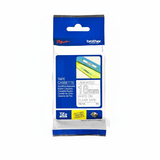
Brother PT-7500VP label printer – built for professional identification If you use the Brother PT-7500VP (also searched as PT 7500VP, PT7500VP or Brother P-touch), you already know why it’s so popular in offices, warehouses and technical environments. This robust P-touch model is designed for fast, repeatable label creation—perfect when you need clear identification of shelves, folders, cables, assets or safety markings. To keep your device performing at its best, choosing the right ribbon for Brother PT-7500VP matters just as much as the printer itself. Thermal transfer ribbons (TZe tapes) for Brother PT-7500VP – what you gain The Brother PT-7500VP uses thermal transfer cartridges (ribbons) from the TZe family. These laminated tapes are known for their durability and clean print quality. When you pick the right ink for Brother PT-7500VP (in this case: a TZe ribbon cartridge), you get labels that stay readable and neat in everyday use. Typical benefits of choosing quality ribbons for PT-7500VP include: - High legibility for small fonts, symbols and barcode-like markings
- Strong adhesion for common workplace surfaces (plastic, metal, binders, drawers)
- Resistance to smudging thanks to thermal transfer technology
- Long-lasting labels suitable for organization, logistics and technical documentation
In this category you’ll find transparent tapes in popular widths—ideal when you want the surface color to show through while keeping text highly visible. Compatible and Original OEM ribbons – one category, more choice We offer both Original OEM and Compatible ribbon cartridges for Brother PT-7500VP, so you can match the purchase to your budget and printing routine. If you print occasionally and want the manufacturer’s solution, Original OEM is a safe and familiar choice. If you print a lot and want to reduce running costs, our compatible cartridges for Brother PT-7500VP are a smart alternative—built to deliver results that are as good as the originals, with reliable fit and consistent print quality. Popular TZe ribbon cartridges available for PT-7500VP To make selection easy, here are some of the most frequently chosen products in this category. All are Thermal Transfer ribbon cartridges (TZe tapes) for Brother P-touch PT-7500VP: - Compatible Tape TZe-142 for Brother (TZe-142) – Transparent, 18 mm x 8 m, Red text
- Original OEM Tape Brother TZe-142 (TZe-142) – Transparent, 18 mm x 8 m, Red text
- Compatible Tape TZe-145 for Brother (TZe-145) – Transparent, 18 mm x 8 m, White text
- Original OEM Tape Brother TZe-145 (TZe-145) – Transparent, 18 mm x 8 m, White text
- Compatible Tape TZe-152 for Brother (TZe-152) – Transparent, 24 mm x 8 m, Red text
- Original OEM Tape Brother TZe-152 (TZe-152) – Transparent, 24 mm x 8 m, Red text
Whether you need a standard width for folder spines (18 mm) or a wider tape for bolder signage (24 mm), you can quickly compare the OEM and compatible versions side by side. How to choose the right ribbon for Brother PT-7500VP When picking the best ribbon cartridge for Brother PT-7500VP, focus on three practical points: - Model/code: choose the exact TZe symbol you need (e.g., TZe-142, TZe-145, TZe-152).
- Width: 18 mm works great for organization labels; 24 mm is better for larger, more visible marking.
- Text color: Red is ideal for warnings and quick identification; White is excellent for clean, high-contrast labeling on darker surfaces.
Original OEM vs compatible: OEM ribbons are made by Brother; compatible ribbons are an excellent cost-effective option. Our compatible cartridges from DrTusz.pl are designed to match the performance you expect—sharp print, proper adhesion and dependable feeding—so you can label with confidence. Common user issues with PT-7500VP tapes (and quick fixes) Even the best label printer can misbehave if the tape isn’t matched or installed correctly. Here are frequent problems users report for PT-7500VP and what usually helps: - The printer doesn’t recognize the cartridge: remove and reinsert the ribbon, making sure it clicks into place; check you’re using a proper TZe tape size.
- Label ends are cut too short/too long: review margin and cut settings; run a small test print after changing tape width.
- Print looks faint: confirm the tape is not near its end; clean the print head area carefully and ensure the cartridge is stored away from heat and dust.
- Labels peel off: clean the surface (oil/dust reduces adhesion) and press the label firmly along the full length.
If you’re not sure which ink for Brother PT-7500VP (ribbon) fits your application, tell us what you’re labeling—cables, shelves, binders, equipment—and we’ll recommend the best width and color. Choose your PT-7500VP ribbon today – we’re here to help We encourage you to explore our full selection of cartridges for Brother PT-7500VP—both Original OEM and Compatible—and pick the tape that matches your day-to-day labeling needs. Add your chosen Brother P-touch ribbons to the cart and keep your workflow organized without interruptions. Need support? Contact us—our team will help you choose the right TZe code, width and color. We also provide fast order processing and convenient delivery options, so you can get back to printing durable labels as quickly as possible. |