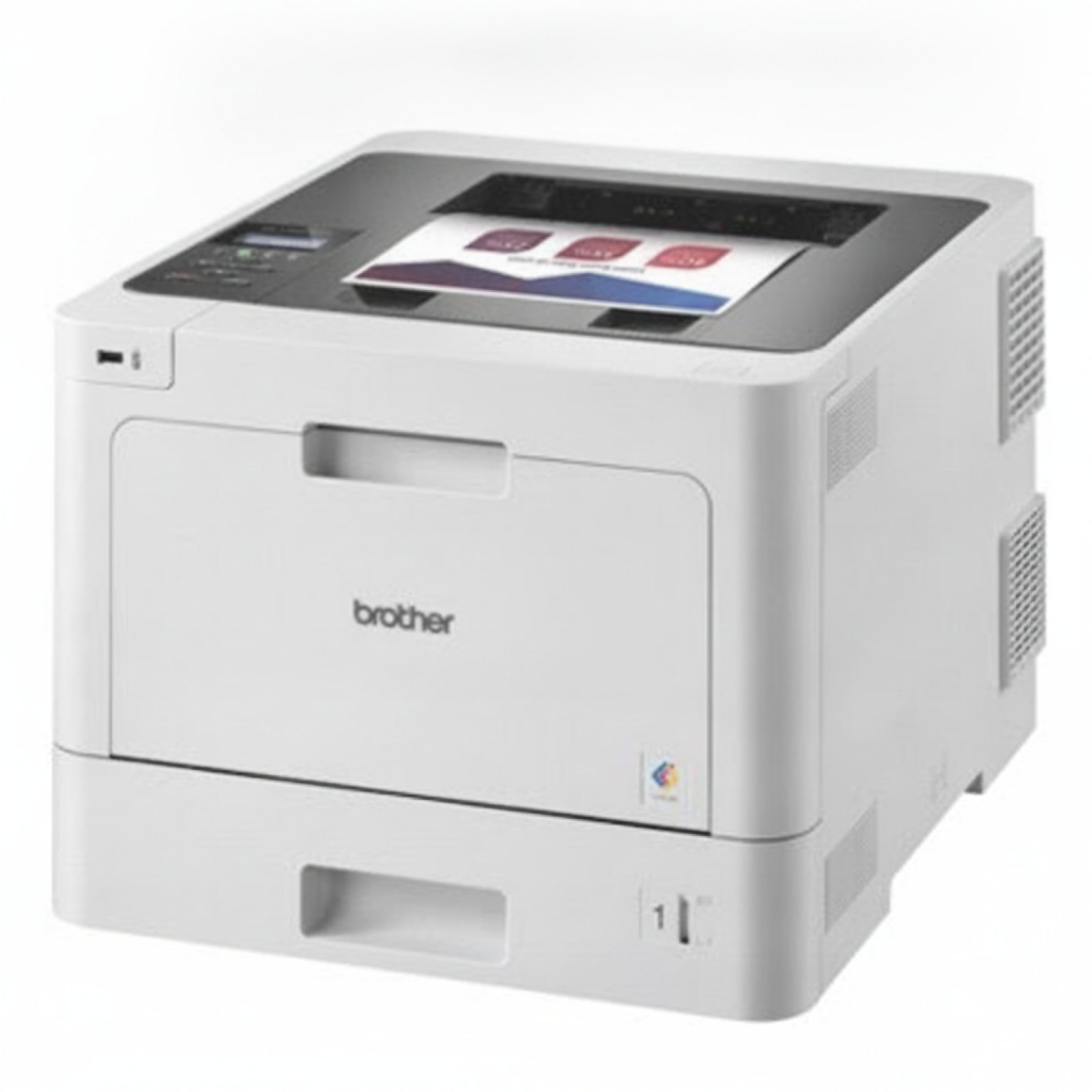
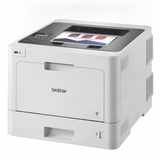
Brother HL-L8260CDW – a fast color laser printer made for busy offices If you use the Brother HL-L8260CDW (also searched as Brother HLL8260CDW, HLL8260, HL L8260CDW or HL-L8260 cdw), you already know why this model is so popular: it’s a reliable color laser printer designed for dynamic teams that print a lot, expect sharp text, and want consistent color without downtime. To keep it running at full speed, you need the right toner for printer Brother HL-L8260CDW and—when the time comes—also the correct maintenance units. Toner for Brother HL-L8260CDW: what you can replace and why it matters This category is not only about toner. The HL-L8260CDW uses a system of consumables that work together to deliver clean pages and stable color. Here you will find both Original OEM and Compatible solutions, plus the device itself. - Black and color toners (CMYK) – the everyday consumable; choose standard or high-yield sets depending on your monthly volume.
- Drum Unit – responsible for transferring the image to the page; when worn, you may see backgrounding, repeating marks or faded areas.
- Waste Toner Tank – collects excess toner; when full, the printer may stop and display a replacement message.
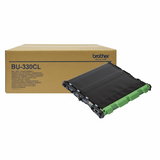
- Transfer Unit – essential for accurate color transfer; issues can show as streaks or uneven color.
- Fuser Unit – “fixes” toner to the paper with heat; worn fusers can cause smudging or poor adhesion.
Choosing the right toner for Brother HL-L8260CDW and matching maintenance parts is the simplest way to protect print quality and avoid unexpected breaks in your workflow. Compatible and Original OEM cartridges – one printer, two smart paths We offer both Original OEM toner for Brother HL-L8260CDW and carefully selected compatible toner for Brother HL-L8260CDW. Original cartridges are a natural choice for customers who want the manufacturer’s supplies. At the same time, our compatible cartridges from DrTusz.pl are made to deliver results that are just as good as the originals—sharp black text, vivid color, and stable performance—while helping you control printing costs. When you choose compatible supplies, you don’t choose “less”—you choose a smarter budget plan for everyday printing, especially in offices where color pages and reports are printed frequently. Popular choices in this category (toners and key maintenance units) To make shopping easier, we highlight products that our customers most often choose for Brother HL-L8260CDW / Brother HL L Series devices: - Compatible Toners TN-423 CMYK for Brother (TN423CMYK) (multi pack) – a complete set for consistent office color.
- Compatible Toners TN-421 CMYK for Brother (TN421CMYK) (multi pack) – a practical set for everyday printing.
- Original OEM Toner Brother TN-423BK (TN423BK) (Black) – deep black for documents and high readability.
- Original OEM Toner Brother TN-423C (TN423C) (Cyan), TN-423M (TN423M) (Magenta), TN-423Y (TN423Y) (Yellow) – original color set components for stable results.
- Compatible Toner TN-423BK (TN423BK) (Black), TN-423C, TN-423M, TN-423Y – compatible options that keep quality high and costs predictable.
- Original OEM Drum Unit Brother DR-421CL (DR421CL) – crucial when you notice repeating defects or washed-out prints.
- Original OEM Waste Toner Tank Brother WT-320CL (WT320CL) – helps prevent “waste toner full” downtime.
- Original OEM Transfer Unit Brother BU-330CL (BU330CL) and Original OEM Fuser Unit Brother D01CED001 (D01CED001) – for long-term reliability in high-volume environments.
- Printer Brother HL-L8260CDW – if you’re equipping a new workstation or expanding your print fleet.
How to choose the right toner for HL-L8260CDW and avoid common problems When selecting ink for Brother HL-L8260CDW (in practice: toner for this laser model), start with your printing habits: - If you print a lot of color, consider a CMYK multipack—it’s convenient and keeps colors balanced.
- If black runs out fastest, pick a separate black toner for printer Brother HL-L8260CDW and keep one spare in the office.
- If the printer reports a maintenance warning, don’t ignore it—often the fix is simple: replace the waste toner tank or plan for a drum unit.
Typical user issues we help with include: toner low messages, uneven color, streaks, repeating marks (often drum-related), pages that smudge (often fuser-related), or printing stopping due to a full waste toner container. If you tell us what message your HL-L8260CDW shows, we’ll help you choose the correct consumable quickly. Order today and keep your Brother HL-L8260CDW ready for every deadline We encourage you to explore our selection of toner cartridges for Brother HL-L8260CDW—both Compatible and Original OEM—as well as drum units and service parts such as the waste toner tank, transfer unit, and fuser unit. Add the right supplies to your cart now, and if you’re unsure which option fits your needs, contact us—together we’ll choose the best toner for Brother HL-L8260CDW and get your printing back to effortless, predictable quality. CTA: Check the available toners and maintenance units in this category, or reach out to our team for fast, practical advice on the best configuration for your office. |