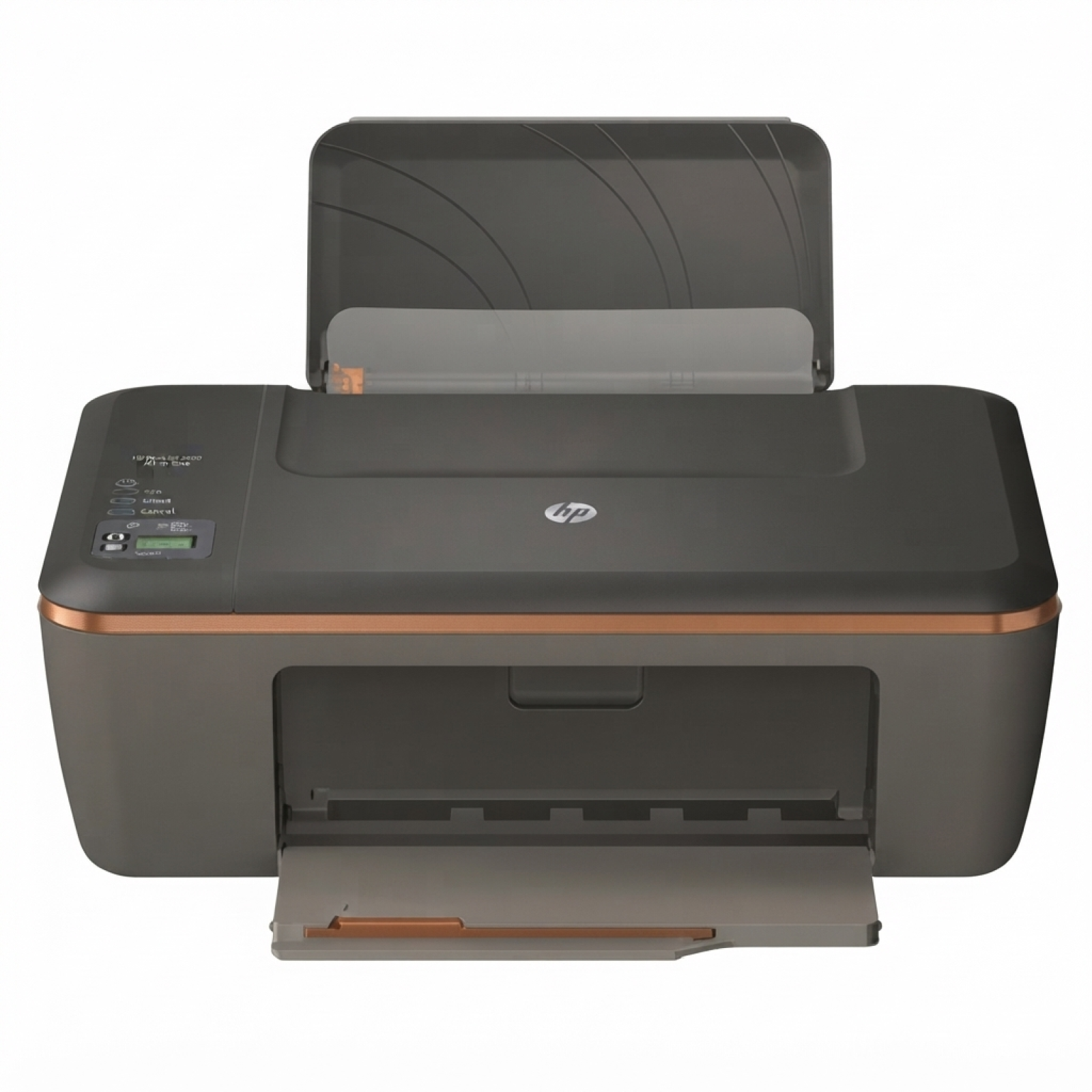
Ink cartridges that match the HP DeskJet Ink Advantage 2515 All-in-One The HP DeskJet Ink Advantage 2515 All-in-One is a compact, everyday device designed for home printing, copying and scanning. It’s a popular choice in the HP Deskjet Ink Advantage 2000 printer series, valued for simple operation and economical printing. To keep it working smoothly and to maintain clear text and vivid colours, you need the right ink for HP 2515—reliable, fresh and perfectly matched to the printer’s requirements. What you can expect from ink for HP DeskJet Ink Advantage 2515 All-in-One In this category you’ll find ink cartridges for HP DeskJet Ink Advantage 2515 All-in-One in two versions: Original OEM and Compatible. Both options are made for the same cartridge family, so you can print everything from school worksheets and invoices to colourful graphics and photos. Well-chosen ink for HP DeskJet Ink Advantage 2515 All-in-One helps you achieve: - sharp black text for documents and forms,
- clean, consistent colour for everyday graphics,
- stable printing without random streaks or faded areas,
- fewer interruptions thanks to correctly matched cartridges.
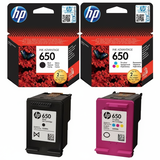
The HP 2515 uses the HP 650 cartridge set: HP 650 Black (CZ101AE) and HP 650 Color (CZ102AE). If you’re looking by code, you may also encounter related identifiers like CZ280C in searches—what matters most is choosing the exact cartridge symbols listed above for this model. Compatible and Original OEM cartridges—wide choice, same goal: great prints We know customers expect freedom of choice. That’s why we offer both Original OEM ink cartridge options from HP and carefully selected compatible ink cartridges. If you print often, a compatible cartridge can be a smart way to reduce cost per page—without giving up quality. Compatible cartridges from the DrTusz.pl offer are as good as the originals, providing dependable performance and strong print results for daily use. Whether you print occasionally or you go through ink quickly, you can pick the configuration that fits your routine: a single black, a single colour, or a convenient multipack. Popular products in this category (HP 650 set) To make shopping easier, here are the key items you’ll find on this page—each one is dedicated ink for HP DeskJet Ink Advantage 2515 All-in-One: - Original OEM Ink Cartridges HP 650 BK + 650 C (CZ101AE, CZ102AE) (multi pack) – an OEM bundle for users who want a ready-to-go full set.
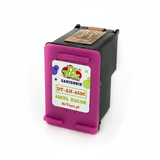
- Compatible Ink Cartridges 650 BK + 650 C for HP (DT-AH-650/K) (multi pack) – a cost-effective compatible set for frequent printing.
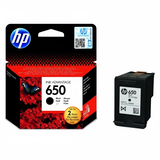
- Original OEM Ink Cartridge HP 650 (CZ101AE) (Black) – for crisp text and clear office-style documents.
- Compatible Ink Cartridge 650 for HP (CZ101AE) (Black) – a compatible alternative that keeps everyday printing affordable.
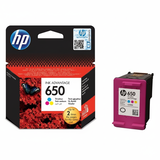
- Original OEM Ink Cartridge HP 650 (CZ102AE) (Color) – for colourful charts, images and home projects.
- Compatible Ink Cartridge 650 for HP (CZ102AE) (Color) – a compatible option for vibrant colour printing at a better price point.
How to choose the right ink for HP 2515 If you want the safest and fastest match, always check the cartridge symbol on your current cartridge or in the printer manual. For this model, it’s HP 650: - CZ101AE – black cartridge
- CZ102AE – colour cartridge
Then decide what matters most to you: - Original OEM – ideal if you want the manufacturer’s cartridge, predictable results and a classic OEM choice.
- Compatible – ideal if you print a lot and want to lower your printing costs; our compatible cartridges are designed to deliver quality comparable to OEM.
- Multipack – best if you prefer convenience and want both black and colour ready at the same time.
Common user issues with HP DeskJet Ink Advantage 2515—and simple tips Home printers like the HP DeskJet Ink Advantage 2515 All-in-One often face a few typical ink-related situations. Here’s what usually helps: - Faded prints or missing lines – most often caused by a cartridge running low or dried nozzles; replacing the cartridge and running the printer’s cleaning cycle usually solves it.
- Printer doesn’t recognise a cartridge – remove and reinsert the cartridge firmly; make sure protective elements are removed and contacts are clean and dry.
- Colour looks “off” after a long break – print a small colour test page from time to time; it helps keep ink flowing correctly.
- Ink runs out faster than expected – draft mode can help for internal documents; for important prints, use normal mode for better coverage control and consistency.
If you’re unsure which ink cartridge for HP DeskJet Ink Advantage 2515 All-in-One to choose, we’re here to help—just tell us what you print most often and how frequently you print. Order your HP 650 ink today—quickly, safely and with support We encourage you to explore our full selection of ink cartridges for HP DeskJet Ink Advantage 2515 All-in-One—both Original OEM and Compatible. Choose a single cartridge or a practical multipack and get your printer back to perfect working order. CTA: Add the right ink for HP 2515 to your cart now, or contact us if you’d like help confirming the cartridge code (CZ101AE / CZ102AE). We’ll gladly advise you and help you pick the best option, with convenient delivery and friendly customer support. |