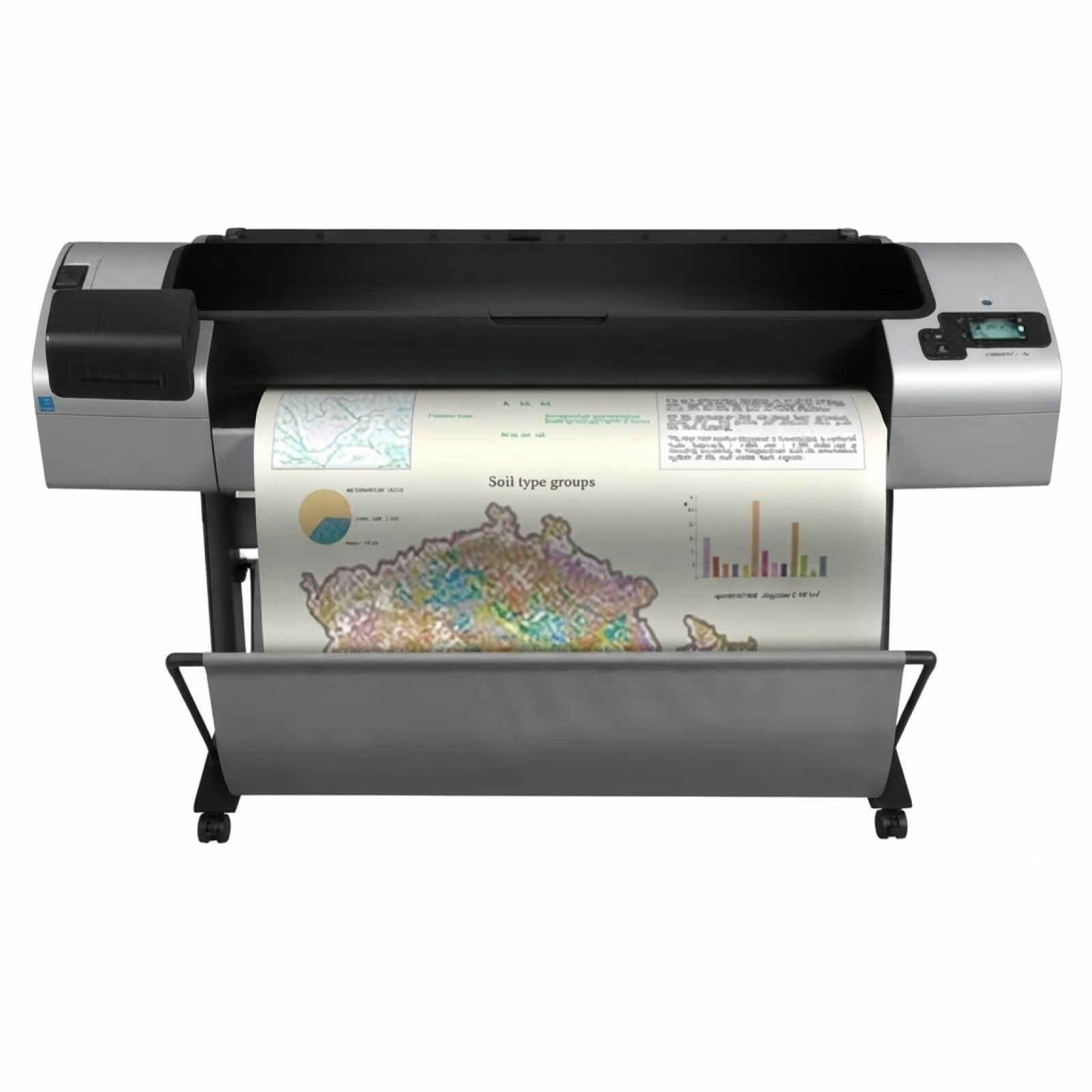
HP DesignJet T1300 (CR652A) – a workhorse for CAD, GIS and technical graphics Dear Customer, the HP DesignJet T1300 - CR652A (also searched as HP T1300, HP Designjet T1300 Series or simply T1300) is a proven large-format printer designed for busy offices, studios and engineering departments. It’s valued for precise line work, consistent colour and reliable output in everyday production of plans, maps and presentations. To keep this plotter running at its best, you need the right ink for HP DesignJet T1300 - CR652A and properly matched printheads—and that’s exactly what you’ll find in this category. What makes ink and printheads for HP T1300 so important? The HP DesignJet T1300 uses the HP 72 ink system, where both ink cartridges and printheads play a key role in quality and reliability. Fresh, correctly selected ink for HP T1300 helps you maintain sharp text, smooth gradients and clean technical lines, while the right printhead condition supports stable colour placement and prevents banding. Typical applications for ink for HP DesignJet T1300 Series include: - CAD drawings and architectural plans (thin lines, high precision)
- GIS maps and technical documentation (repeatable colours and detail)
- Posters and internal presentations (solid fills and smooth colour transitions)
- Everyday large-format office printing where downtime is not an option
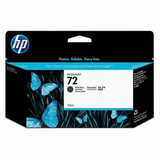
Original OEM range – HP 72 ink cartridges and HP 72 printheads In this category we focus on Original OEM solutions—ideal if you want maximum compatibility and manufacturer-certified performance for your HP DesignJet T1300 - CR652A. Our offer includes both standard and XL capacity options, so you can match the purchase to your print volume. Popular choices among users looking for dependable ink for CR652A include: - Original OEM Ink Cartridge HP 72 XL (C9403A) (Matte black) – a great pick for CAD linework and dense blacks on matte media
- Original OEM Ink Cartridge HP 72 XL (C9370A) (Black Photo) – supports deep tones and photographic/graphic elements
- Original OEM Ink Cartridge HP 72 XL (C9371A) (Cyan), (C9372A) (Magenta), (C9373A) (Yellow) – essential for accurate colour graphics
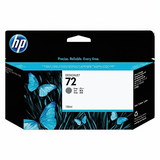
- Original OEM Ink Cartridge HP 72 XL (C9374A) (Gray) – helps deliver smooth transitions and neutral tones
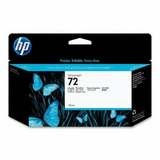
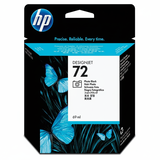
For users who want standard capacity ink for HP T1300, we also stock: - Original OEM Ink Cartridge HP 72 (C9397A) (Black Photo)
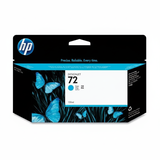
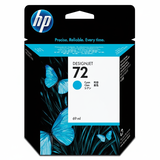
- Original OEM Ink Cartridge HP 72 (C9398A) (Cyan)
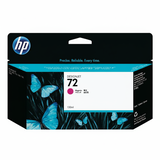
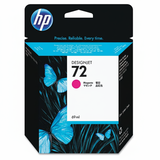
- Original OEM Ink Cartridge HP 72 (C9399A) (Magenta)
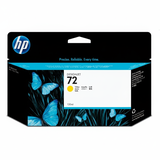
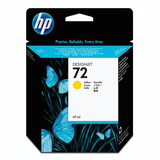
- Original OEM Ink Cartridge HP 72 (C9400A) (Yellow)
- Original OEM Ink Cartridge HP 72 (C9401A) (Gray)
And because print quality depends on more than ink alone, you’ll also find OEM printhead options for your plotter: - Original OEM Printhead HP 72 (C9380A)
- Original OEM Printhead HP 72 (C9383A)
- Original OEM Printhead HP 72 (C9384A)
How to choose the right ink for HP DesignJet T1300 - CR652A If you want to avoid mistakes and get the best results from your ink for HP Designjet T1300 Series, we recommend checking three things before ordering: - Exact printer designation – e.g. HP DesignJet T1300 - CR652A or T1300
- Colour and type – Matte Black vs Photo Black, plus CMY and Gray
- Capacity – standard HP 72 or higher-yield HP 72 XL for heavier workloads
Choosing XL is often the most practical option for teams printing daily: fewer cartridge changes, less interruption, and easier stock management. Standard cartridges can be a smart choice when you print occasionally or need to balance colours without overstocking. Original vs compatible cartridges – what’s the difference? This subpage is dedicated to Original OEM products, which many customers choose for maximum predictability and manufacturer-specified operation. At the same time, customers often ask us about compatible options. Our approach is simple: when we offer compatible cartridges at DrTusz.pl, we ensure they’re prepared to deliver results that are as good as the originals—reliable, cost-effective and safe for everyday printing when properly matched to the device. If you’re unsure which route is better for your workflow (technical CAD, presentation graphics, mixed use), contact us—together we’ll pick the best ink for printer HP DesignJet T1300 - CR652A for your needs. Common HP T1300 user issues and how the right supplies help Large-format printers are designed for heavy workloads, but they still require correct consumables and maintenance. The most common issues reported by users of the HP DesignJet T1300 include: - Banding or missing lines – often linked to a worn/blocked printhead or printing after long downtime
- Colour inconsistency – can occur when one colour is running low or when cartridges are mixed incorrectly
- Warnings about printhead health – a sign it may be time to replace the HP 72 printhead
- Unexpected print quality drops – frequently solved by using fresh, properly stored ink for HP T1300 and running built-in maintenance routines
Keeping spare cartridges in the most-used colours (often Matte Black and Cyan in technical environments) and replacing printheads when needed can dramatically reduce downtime. Order ink for HP DesignJet T1300 (CR652A) with confidence We encourage you to explore our full range of HP 72 supplies and choose the exact ink for HP DesignJet T1300 - CR652A that matches your workflow—whether you need an XL cartridge for high-volume plotting or a specific printhead to restore perfect line quality. If you have any doubts about selection, compatibility or symptoms you’re seeing on prints, we’re here to help. CTA: Add the right ink for HP T1300 or HP 72 printhead to your cart today, or contact us for quick assistance—we’ll help you get back to smooth, reliable large-format printing. We also offer fast delivery options so you can replenish supplies without unnecessary downtime. |