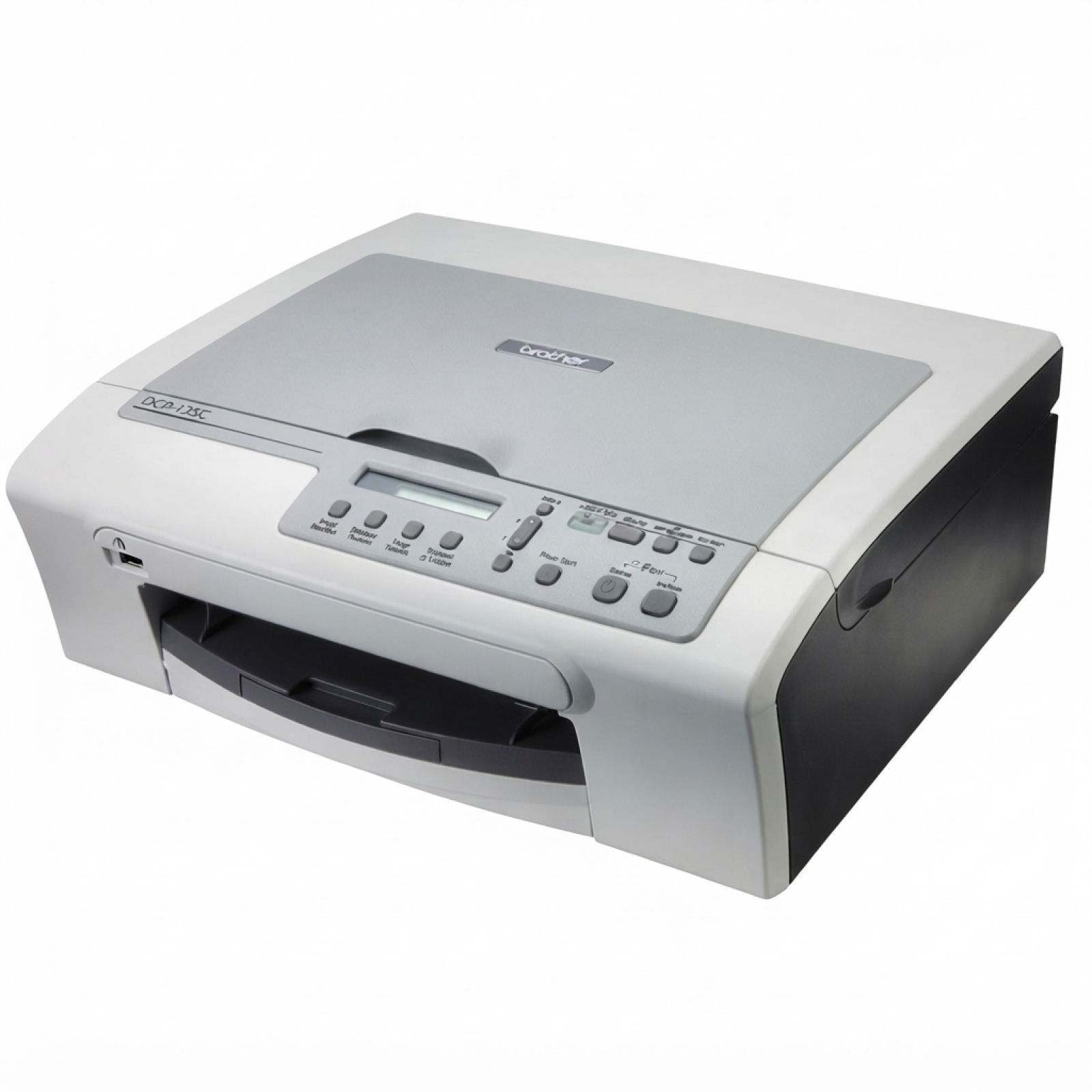
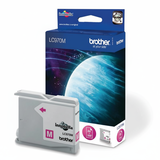
Brother DCP-135C – a compact all-in-one that still prints a lot The Brother DCP-135C is a popular home and small-office inkjet MFP designed for everyday printing, copying and scanning. It’s valued for simple operation and good colour output, but like any inkjet, it performs best only when you use the right ink for Brother DCP-135C and keep the print system clean. In this category we’ve gathered everything you need: compatible and Original OEM ink cartridges as well as fluids for cleaning, all matched to the needs of the Brother DCP135C / DCP-135C / DCP 135C family of searches. Ink for Brother DCP-135C – what matters most in daily printing When you choose an ink cartridge for Brother DCP-135C, you’re deciding about more than “will it print?”. The right cartridge influences text sharpness, colour consistency, drying time and reliability during longer breaks between prints. This model uses separate colour inks, so you can replace only the colour that runs out—practical and budget-friendly. Our selection includes black for crisp documents and CMYK sets for photos, school materials, graphics and everyday colour pages. Whether you print occasionally or you run through pages every week, we help you pick an ink for printer Brother DCP-135C that fits your routine. Compatible, Original OEM, and refill components – one place, many options We know customers have different priorities, so we stock three clear classes of products for Brother DCP-135C ink: - Original OEM – genuine Brother cartridges for those who want the manufacturer’s solution.
- Compatible – our proven alternatives that deliver print quality and reliability comparable to originals, with excellent value for money.
- Refill components – practical support products, including fluids for cleaning, especially useful when an inkjet sits unused or starts showing print defects.
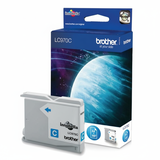
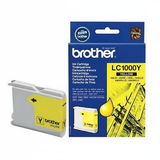
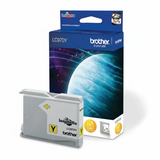
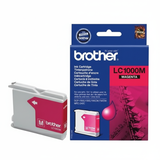
Thanks to this, you can choose a straightforward OEM path, optimise costs with compatible cartridges, or maintain your printer’s condition with cleaning solutions—all in one category. Popular cartridges and multipacks for Brother DCP135C (LC-970 / LC-1000) Customers most often reach for multipacks and high-rotation colours. In this category you’ll find, among others: - Compatible Ink Cartridges LC-1000 CMYK for Brother (LC1000VALBP) (multi pack) – a convenient colour set for regular printing.
- Compatible Ink Cartridges LC-970 CMYK for Brother (LC970VALBP) (multi pack) – another widely used set for the DCP series.
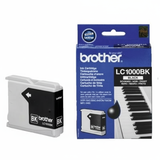
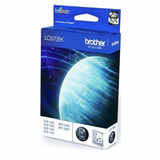
- Compatible Ink Cartridge LC-1000 BK for Brother (LC1000BK) (Black) and Compatible Ink Cartridge LC-970 BK for Brother (LC970BK) (Black) – strong picks for document-heavy users.
- Compatible Ink Cartridge LC-1000 XL BK for Brother (LC1000HYBK) (Black) – a higher-yield option when you want fewer replacements.
- Original OEM Ink Cartridges Brother LC-970 CMYK (LC970VALBP) (multi pack) and Original OEM Ink Cartridges Brother LC-1000 CMYK (LC1000VALBP) (multi pack) – for customers who prefer genuine Brother supplies.
- Single colours in both compatible and OEM versions, such as LC-970 C/M/Y and LC-1000 C/M/Y, so you can top up exactly what you need.
For heavy users we also offer economical multi-quantity bundles like 3x and 4x packs (for example, repeated black cartridges), ideal for home offices and shared printers. How to choose the right ink cartridge for Brother DCP-135C To select the best ink for Brother DCP-135C, we recommend a simple approach: - Check the cartridge symbol: your printer may use LC-970 or LC-1000 series depending on configuration/region—choose the same series as your current cartridge.
- Decide between Black-only or CMYK: for invoices and text, black is key; for graphics and photos, take a CMYK multipack.
- Match capacity to your printing style: if you print a lot, consider high-yield black (e.g., LC-1000 XL BK) or multi-packs to reduce downtime.
If you’re unsure which cartridge you currently have, we encourage you to check the label on the installed cartridge or message us—our team will help you select the correct ink cartridge for Brother DCP-135C quickly. Original OEM vs compatible ink for Brother DCP-135C – what’s the difference? Original OEM ink is made by Brother and is a safe, predictable choice for those who want manufacturer-branded consumables. Compatible ink cartridges are a smart alternative when you want to control printing costs without giving up quality. The compatible cartridges we offer at DrTusz.pl are designed to work seamlessly with the Brother DCP-135C, delivering colour accuracy, clean blacks and consistent page output that’s as good as originals for everyday use. They’re especially popular for school printing, home documents and frequent colour materials where cost-per-page matters. Common Brother DCP-135C printing issues and how to fix them Inkjet printers like the Brother DCP-135C can occasionally show typical symptoms—usually easy to resolve with the right consumables and maintenance: - Streaks, missing lines, faded colours – often caused by partially clogged nozzles; run the printer’s cleaning cycle and consider a dedicated cleaning solution.
- Printer not used for a while – dried ink can affect the head; prevention is simple: print a small colour page regularly and keep a spare cartridge ready.
- Colour imbalance – replace only the depleted colour (thanks to separate tanks) and verify settings (draft vs normal quality).
To support maintenance, we offer Specialistic Fluid for Cleaning Heads Brother 250 ml (Uniwersalny), a practical option when you want to restore clean ink flow and keep the printer performing at its best. Choose your Brother DCP-135C ink today – and print with confidence We encourage you to explore our full range of ink cartridges for Brother DCP-135C: compatible, Original OEM, multipacks, high-yield black options, and cleaning fluids. If you print under different names like Brother DCP135C, DCP-135C or DCP 135C, you’re in the right place—this category is built exactly for that device family. CTA: Add the right ink for printer Brother DCP-135C to your cart now, and if you need help matching LC-970 vs LC-1000 or choosing between OEM and compatible, contact us—we’ll guide you to the best option and get your printing back to perfect quality with fast, convenient delivery. |